Set separation method parameters
July 29, 2013, 715003794 Rev. B 167
and as many as two UV/Vis detector channels (Waters 2487 or Waters 486
detectors). Use the IEEE-488 interface bus to connect the separations module
to the detector(s). To make I/O connections to these and other detectors, see
“I/O signal connections” on page 71.
Tip: In Ethernet mode, you set up the detector parameters via the
chromatography data software (see the detector operator’s guide for specific
information).
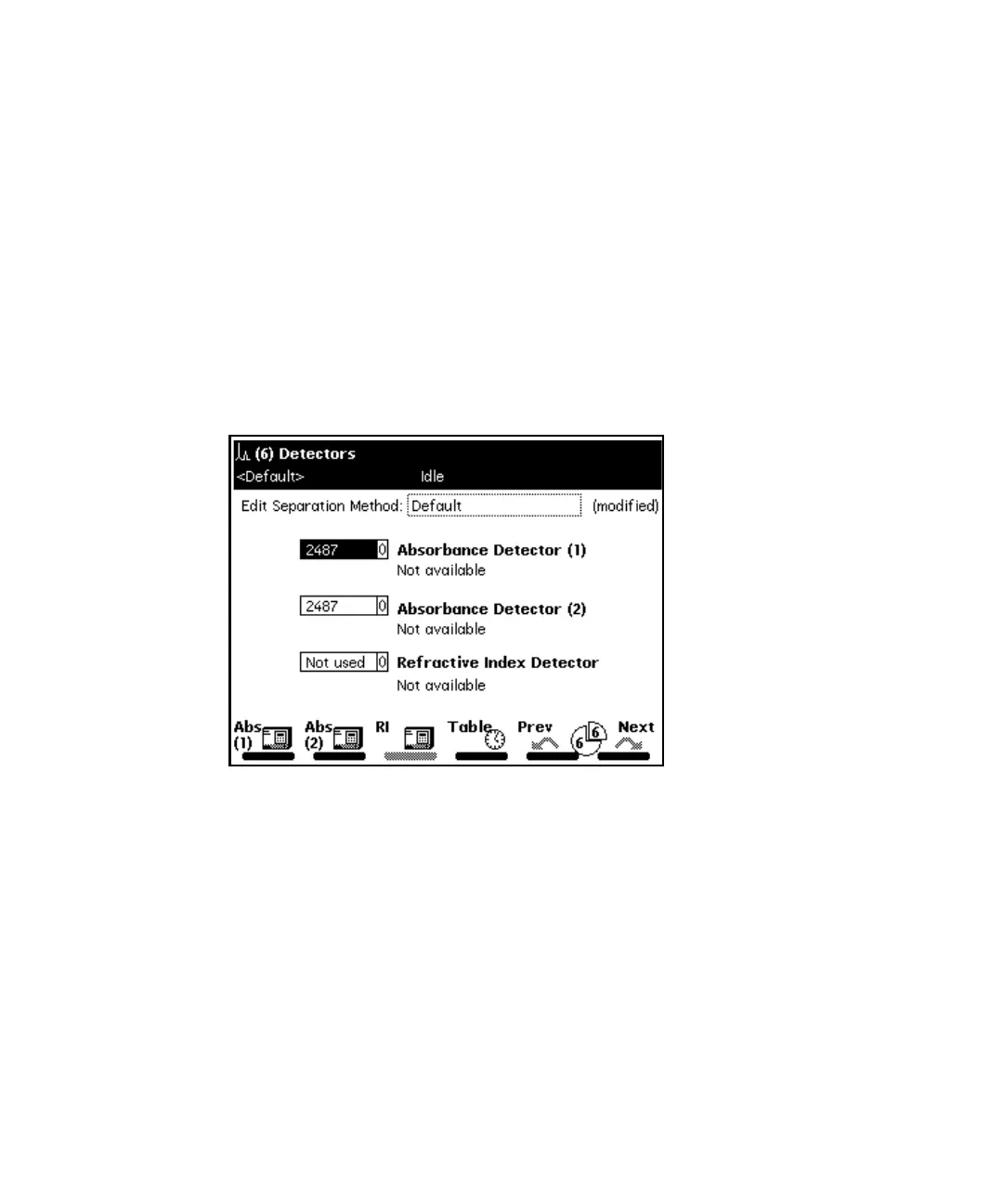
To enter parameters in the Detectors screen:
1. Press the Next or Prev screen key to display the Detectors screen.
Detectors screen:
2. In the Detectors screen, use the up/down arrow keys to select the
appropriate detector (for example, Absorbance Detector 2), and then
press Enter to display the detector selections.
3. Use the up/down arrow to highlight your selection, and then press Enter
to accept your selection.
The following table describes the selections in the Detectors screen.



 To Next Page