Set separation method parameters
July 29, 2013, 715003794 Rev. B 171
Set RI parameters
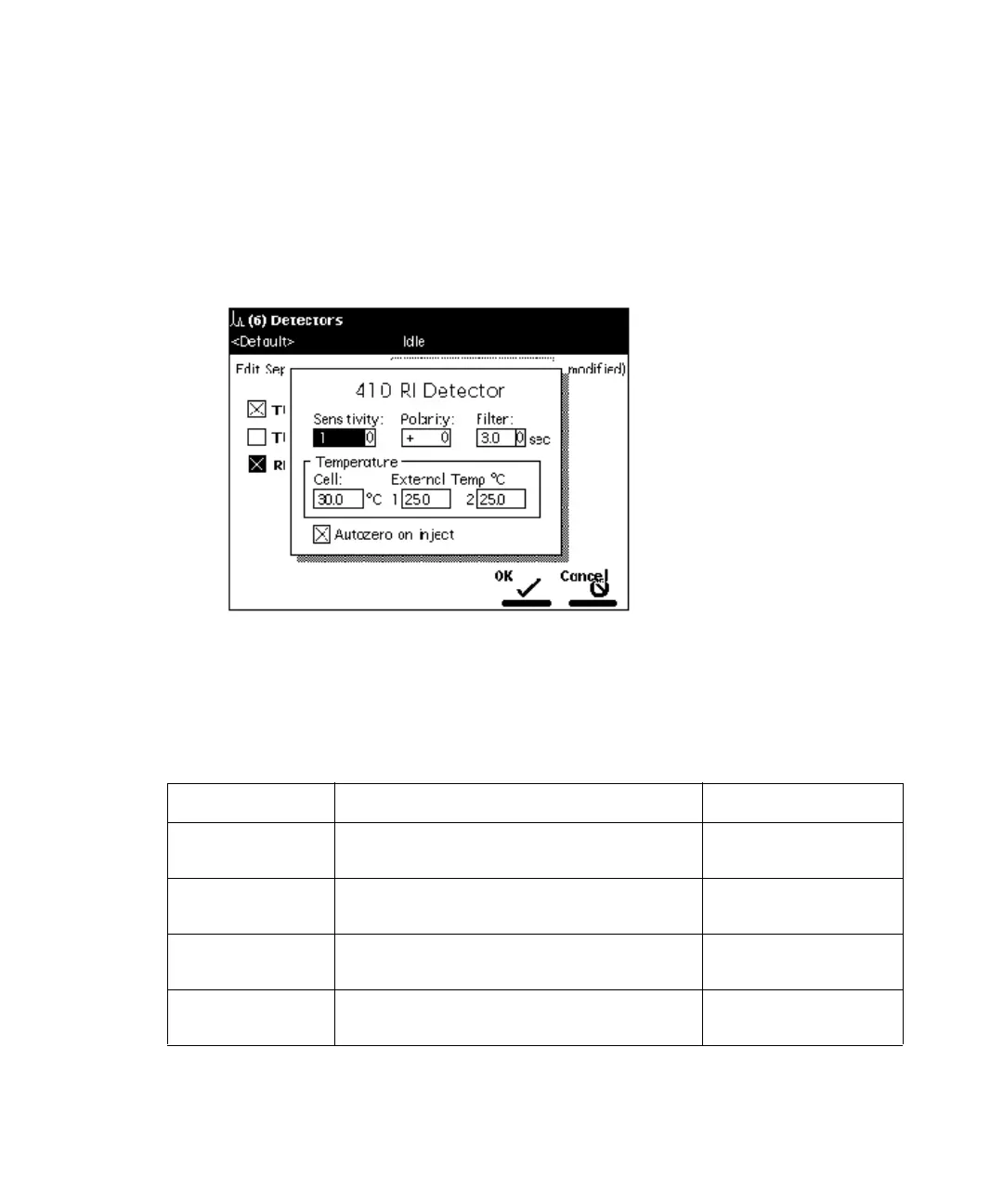
To enter control parameters for a 2414, 2410, or 410 RI Detector:
1. In the Detectors screen, press the RI screen key to display the 410
Detector screen.
410 Detector screen:
2. Enter detector parameters as required and click OK.
The following table lists the parameters for the Waters 2414, 2410, and 410 RI
Detectors.
2414, 2410, and 410 RI parameters:
Parameter Function Value range
Sensitivity Sets the initial sensitivity of the
detector.
1, 2, 4, …, 512,
1024
Polarity Selects the output of the detector to
create positive or negative peaks.
+, –
Filter Sets the time constant of the filter in
the detector.
0.2, 1, 3, and 10 sec
Temperature:
Cell
Temperature of the flow cell in °C. 30 to 50 °C in 1 °C
increments



 To Next Page