Perform main diagnostic tests
July 29, 2013, 715003794 Rev. B 227
Confirm the seal data values—top, bottom, and width—fall within the
acceptable ranges shown in the table, below. A seal geometry error can appear
if these conditions apply:
• The adjust seals parameter values are not in the acceptable range.
• Air bubbles occur in the sample management system. (If so, purge the
sample management system and try again.)
• Solvent is not properly degassed (even though air bubbles are not
visible).
Adjust seals failure
To correct for a failing result on the adjust seals test:
1. Confirm that the flow rate for the adjust seals test was set to 1.0 to 1.5
mL/min, the 100% methanol was properly degassed and filtered, and
that degassing was enabled.
2. If all the conditions in step 1 are satisfied, proceed to step 3.
If any conditions in step 1 are not satisfied, correct it (or them), and then
repeat the test.
Requirement: If the test fails again, proceed to step 3.
3. Replace the restrictor in the red outlet line with a pin plug.
4. Ramp system pressure up to 31026.4 kPa (310.3 bar, 4500 psi); hold this
pressure for 2 minutes.
5. Repeat the adjust seals test.
6. If the test fails again:
a. Stop solvent flow.
b. Monitor the displayed pressure value (which must be stable and
approaching zero).
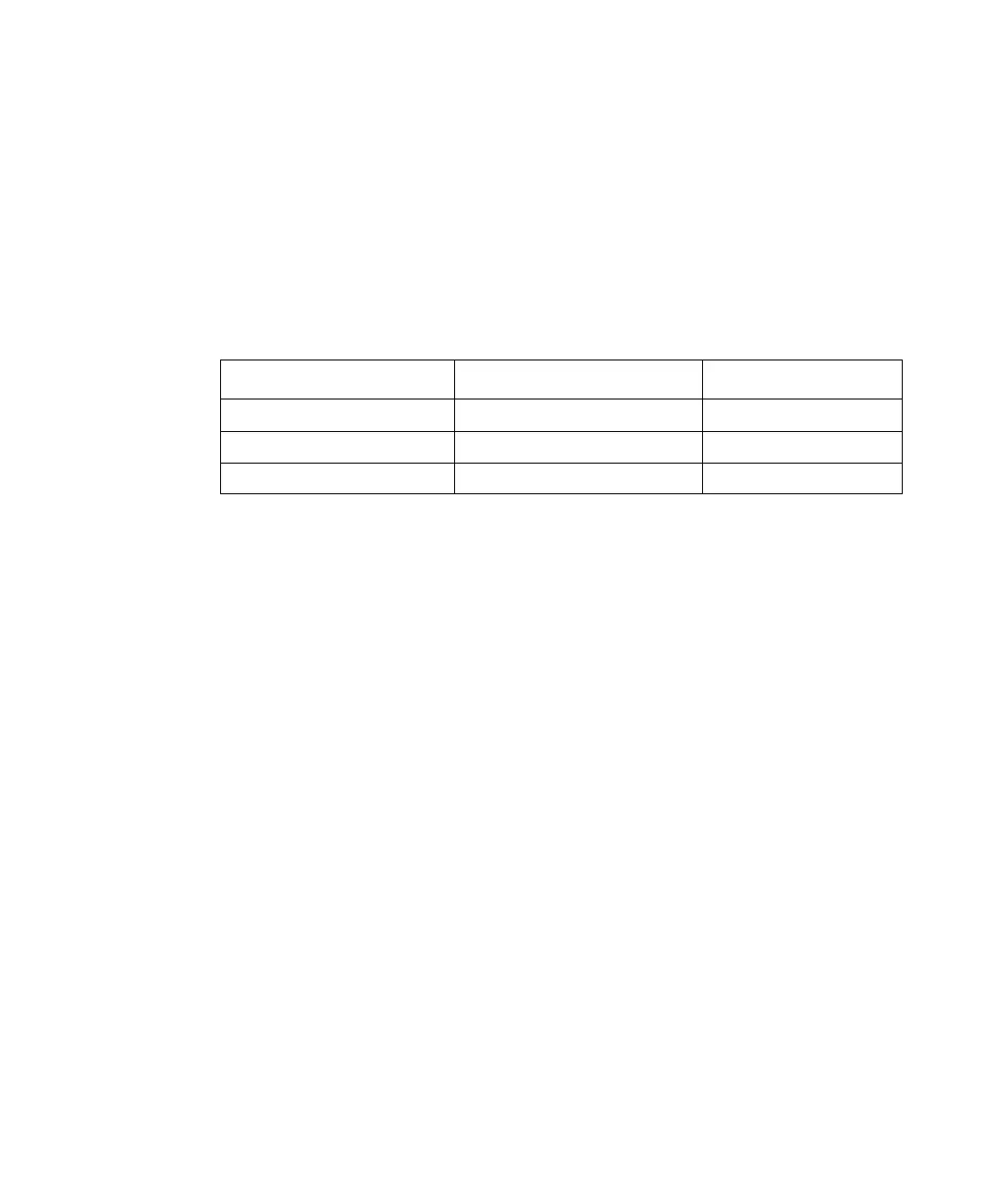
Acceptable ranges for the adjust seals diagnostic test:
Parameter Acceptable range Typical range
Top 30 to 80 30 to 60
Bottom 80 to 200 120 to 150
Width (Bottom–Top) 50 to 120 60 to 90



 To Next Page