8 Diagnostic Testing and Troubleshooting
232 July 29, 2013, 715003794 Rev. B
Control the GPV valve
The following table describes the valve positions available in the GPV
drop-down list.
Control valves V1–V4
To control a valve:
1. In the Motors and Valves screen, select the valve whose position you
want to change.
2. Press any numeric key to toggle the valve between the open and closed
position.
Tip: In the figure on page 231, valve V1 is in the open position, as
indicated by the valve symbol.
3. Press the Enter key to save your changes.
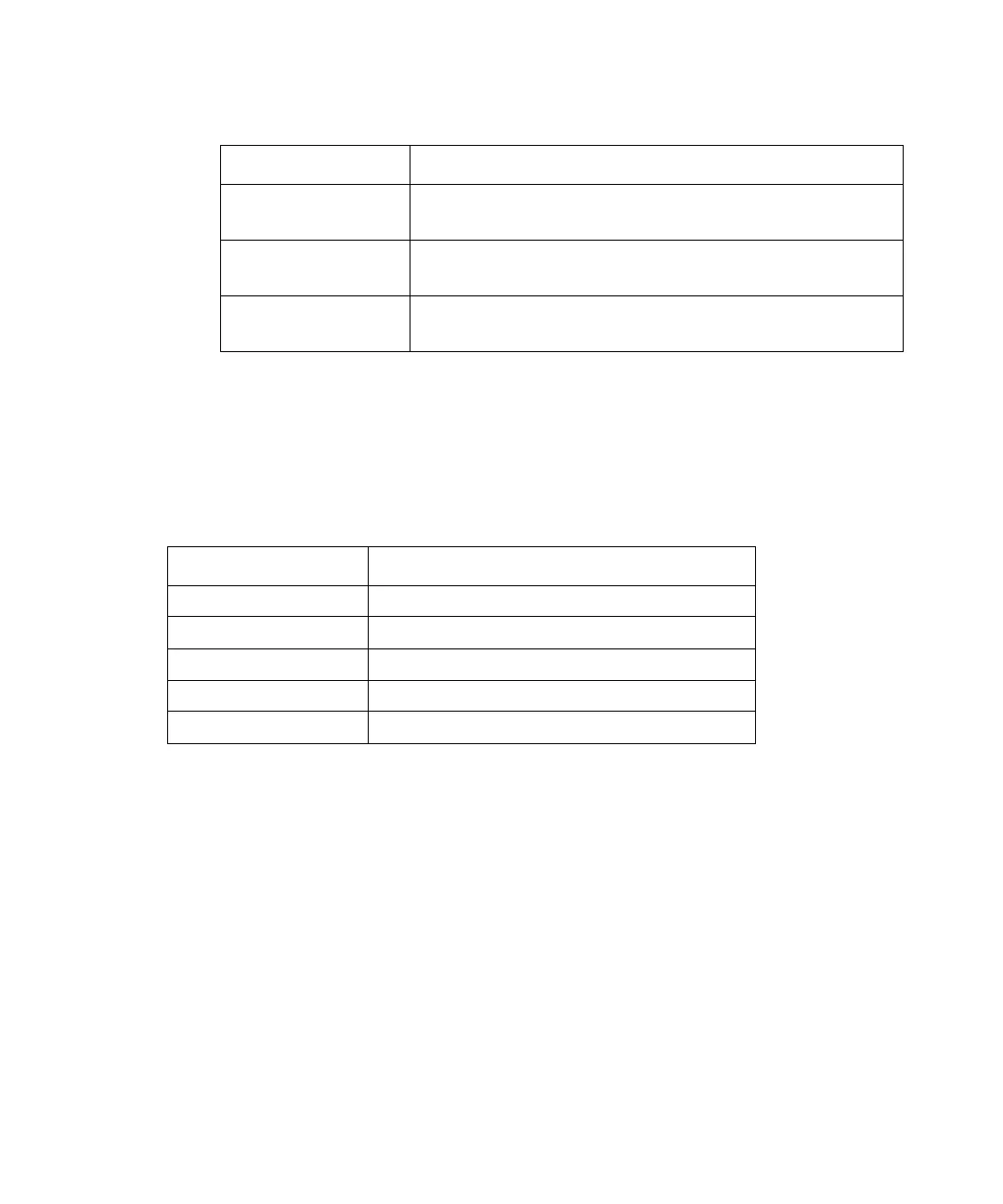
Syringe position parameters:
Syringe position Description
Empty Syringe is in the highest position to purge the
syringe.
Home Syringe is in the home (default) position
(approximately 20% full).
Full Syringe is in the lowest permitted position (80%
full) to draw in sample.
Gradient Proportioning Valve (GPV) position parameters:
GPV position Description
Off GPV off.
Solvent A GPV selecting solvent from reservoir A.
Solvent B GPV selecting solvent from reservoir B.
Solvent C GPV selecting solvent from reservoir C.
Solvent D GPV selecting solvent from reservoir D.



 To Next Page