2 Install the e2695 Separations Module
80 July 29, 2013, 715003794 Rev. B
To install a sample loop:
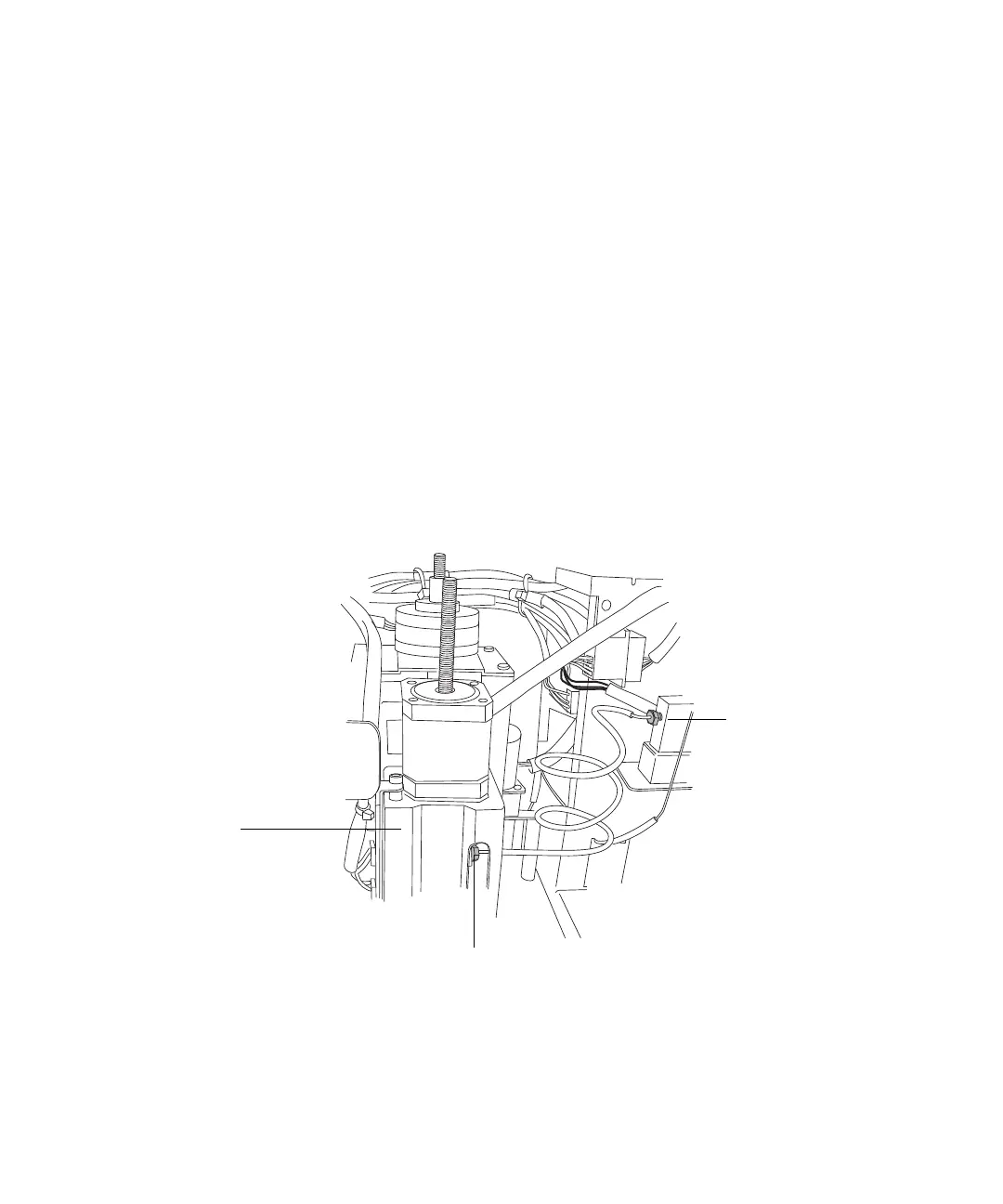
1. Use the 5/16-inch wrench to disconnect the sample loop from the
pressure transducer, and the needle tee on the injector assembly (see the
figure, below).
2. Connect one end of the sample loop to the needle tee.
3. Connect the open end of the new sample loop to the pressure transducer.
4. Use the wrenches to tighten the connections.
5. Connect the power cable, and power-on the separations module.
6. Enter the new sample loop volume in the Configuration screen (see
“Configure the separations module” on page 91).
7. Perform a purge and compression check, and check for leaks (see “Purge
the system” on page 108 for the purge procedure).
Disconnect the sample loop:
Sample loop to
pressure
transducer
connection
Injector
assembly
Sample loop to needle tee
connection



 To Next Page