DESCRIPTION OF THE GDP-32
II
RECEIVER
Section 2, Page 13 May 2002
8. Designated-Function and Soft-Function Keys
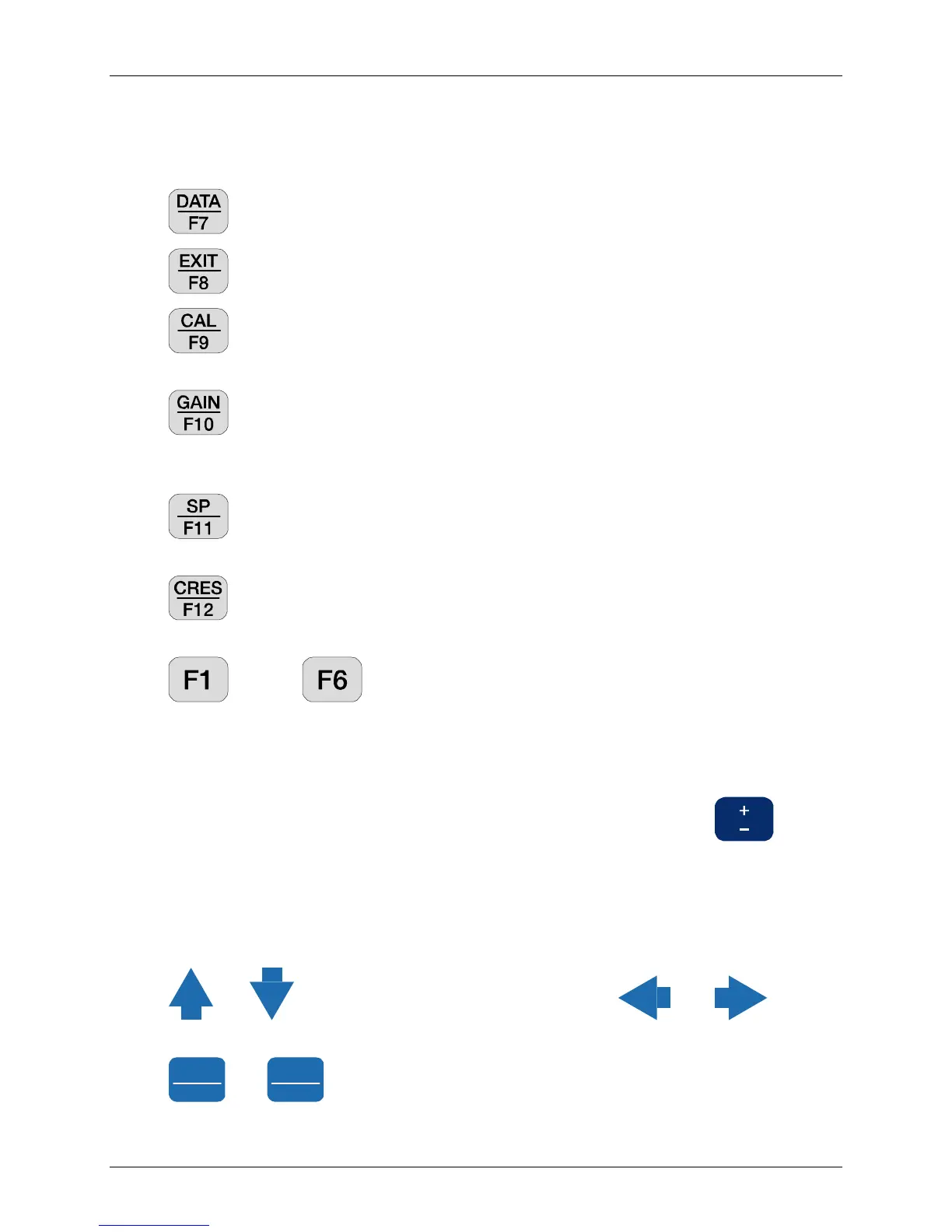
There are six fixed-function keys located beneath the Soft Function Keys below the LCD
screen.
– Places the receiver in Data Mode. See Section 7 - Handling Data.
– Exits Data or Acquisition Mode and returns to the Main Program Menu.
– Enters the Calibrate and System Checking program from the Data Acquisition
Menu of a survey program. See Section 6.1 – Calibration.
– Enters the Automatic or Manual Gain Setting and SP Adjustment Menu from
the Data Acquisition Menu of a survey program. See Section 6.4 – Setting Gains. This
menu also permits the user to select the number of repeat data acquisitions.
- Automatically bucks out any self-potential (SP) or amplifier offset, for all
enabled channels when pressed while in the Data Acquisition Menu of a survey program.
- Measures the contact resistance or coil output resistance. See Section 6.3 -
Measuring Contact Resistance.
through are specific software-controlled keys. The function of these
keys change and they are undefined at times. When a Special Function key is active, the
bottom line of the LCD displays its current purpose.
9. Numeric Entry Keys
This portion of the data entry keypad is used to enter numeric values. changes
the sign of the numeric value. The space available in each field determines the number of
digits that can be entered. The decimal point is input as a numeric character.
10. Cursor Control and Rotary Entry Keys
This key group moves the cursor within the screen.
and move the cursor, up or down one line. and move the
cursor, one character at a time within a field.
Pg Dn
NEXT FIELD
and
Pg Dn
NEXT FIELD
move the cursor to the beginning of the next or previous field, or
displays the data in the data cache, up or down one page at a time.



 To Next Page