MODULE 4: RUN OPTIONS
4-6 AEROSET
®
Customer Training Guide
94858-103 — July 2003
Download Order From Host Computer
To download orders from a Host computer:
1. Select <Database> from the Information Access Area.
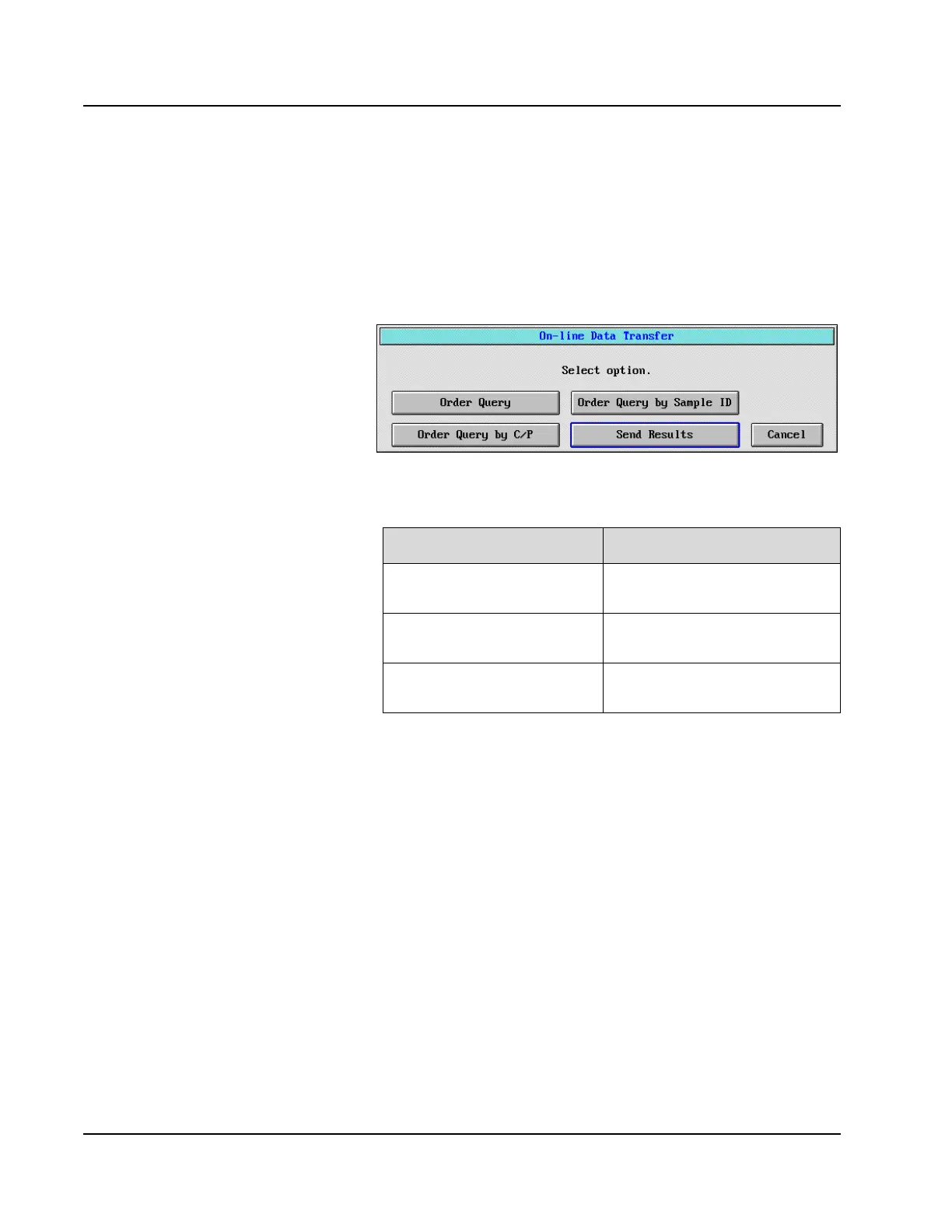
2. Select <On-line> from the right-hand column of the screen. The
On-line Data Transfer dialog window is displayed.
Figure 4.1: On-line Data Transfer Dialog Window
3. Select the desired option.
4. The selected patient samples are downloaded and displayed in the
DATABASE screen.
Option Description
Order Query To download all pending orders
from the Host.
Order Query by Sample ID To download orders for specified
samples.
Order Query by C/P To download orders for specified
carrier and position number(s).



 To Next Page