MODULE 4: RUN OPTIONS
4-10 AEROSET
®
Customer Training Guide
94858-103 — July 2003
Loading the Patient Samples to Run in the Sample Carousel
WARNING: Potential Biohazard. Refer to Appendix, Hazards
of this manual.
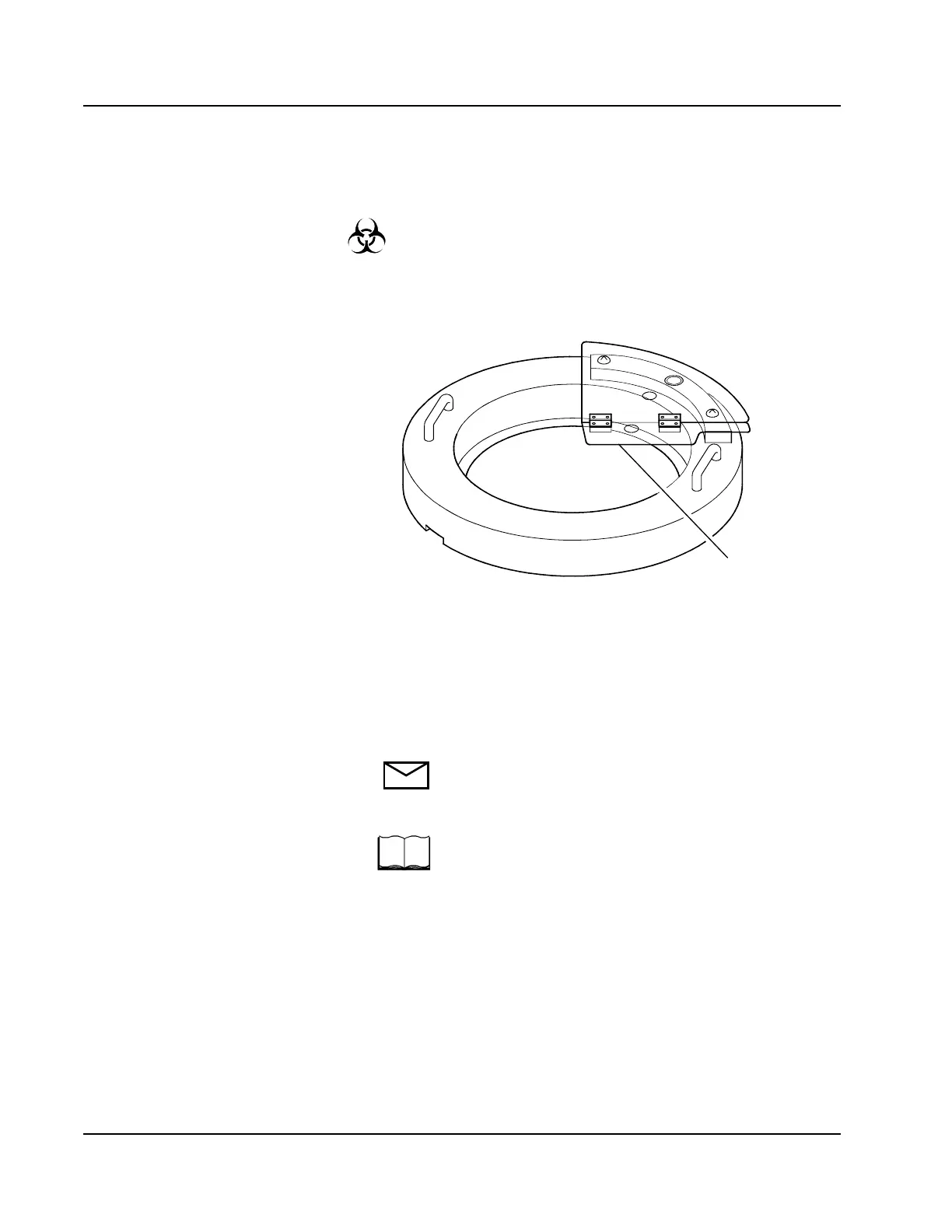
1. Confirm that the Sample Carousel Movement Indicator LED is not
illuminated. Samples can be loaded into any carrier/position not
covered by the Sample Carousel Safety Shield.
Figure 4.4: Calibrator/Control Carousel with Sample Carousel
Safety Shield
2. Load the samples in the specified carrier and position. If the sample
tube is bar code labeled, face the label toward the center of the
Sample Carousel.
NOTE: When the System is configured to read sample bar
code labels, the patient samples may be placed in any
carrier and position.
Refer to Section 2, Installation Procedures and Special
Requirements of the AEROSET System Operations
Manual for details on configuring the System to read
sample bar code labels.
Remember to use the Cup/Tube Adapter for sample cups.
If sample cups are loaded without the adapter, the
sample cup is not detected and the patient sample is
not run.
125643
STAT
Position
Access



 To Next Page