MODULE 5: RESULT HANDLING
5-12 AEROSET
®
Customer Training Guide
94858-103 — July 2003
Reviewing Results on the RESULT Screen
1. Select <Database> in the Information Access Area, if the screen is
not currently displayed.
2. Select the sample to be reviewed.
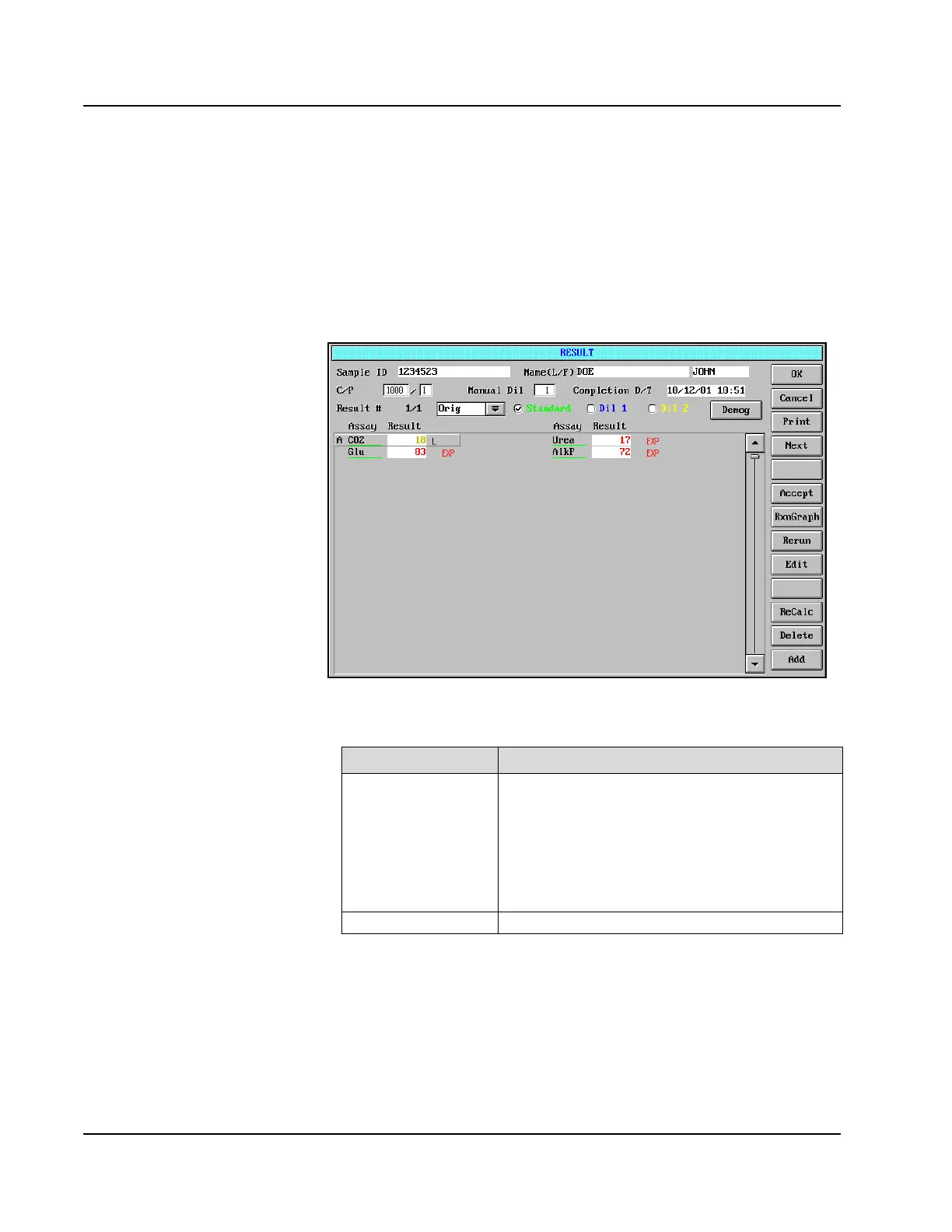
3. Select <Result> in the right-hand column. The RESULT screen is
displayed.
Figure 5.6: RESULT Screen
For each completed result, the following information is displayed:
Result Information Description
Processing Code A single-letter code to indicate the status of the result:
• A - Accepted
• E - Edited
• R - Rerun
•D - Deleted
• S - Selected
Assay Name The assay name is displayed.



 To Next Page