MODULE 6: CALIBRATION
6-32 AEROSET
®
Customer Training Guide
94858-103 — July 2003
Printing Calibration Summary Information
Printing the Current Calibration Summary
To print a report of the current calibration summary data, perform the
following procedure:
NOTE: This report prints the information from both the Data
and Dates screens of the CALIBRATION SUMMARY screen.
1. Select <Cal Summary> in the Information Access Area. The
CALIBRATION SUMMARY screen is displayed.
2. Select <Print> in the right-hand column of the CALIBRATION
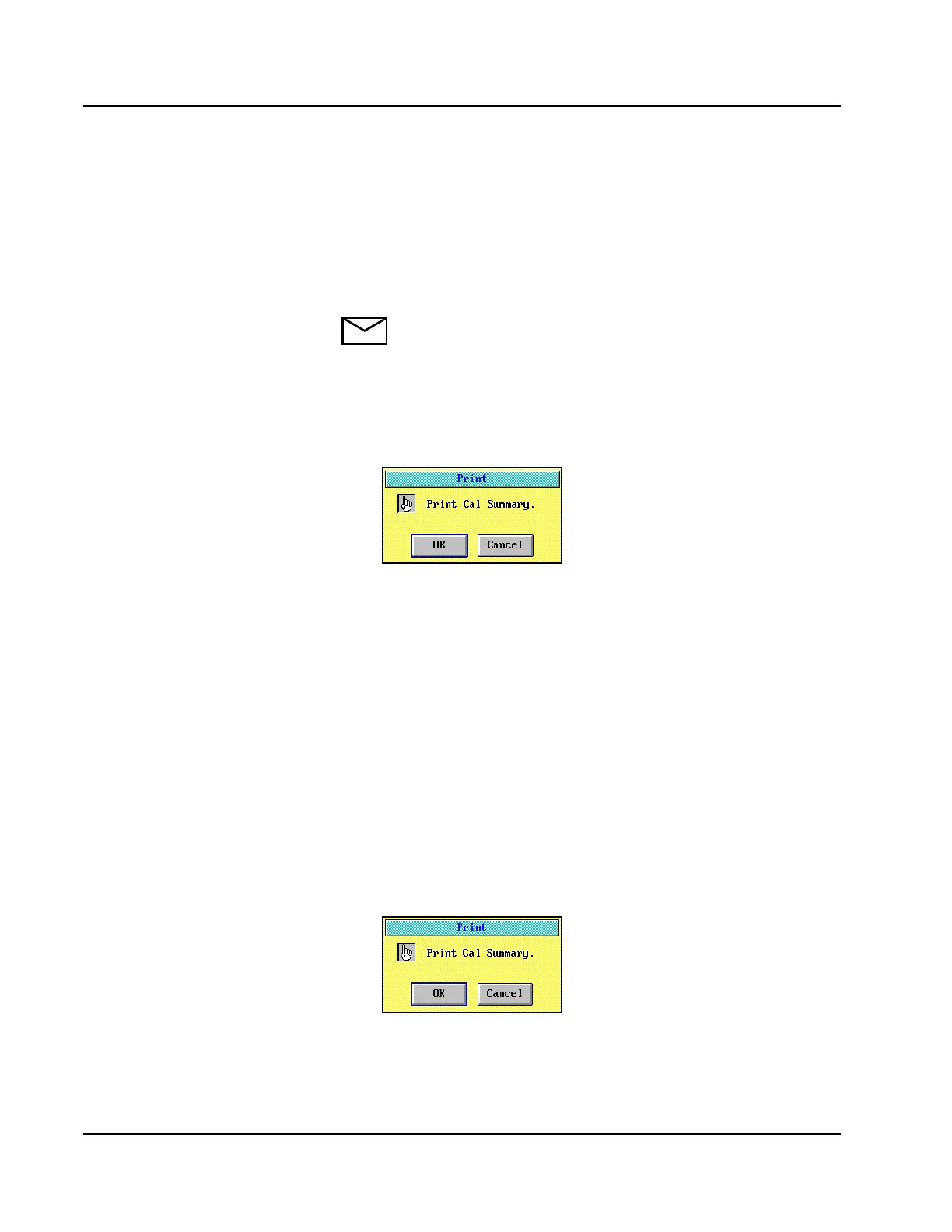
SUMMARY screen. A confirmation dialog window is displayed.
Figure 6.15: Printer Confirmation Dialog Window
3. Select <OK> to print the report.
Printing the Stored Calibration Summary
To print a report of the stored calibration summary data, perform the
following procedure:
1. Select <Cal Summary> in the Information Access Area. The
CALIBRATION SUMMARY screen is displayed.
2. Select < Stored> in the right-hand column of the CALIBRATION
SUMMARY screen. The stored averages are displayed.
3. Select <Print> in the right-hand column of the CALIBRATION
SUMMARY screen. A confirmation dialog window is displayed.
Figure 6.16: Print Confirmation Dialog Window
4. Select <OK> to print the report.
• Complete the Calibration Review
portion of the activity after this
section.



 To Next Page