Printing QC Results
AEROSET
®
Customer Training Guide 7-31
94858-103 — July 2003
6. Select one of the following sort options:
7. Select the Levey-Jennings graph report category from the following
list:
• QC Summary
• Levey-Jennings Graph
•QC Data List
NOTE: One, two, or all three reports can be selected.
8. Select the QC level to be included in the report:
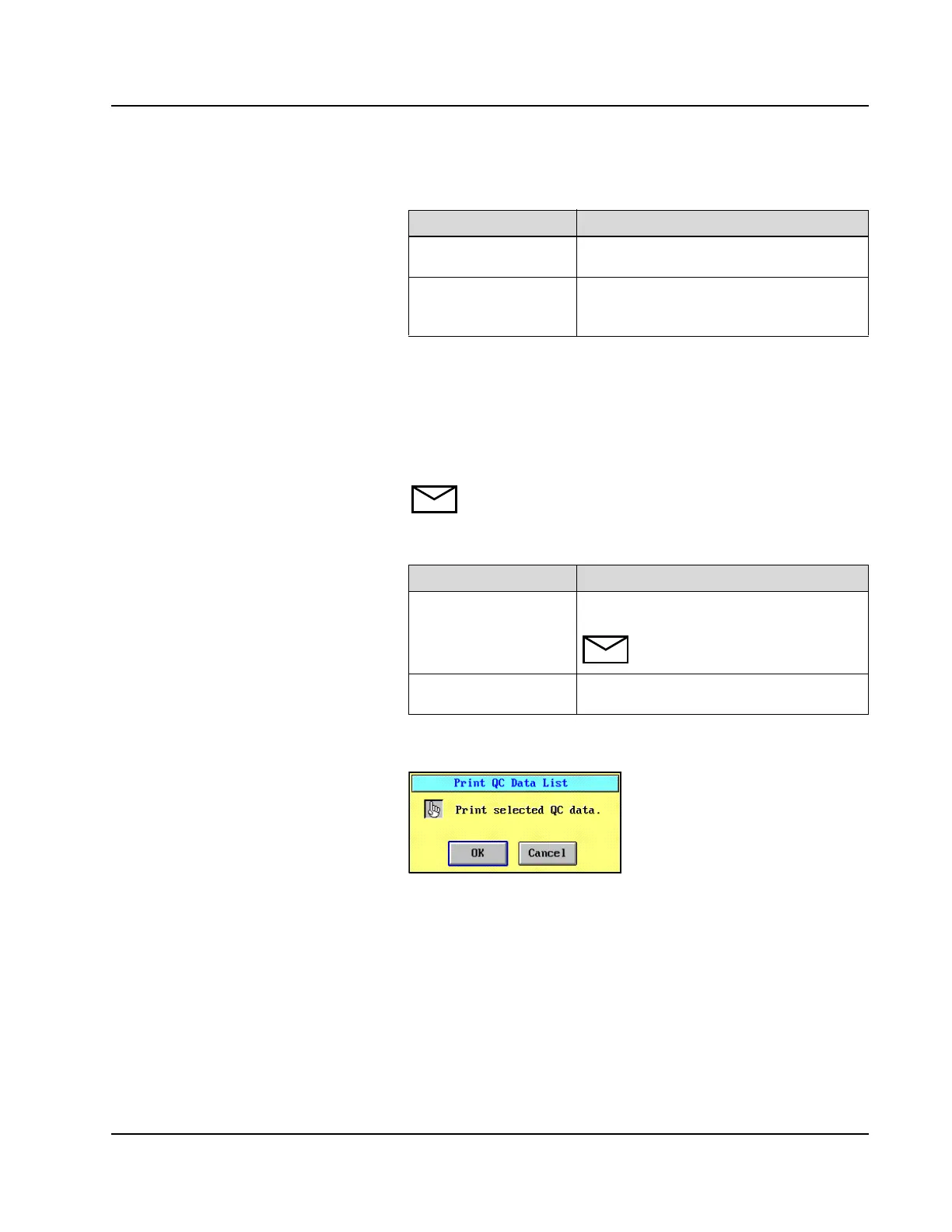
9. Select <OK>. The Print QC Data List confirmation dialog
window displays.
Figure 7.17: Print QC Data List Confirmation Dialog Window
10. Select <OK>.
Option Description
Assay All QC report(s) print for one assay before
printing QC report(s) for the next assay.
Category Each category of the QC report prints for all
assays before printing the next QC report
category.
Option Description
All QC All configured QC levels are printed in the
QC reports.
NOTE: When selected, this option
overrides individual QC selections.
QC1–QC8 Individual levels of QC can be selected to
print in the QC reports.



 To Next Page