MODULE 7: QUALITY CONTROL
7-32 AEROSET
®
Customer Training Guide
94858-103 — July 2003
QC Data List Report
Use the following instructions to print the QC Data List report.
1. Select <ASSAYS> in the Information Access Area of the Main
Display. The ASSAYS screen displays.
2. Select the assay name. The ASSAY STATUS screen displays.
3. Select <QC> in the right column of the screen. The
Levey-Jennings Graph screen displays.
NOTE: The QC SUMMARY screen can also be used to
access the Levey-Jennings Graph screen. Select the line
that displays the QC statistics of the selected assay then
select <LJ Graph> in the right column of the screen. The
Levey-Jennings Graph screen displays.
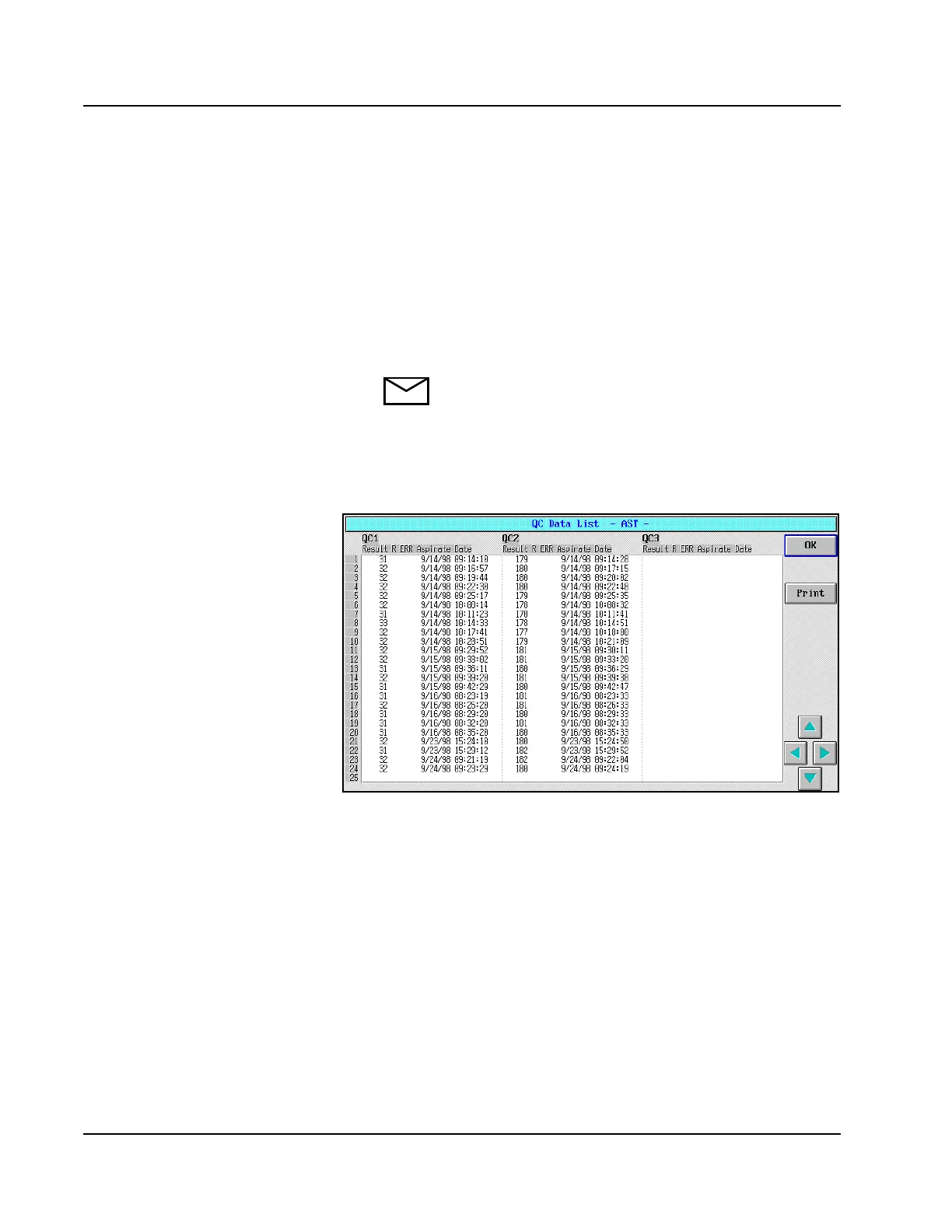
4. Select <DataList>. The QC Data List screen displays.
Figure 7.18: QC Data List Screen



 To Next Page