Printing QC Results
AEROSET
®
Customer Training Guide 7-33
94858-103 — July 2003
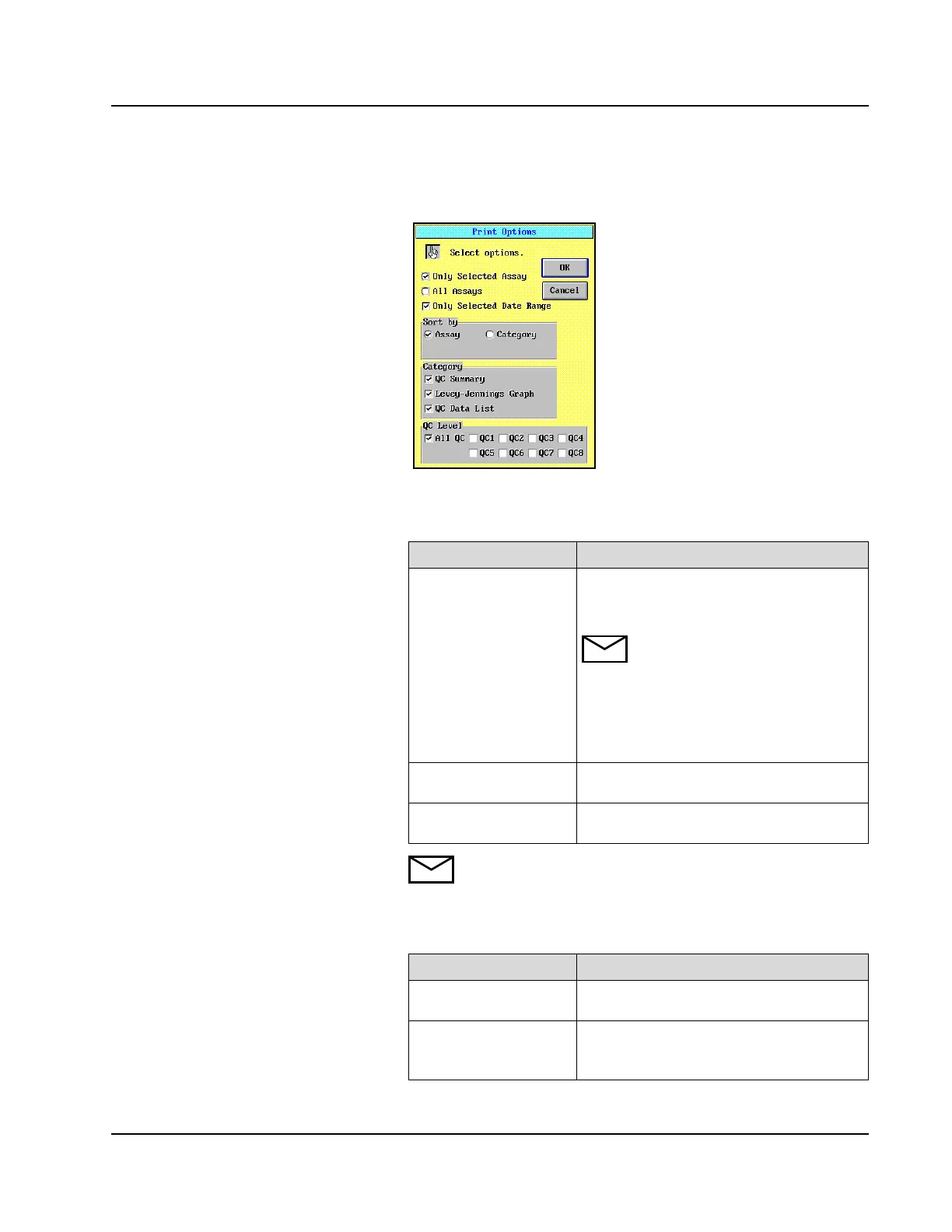
5. Select <Print> in the right column of the screen. The Print Options
dialog window displays.
Figure 7.19: Print Options Dialog Window
6. Select one of the following print options:
NOTE: To print a date range, select either <Only Selected
Assay> or <All Assays> in addition to <Only Selected
Date Range>.
7. Select one of the following sort options:
Option Description
Only Selected Assay Only QC statistics for the assay selected on
the ASSAYS or QC SUMMARY screen are
printed.
NOTE: If multiple assays are
highlighted on the QC SUMMARY
screen and the Print Options dialog
window is accessed from the
Levey-Jennings Graph or QC
Data List screen, only statistics for
the displayed assays are printed.
All Assays QC statistics for all configured assays are
printed.
Only Selected Date
Range
Only QC statistics for the configured date
range are printed.
Option Description
Assay All QC report(s) print for one assay before
printing the QC report(s) for the next assay.
Category Each category of the QC report prints for all
assays before printing the next QC report
category.



 To Next Page