MODULE 7: QUALITY CONTROL
7-36 AEROSET
®
Customer Training Guide
94858-103 — July 2003
5. Select the QC summary report category from the following list:
• QC Summary
• Levey-Jennings Graph
•QC Data List
NOTE: One, two, or all three reports can be selected.
6. Select the QC level to be included in the report:
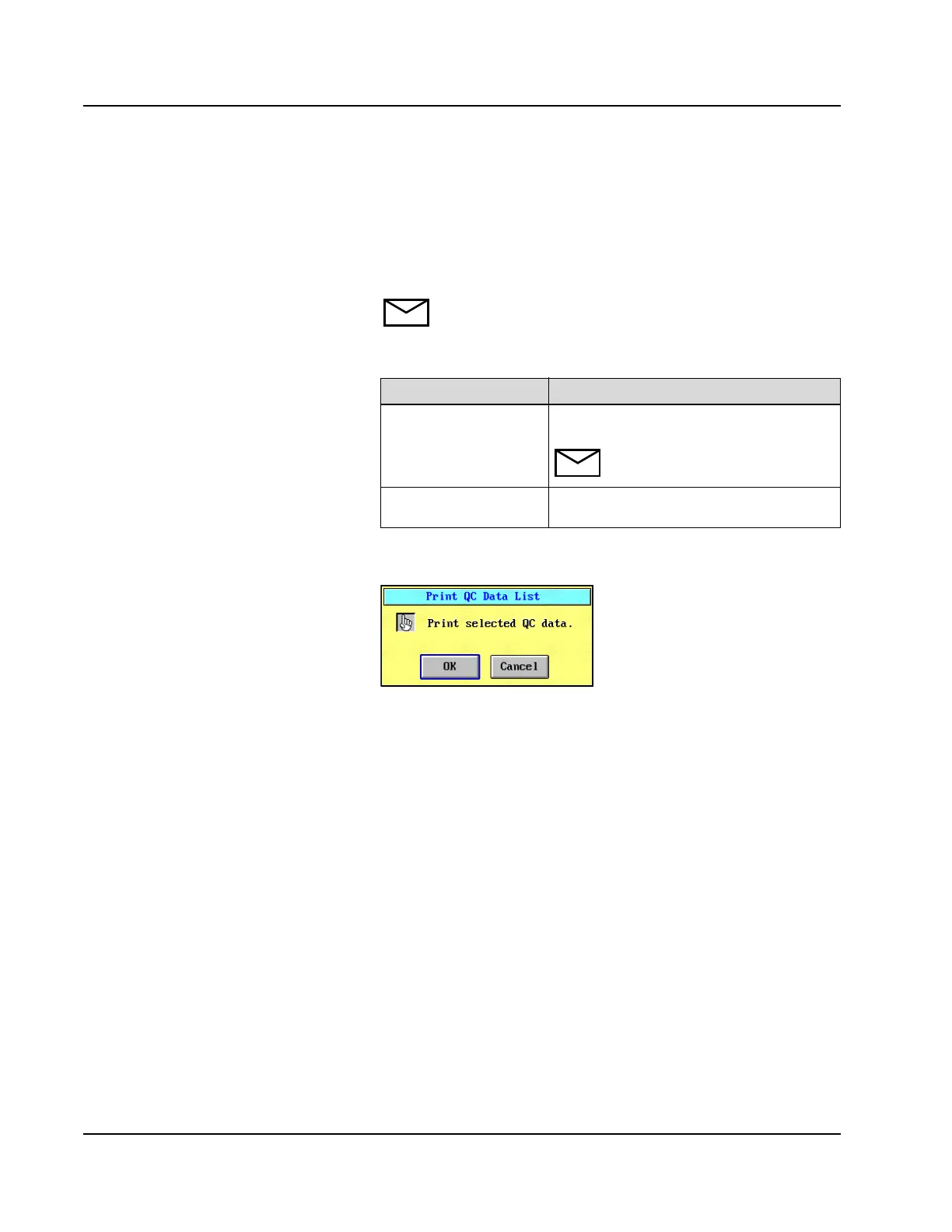
7. Select <OK>. The Print QC Data List confirmation dialog
window displays.
Figure 7.22: Print QC Data List Confirmation Dialog Window
8. Select <OK>.
Option Description
All QC All configured QC levels are printed in the
QC reports.
NOTE: When selected, this option
overrides individual QC selections.
QC1–QC8 Individual levels of QC can be selected to
print in the QC reports.



 To Next Page