MODULE 8: CONFIGURATION
8-6 AEROSET
®
Customer Training Guide
94858-103 — July 2003
Configure Log On Password
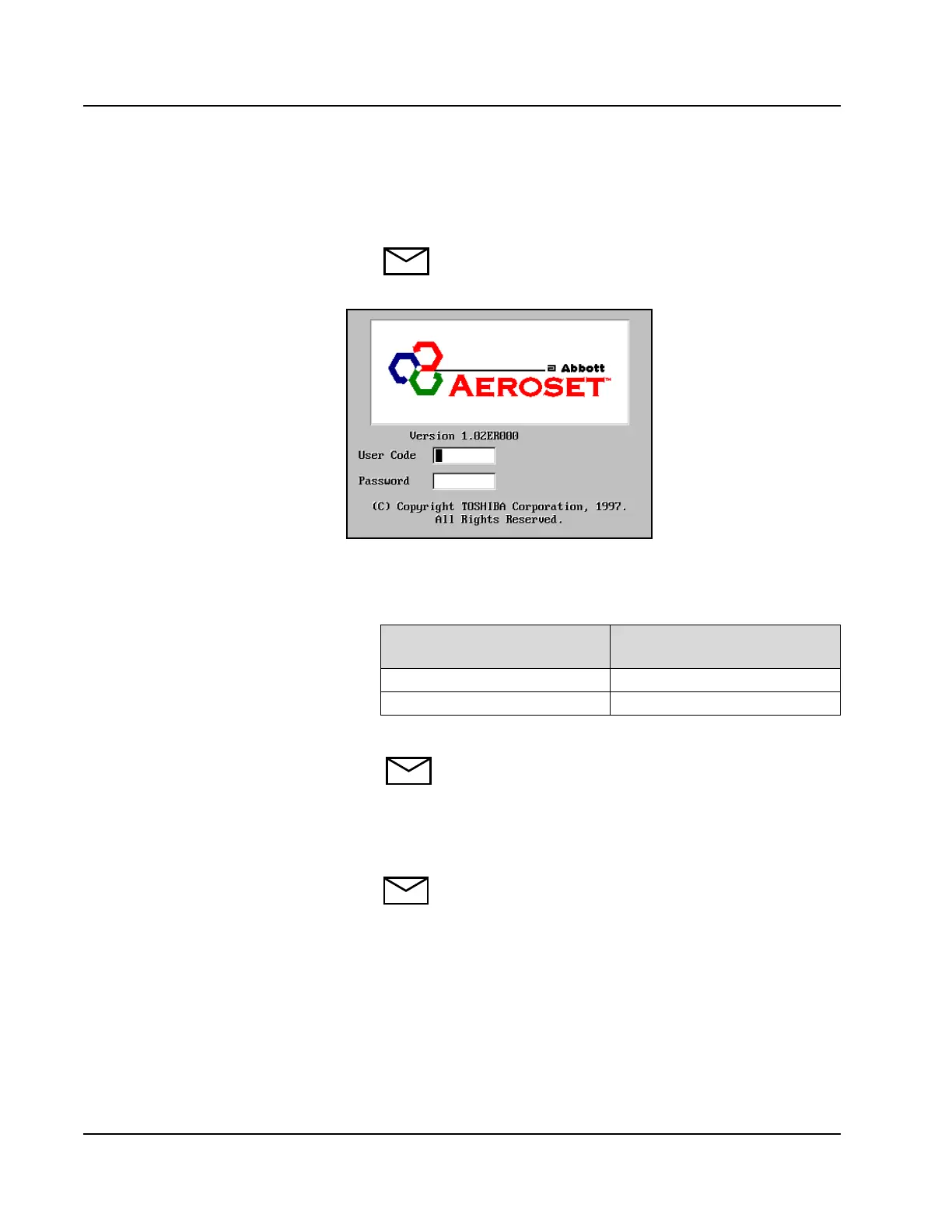
1. Turn ON the System power. The Log On screen displays.
NOTE: If the System is operational, select the Exit icon in
the lower-right section of the Action Area of the Main
Display to return to the Log On screen.
Figure 8.1: Log On Screen
2. To configure a new user code and password, use one of the
following codes to determine an access level.
3. Type the user code. Press [Tab] on the keyboard.
NOTE: Do not press [Enter] after typing the user code.
4. Type the password. An asterisk (*) displays in the Password field
for each character entered for the password. Press [Enter] on the
keyboard.
NOTE: Both the User Code and Password fields are case
sensitive.
If User Code Is…
Press [Tab] on the Keyboard
Then Enter This Password
user user
super super



 To Next Page