MODULE 8: CONFIGURATION
8-8 AEROSET
®
Customer Training Guide
94858-103 — July 2003
Delete an Existing User Code
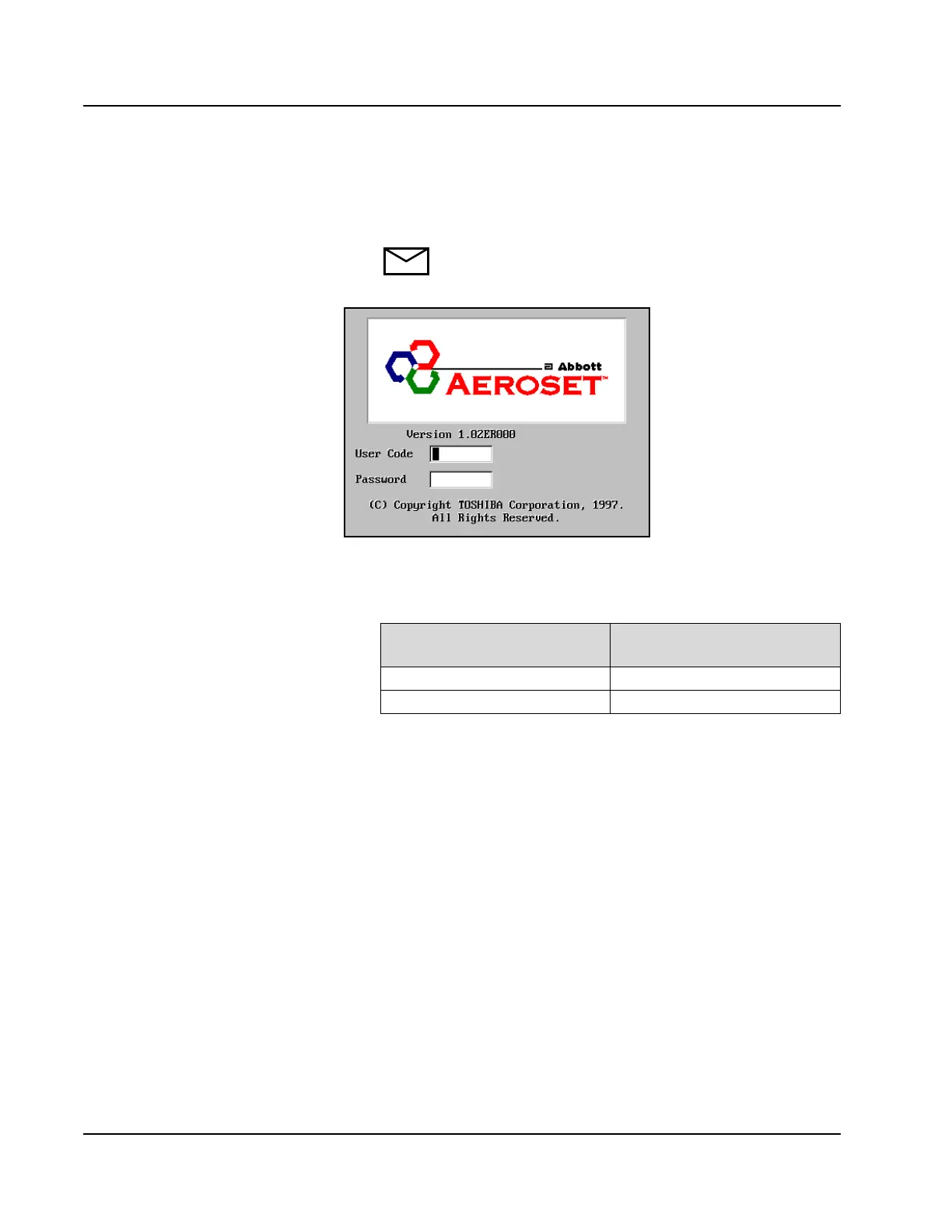
1. Turn ON the System power. The Log On screen displays.
NOTE: If the System is operational, select the Exit icon in
the lower-right section of the Action Area of the Main
Display to return to the Log On screen.
Figure 8.3: Log On Screen
2. To delete an existing user code and password, use one of the
following codes to open the appropriate access level.
3. Type the user code and password to be deleted then press [Enter]
on the keyboard. The Delete button displays.
4. Select <Delete> on the USER REGISTRATION dialog window.
5. Select <OK> on the Delete User Code dialog window.
6. Select <OK>. The Log On screen displays.
If User Code Is…
Press [Tab] on the Keyboard
Then Enter This Password
user user
super super



 To Next Page