MODULE 8: CONFIGURATION
8-18 AEROSET
®
Customer Training Guide
94858-103 — July 2003
Westgard Rule Options
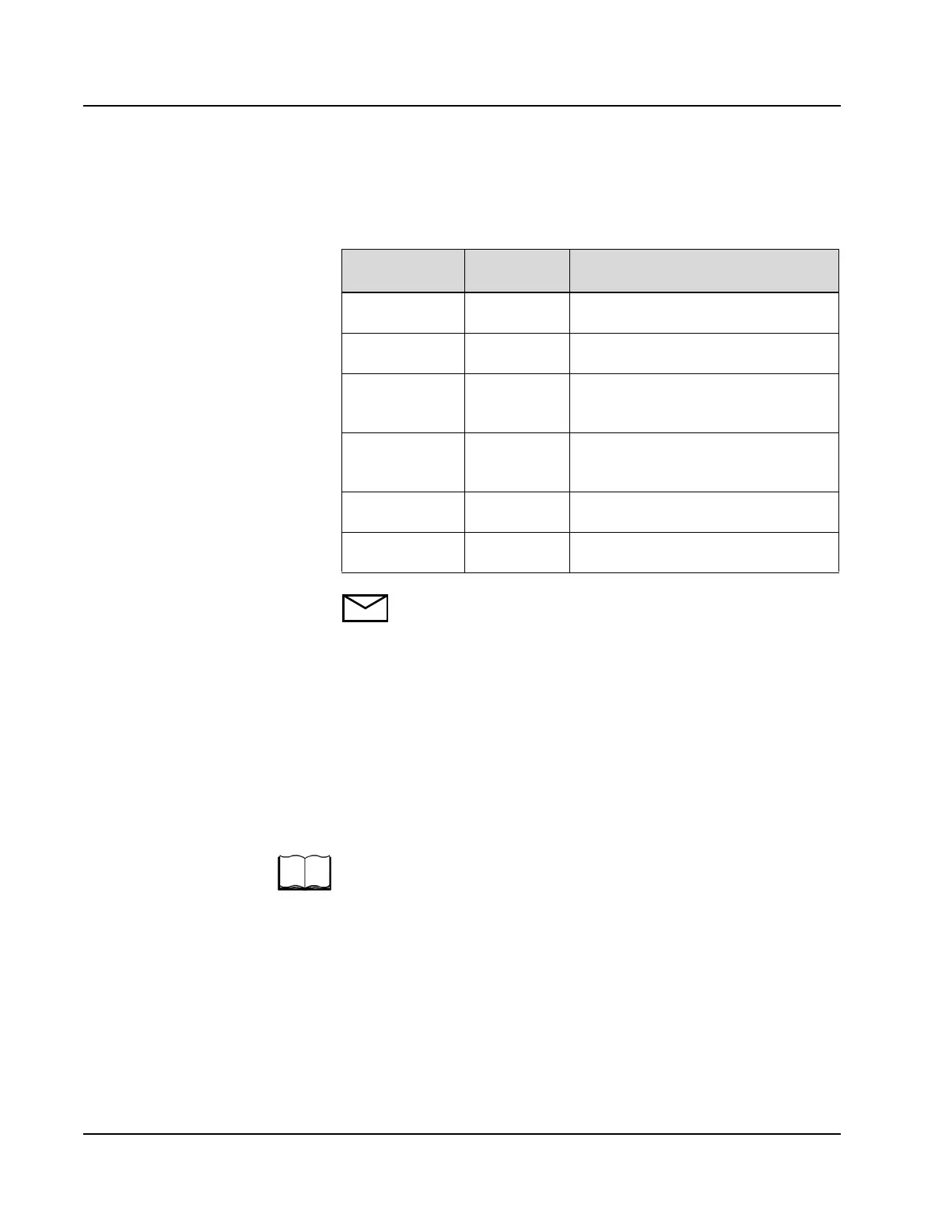
The following Westgard Rules are available to evaluate QC data:
NOTE: When the checkbox (
5
55
5) next to R of the QC rule is
selected, QC values are compared against each other. If not
selected, QC values are compared against the mean.
To configure Westgard Rules on the SYSTEM CONFIGURATION
screen:
•Select <RUN> in the Action Area to display the RUN OPTIONS
screen.
•Select <SysCfg> to display the SYSTEM CONFIGURATION
screen.
•Select <QC Rule> to display the QC Rules screen.
For information about configuration of the Westgard Rules options, refer
to System Configuration in Section 2, Installation Procedures and
Special Requirements of the AEROSET System Operations Manual.
AEROSET QC
Rule Display
Westgard
Rule
Description
1 -
R - 2 1
2S
One control value exceeded ± 2 standard
deviations.
1 -
R - 3 1
3S
One control value exceeded ± 3 standard
deviations.
2 -
R - 2 2
2S
Two consecutive control values for one
level exceed ± 2 standard deviations on
the same side of the mean.
2 - ;
;;
; R - 4 R
4S
The difference between two consecutive
control values exceeded 4 standard
deviations.
4 -
R - 1 4
1S
Four consecutive control values for one
level exceeded ± 1 standard deviation.
10 -
R - 0 10
X
Ten consecutive control values for one
level lie on one side of the mean.
• QC Rules-Westgard Rules
defined here. Must decide on
an assay-by-assay basis whether
to use the configured rule set.
• Cannot have different rule sets
for different assays.
• Point out the 1
2S
is “in
control.” Won’t generate an
error log message.
• Final slot of “out of control” is
linked to a generic Westgard
Rule error message.
• To disable a specific rule, you
must place a 0 in for NUM.
• When “R” is checked, the QC
values are compared against
each other. If not checked, the
QC values are compared
against the mean.
• Can change rule or move one
from out of control to in
control.
• If you change a rule, the error
code attached would not
change.



 To Next Page