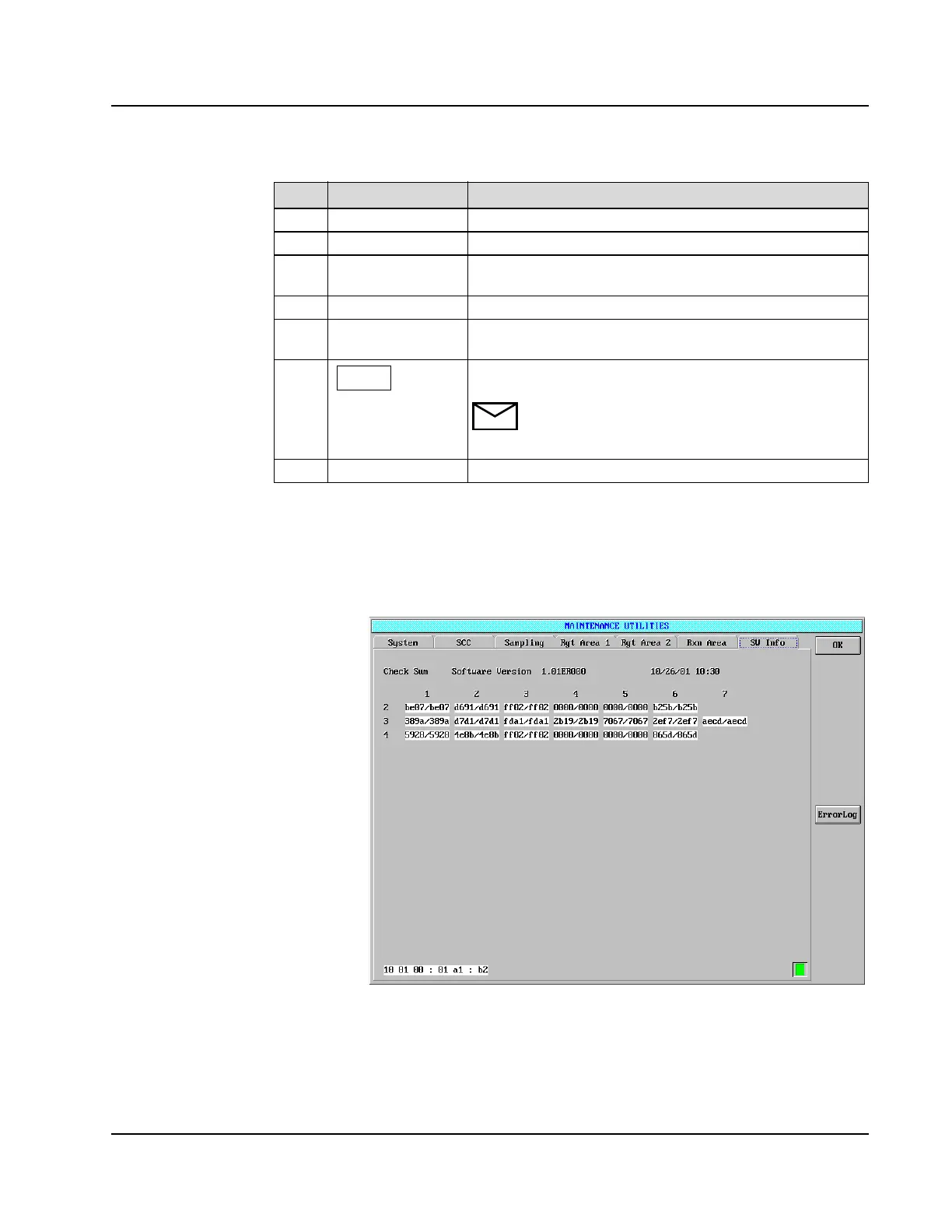
MAINTENANCE UTILITIES Screen
AEROSET
®
Customer Training Guide 11-19
94858-103 — July 2003
SW (Software) Page
Figure 11.13: MAINTENANCE UTILITIES Screen, SW Info Page
This page allows the Operator to view the current software version.
6
Wash Pump Cycle the Probe Wash Pump.
7
W (wash) Cup Cycle the fluid into the wash cups.
8
Bath Drain or fill the water bath. The Fill button may need to be
selected several times to completely fill the water bath.
9
IRef Pump Cycle the pump.
10
Asp (aspiration)
Pump
Cycle the pump.
11
This area displays a blue triangle when the System is busy. A
green square will display when the status is READY.
NOTE: When the System is busy, no further
commands are acknowledged until the original
command is completed.
12
<Home All> Home all robotics.
Item Field Allows the Operator to…
• Current date is also displayed.
• Check sums to check on
install of new software
version.



 To Next Page