Software Tour
AEROSET
®
Customer Training Guide 1-33
94858-103 — July 2003
Action Area
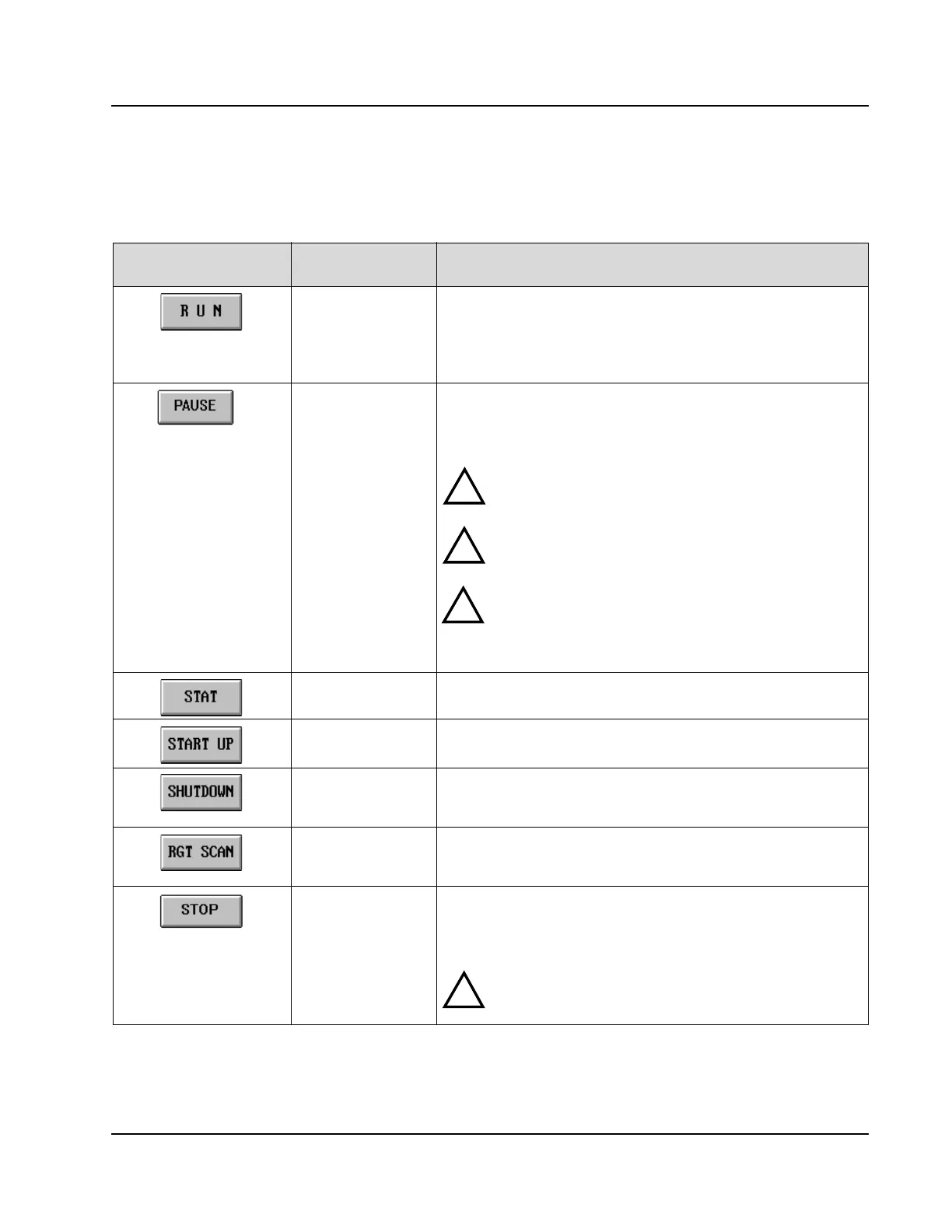
The following table describes the buttons located in the Action Area.
Press this Button…
To Perform this
Action
Description
Initiate a run or
perform System
configuration
When selected, accesses the RUN OPTIONS screen. From this
screen, the Operator selects the types of samples to be run and
initiates the run process. Calibrations and Controls are ordered from
this screen. SYSTEM CONFIGURATION is also accessed from
this screen.
PAUSE the System
during a run
When selected, accesses the RUN OPTIONS screen. From this
screen the Operator can PAUSE the System which temporarily
stops the movement of the Reagent 1 Probes, Sample Probes,
Carousel Sampler, and FastTrack™ Sampler.
WA R NIN G:
If a diluted sample has been dispensed, the Sample
Arm may move after the status has changed to PAUSE. Wait 20
seconds before accessing the Carousel Sampler area.
WA R NIN G: The AEROSET System does not stop the
movement of the Reagent 2 Probes, ICT™ Unit, Mixers, or
Cuvette Washers so the Assay Read Times are not affected.
CAUTION: The System completes the dispensing and mixing of
any sample and reagent already aspirated. Confirm the PAUSE
status in the System Status Area and confirm that the R1
indicator on the Local User Interface (LUI) Control Panel is
illuminated before proceeding.
Order and start a
STAT sample
When selected, accesses the screen to order a sample in the
Reserved STAT Position and initiates the processing.
Initiate the START
UP Procedure
When selected, allows the Operator to define and initiate the
START UP Procedures.
Initiate the
SHUTDOWN
Procedure
When selected, allows the Operator to define and initiate the
SHUTDOWN Procedures.
Scan bar code
labeled Reagent
Cartridges
When selected, initiates a scan of the bar codes on the Reagent
Cartridges in the Reagent Supply Centers.
Stop the System
during a run
When selected, completely stops a run (all movement and
processing ceases). Any samples in progress are not completed and
remain pending. When the run is reinitiated by selecting <RUN>,
these samples are repipetted.
WARNING: The System attempts to home all robotics
before movement stops. Confirm the READY status in
the System Status Area before proceeding.
!
!
!
!



 To Next Page