Software Tour
AEROSET
®
Customer Training Guide 1-35
94858-103 — July 2003
Display Area
This area of the screen displays the information or actions corresponding
to the button selected in the Information Access Area or Action Area.
For example, if <Cal/Control> is selected, the Calibrator/Control
screen appears in the Display Area.
NOTE: Unless the Operator exits the displayed screen (typically
by selecting <OK>), before selecting a new option, the new
screen overlays the earlier screen.
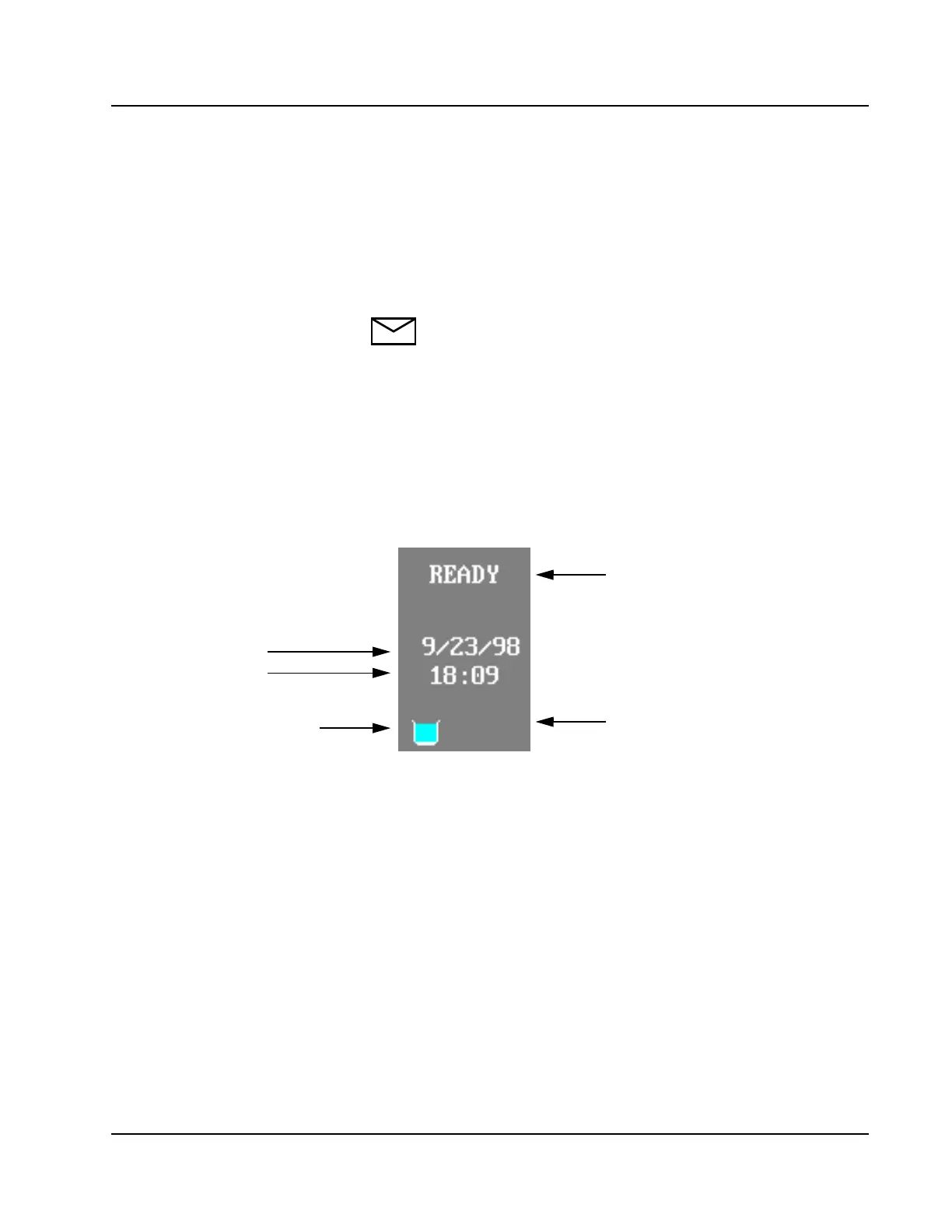
Status Area
This area displays the System status, date, time, water bath level, and
High-Concentration Waste full indicator.
Date
Time
Water Bath Level
High-Concentration
Waste Full Indicator
(Visible when full)
(Green = OK, Blue = Cold, Pink = Hot)
Status Area
Status (includes
READY, RUN, PAUSE,
SAMPLING END, CUVETTE FILL,
SUSPEND, STANDBY, START
UP, SHUTDOWN, and RGT SCAN



 To Next Page