MODULE 2: BASIC RUN
2-20 AEROSET
®
Customer Training Guide
94858-103 — July 2003
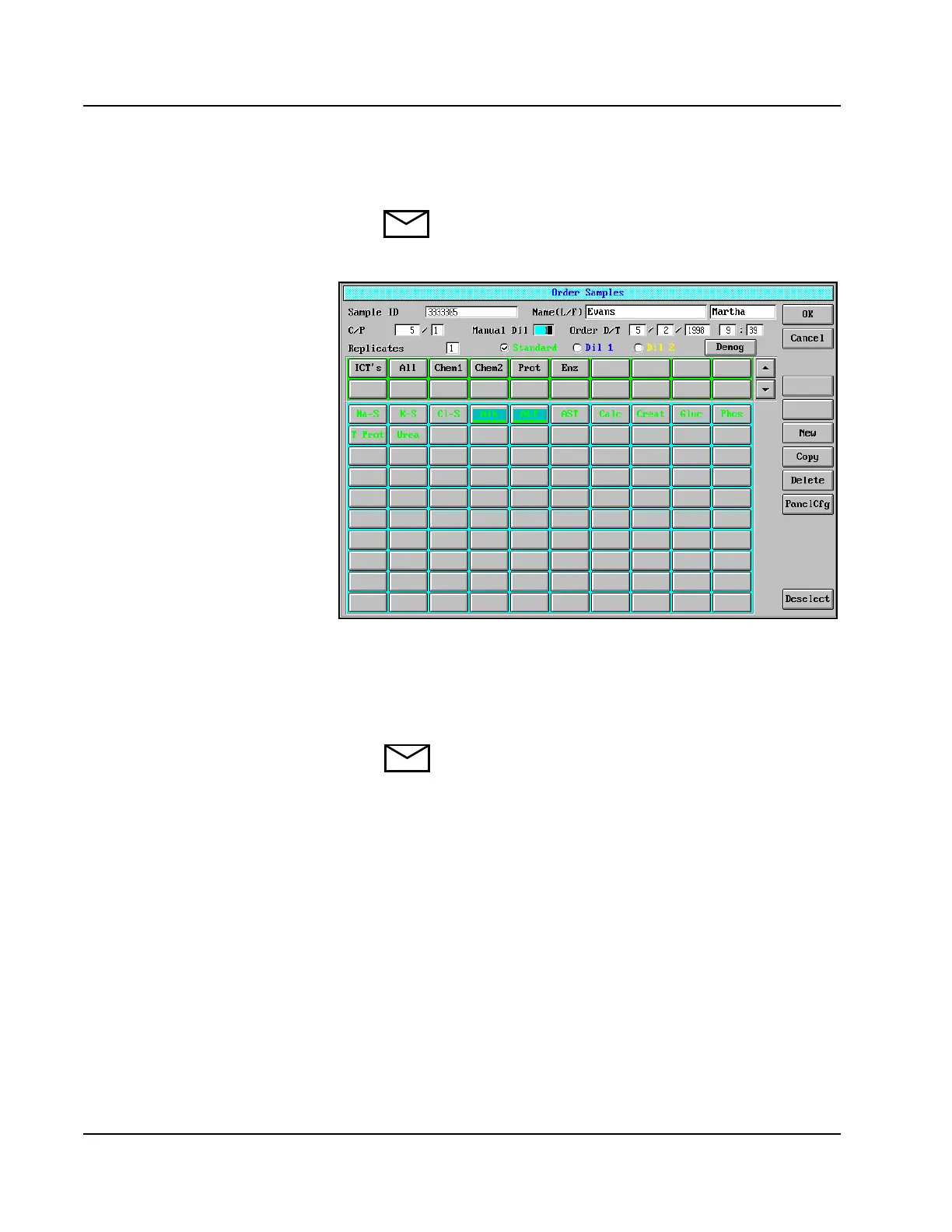
3. Select <New>. The Order Samples screen is displayed.
NOTE: If an order does not already exist, the Order
Samples screen displays when
<Order> is selected.
Figure 2.8: Order Samples Screen
4. Enter the patient sample information. Within 30 seconds after
entering the information, press either [Enter] or [Tab] on the
keyboard. If [Enter] or [Tab] is not pressed, the information
entered returns to the previously displayed information.
NOTE: Selecting another field on the Touchscreen also
prevents this from occurring.



 To Next Page