Chapter 6: Replacing Modules
152
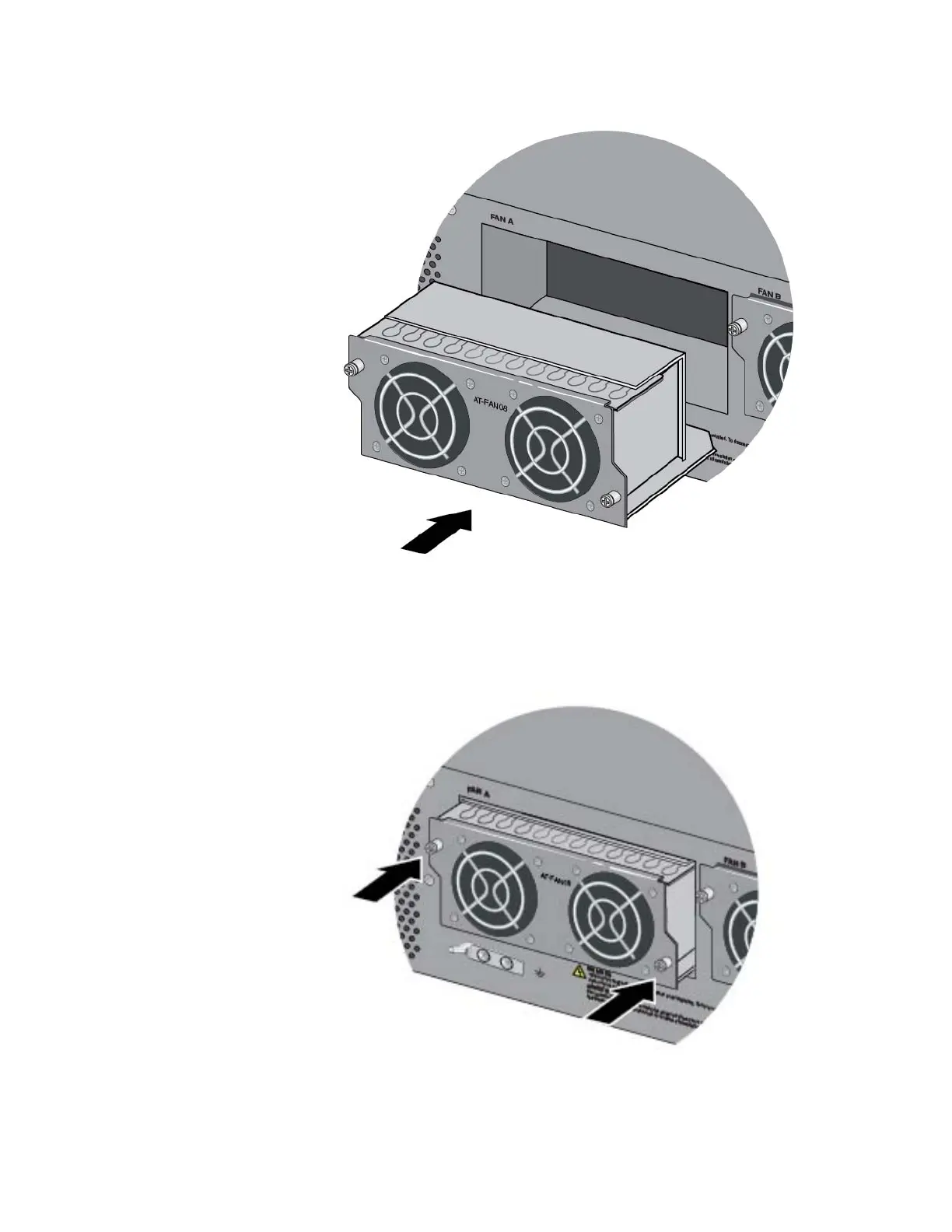
Figure 113. Aligning the AT-FAN08 Module in the Chassis Slot
2. When you feel the module make contact with the connector inside the
chassis, gently press on both sides to seat the module on the
connector. Refer to Figure 114.
Figure 114. Seating the AT-FAN08 Module on the Connector in the
Chassis



 To Next Page
 Loading...






