Chapter 4: Powering On the Chassis
88
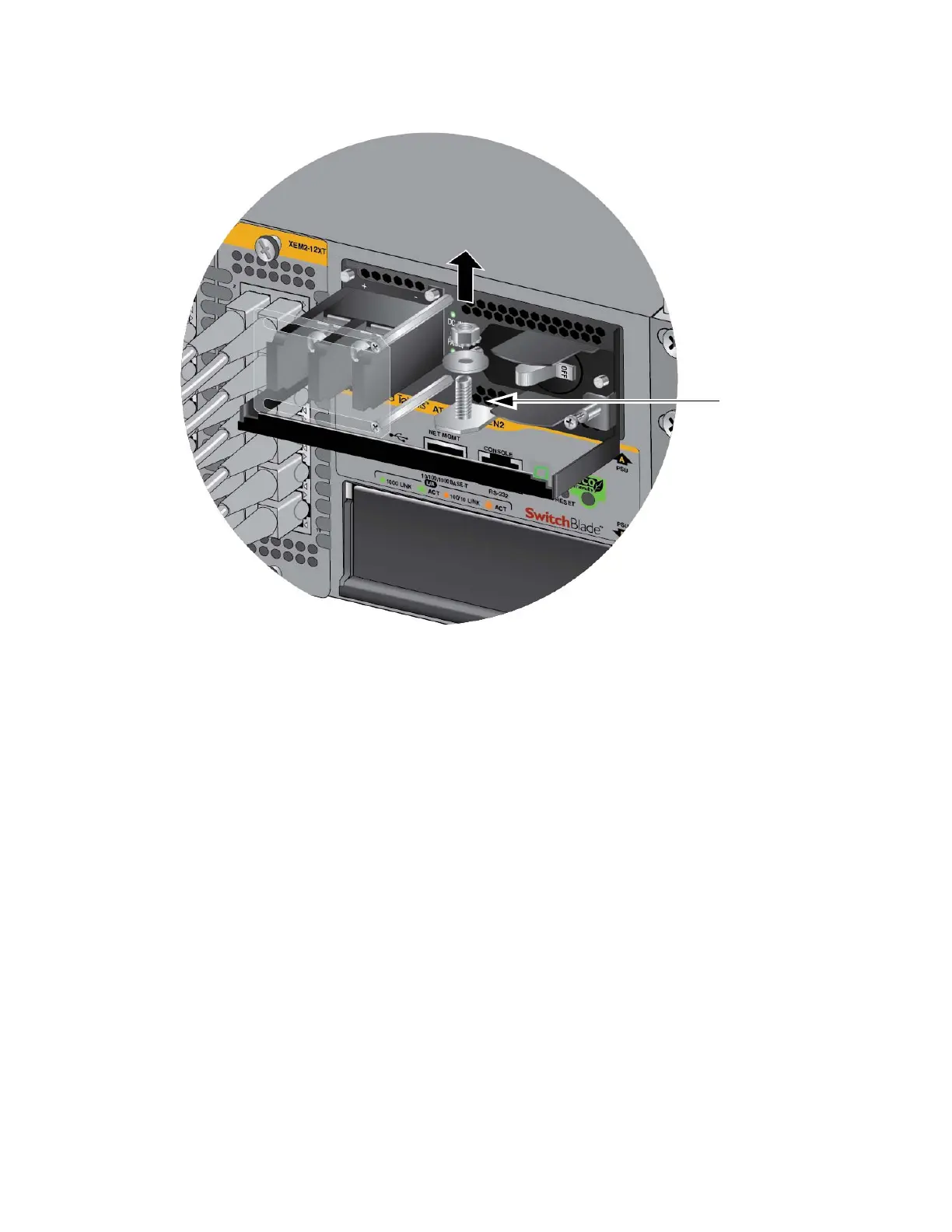
Figure 55. Removing the Nut and Washer from the Grounding Post
5. Attach the grounding lug and wire to the grounding post. Refer to
Figure 56 on page 89.
Review the following before installing the grounding wire:
You should angle the wire to the right so that you can open the
plastic window to access the positive and negative terminals on the
terminal block.
You may route the cable either above or below the locking handle.



 To Next Page
 Loading...






