171
1. Connect the MT8821C, MN8110, spectrum analyzer and UE.
2. Connect to Test Mode.(2.1.4)
3. Execute CHCONFIG PUSCH_2 to set Common Parameter - RMC Configuration to PUSCH (per 2 subframe).
4. Execute DLRMC_RB 0 to set Common Parameter - DLRMC Number of RB to 0.
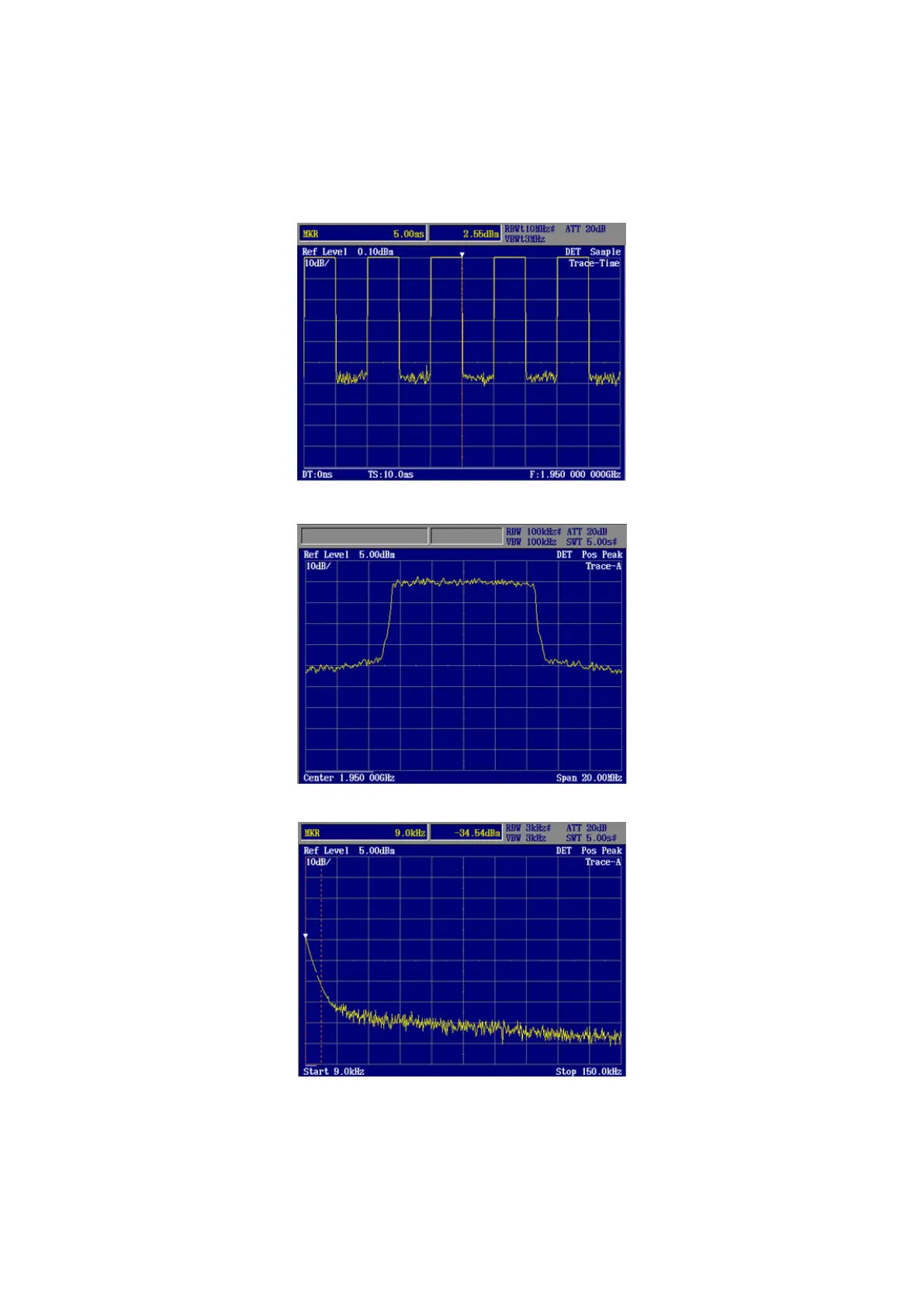
5. Measure spurious emissions using the spectrum analyzer.
6. Check that the maximum level of the frequency bandwidth does not exceed the test specifications limit.
Time domain
Frequency domain
Spurious emissions
Figure 4.2-2 Spurious Emissions Measurement with Tx Gating Test














 To Next Page