87
Power Control Relative power tolerance (6.3.5.2) 3.1.13.
1. Execute TESTPRM TX_PCTREL_UP_A to set Test Parameter to TX3 - Relative Power (Ramping UP A).
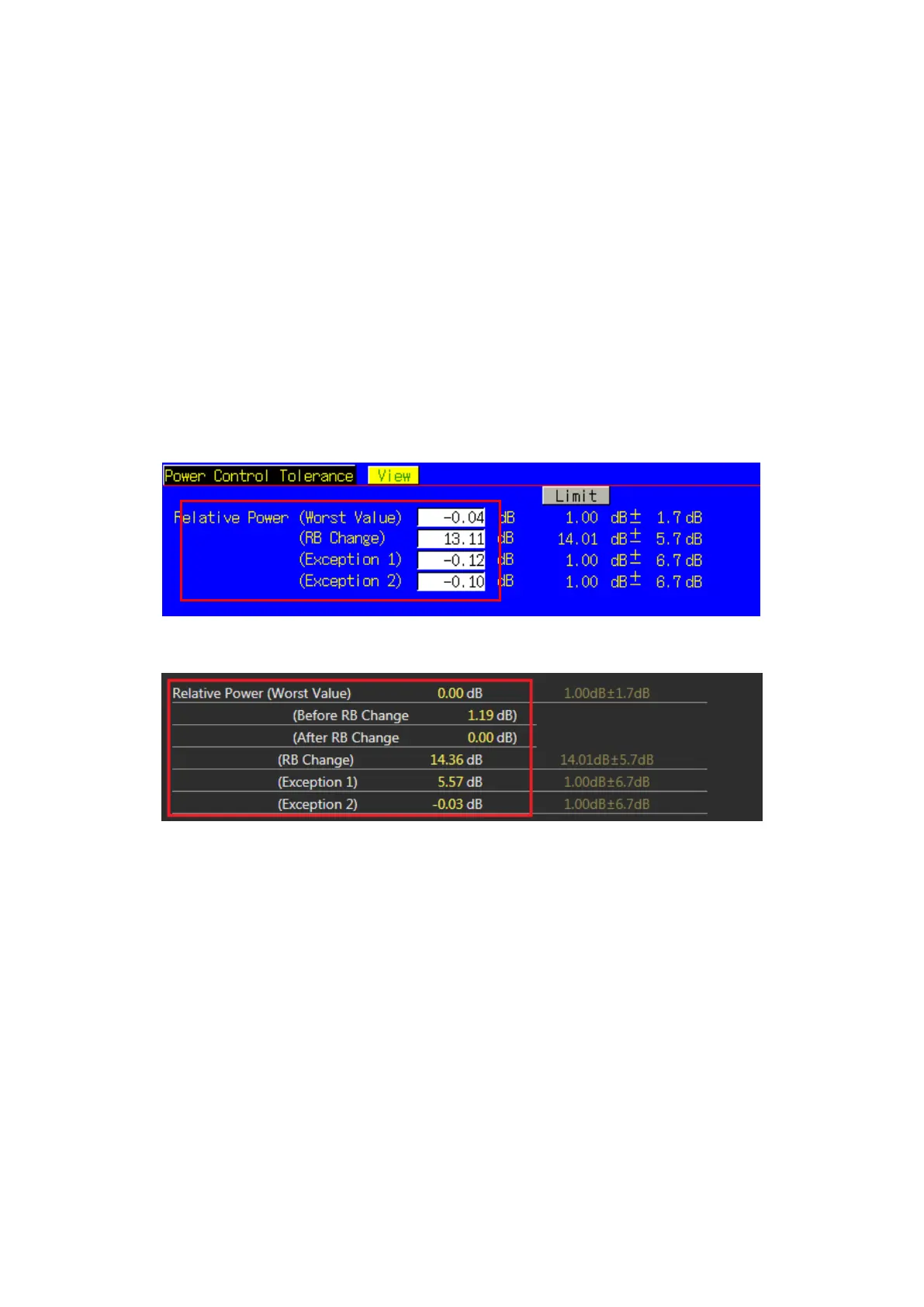
2. Execute SWP to measure Power Control Tolerance (Relative Power).
3. Execute PCTPWR? to read the Relative Power (dB) measurement result.
4. Execute PCTPASS? to check that the Relative Power measurement Pass/Fail judgment is Pass.
5. Execute TESTPRM TX_PCTREL_UP_B to set Test Parameter to TX3 - Relative Power (Ramping UP B).
6. Execute steps 2 to 4.
7. Execute TESTPRM TX_PCTREL_UP_C to set Test Parameter to TX3 - Relative Power (Ramping UP C).
8. Execute steps 2 to 4.
9. Execute TESTPRM TX_PCTREL_DOWN_A to set Test Parameter to TX3 - Relative Power (Ramping Down A).
10. Execute steps 2 to 4.
11. Execute TESTPRM TX_PCTREL_DOWN_B to set Test Parameter to TX3 - Relative Power (Ramping Down B).
12. Execute steps 2 to 4.
13. Execute TESTPRM TX_PCTREL_DOWN_C to set Test Parameter to TX3 - Relative Power (Ramping Down C).
14. Execute steps 2 to 4.
15. Execute TESTPRM TX_PCTREL_ALT to set Test Parameter to TX3 - Relative Power (Alternating).
16. Execute steps 2 to 4.
Figure 3.1.13-1 Example of Measurement Result when Test Parameter is TX3 - Relative Power (Ramping UP A)
(MT8820C)
Figure 3.1.13-2 Example of Measurement Result when Test Parameter is TX3 - Relative Power (Ramping UP A)
(MT8821C)














 To Next Page