196
IP Data Transfer Test with Connected DRX 5.1.7.
This chapter explains how to verify IP Data Transfer with Connected DRX. The connection diagram and setting of
Server/Client PCs are the same as chapter 5.1.
5.1.7.1. Initial Condition Setting
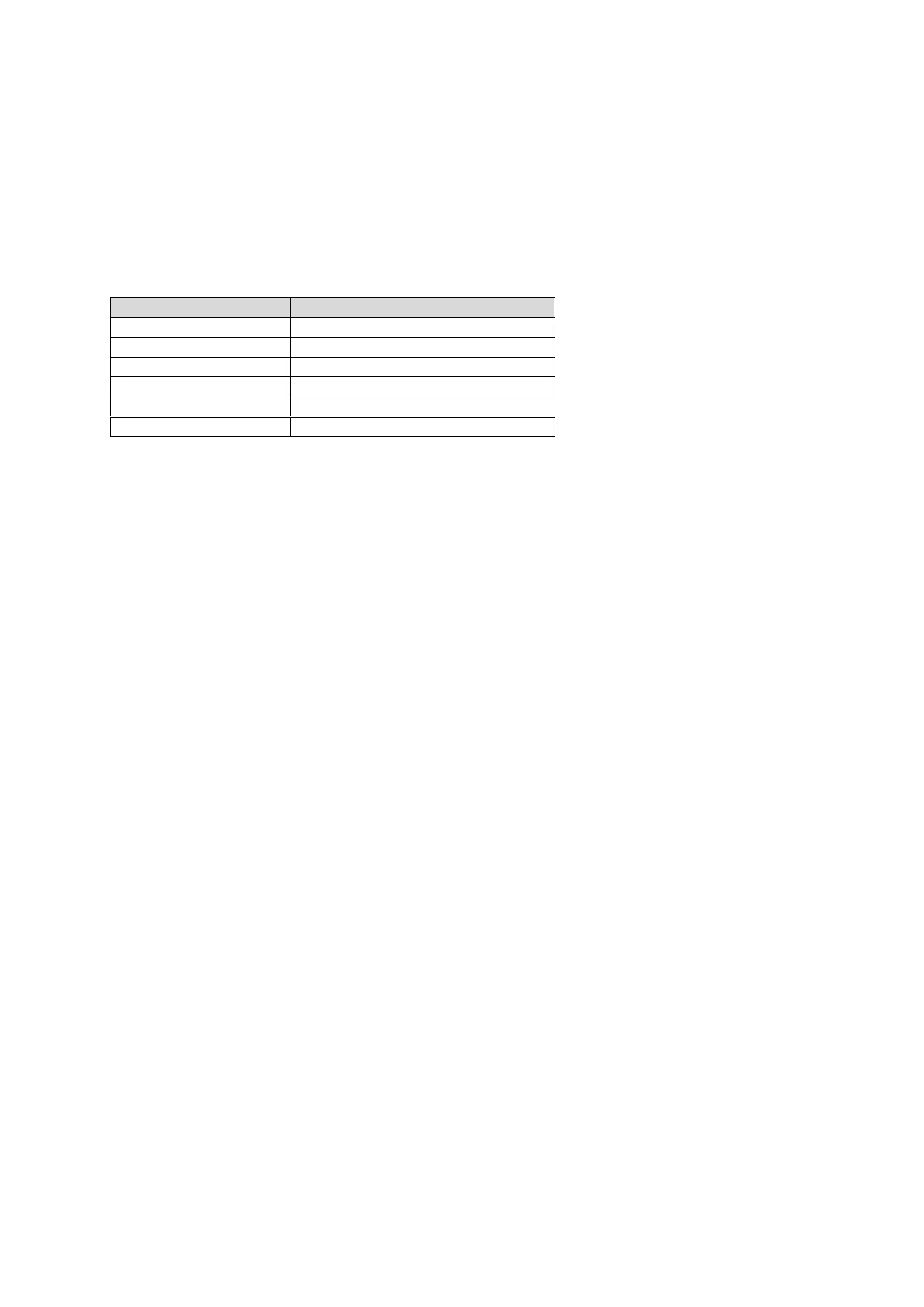
This example uses following parameters.
[Example of test condition]
[Procedure]
1. Perform Initial Condition setting. (5.1.4)
2. Execute DRXCYCLE SF320 to set Call Processing Parameter – DRX - longDRX-Cycle to SF320.
3. Execute DRXSTART 0 to set Call Processing Parameter – DRX - drxStartOffset to 0.
4. Execute DRXONDURATION ON to set Call Processing Parameter – DRX - onDurationTimer to PSF20.
5. Execute DRXINACTIVITY PSF100 to set Call Processing Parameter – DRX - Drx-InactivityTimer to PSF100.
6. Execute DRXRETRANS PSF16 to set Call Processing Parameter – DRX - Drx-RetransmissionTimer to PSF16.
7. Execute SDRXCYCLE to set Call Processing Parameter – DRX - shortDRX-Cycle to OFF.
8. Execute SCHEDULING SRBSR to set Call Processing Parameter - Scheduling Type to Dynamic (SR/BSR).
5.1.7.2. Location Registration and Packet Connection
Refer to chapter 5.1.5.
After transitioning to the Connected state the UE enters the Connected DRX mode.
5.1.7.3. IP Data Transfer Test
Refer to chapter 5.1.6.
5.1.7.4. Reconfigure Connected DRX parameters
To reconfigure Connected DRX parameters, re-connect after changing parameters related to Connected DRX.
Example:
Changing longDRX-Cycle from SF320 to SF512.
[Procedure]
1. Execute CALLSO to ensure the call processing status is “Idle (Regist)“.
2. Execute CALLSTAT? to confirm the call processing status is 2 or 1 (= Idle (Regist) or Idle).
3. Execute DRXCYCLE SF512 to set longDRX-Cycle to SF512.
4. Execute CALLSA to ensure the call processing status is “Connected“.
5. Execute CALLSTAT? to confirm the call processing status is 6 (= Connected).
After transitioning to the Connected state the UE enters the Connected DRX mode.














 To Next Page