256
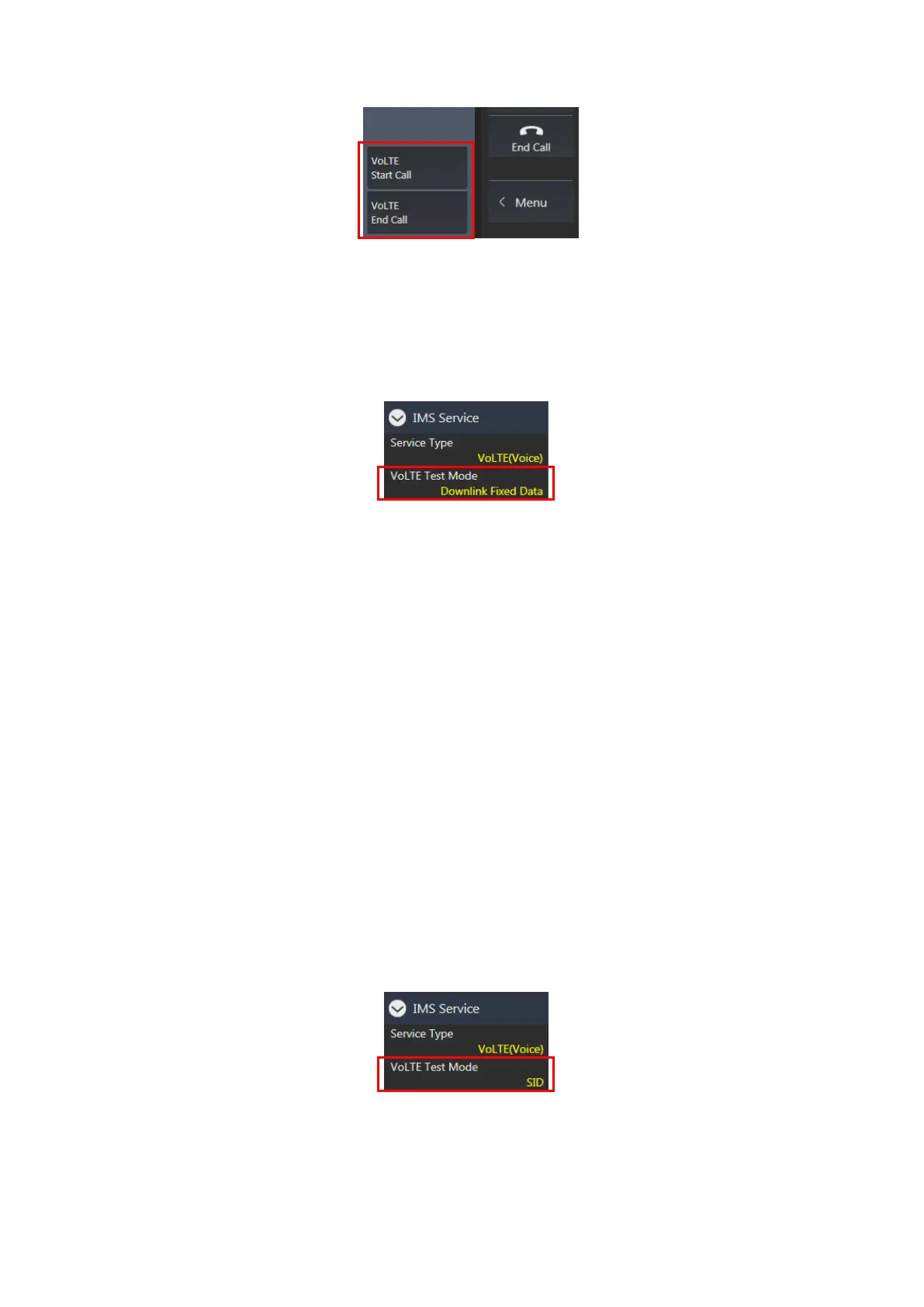
Figure 7.1.5-2 VoLTE Start Call and VoLTE End Call Key at Signaling Screen (MT8821C)
Downlink Fixed Data Test 7.1.6.
After IMS Registration, perform VoLTE Echoback on the packet connection.
1. Set VoLTE Test Mode to Downlink Fixed Data.
Figure 7.1.6-1 VoLTE Test Mode Setting at Call Processing Parameter Screen (MT8821C)
2. Wait for IMS Registration to be completed in 7.1.4.
3. Make a voice call to a random phone number from the UE.
NOTE 1: The MT8821C does not support emergency call numbers like 911, 110, 119 etc.
4. The MT8821C IMS status changes from IMS IdleIMS CallingIMS Connected.
5. Whether talking or not into the microphone, a tone signal can be heard from the UE speaker.
6. End the call from the UE. (Or press VoLTE End Call in the lower-right corner of the MT8821C Signaling
screen.)
7. The MT8821C IMS status changes from IMS ConnectedIMS Idle.
8. Press VoLTE Start Call in the lower-right corner of the MT8821C Signaling screen.
9. The MT8821C IMS status changes from IMS IdleIMS Ringing, then after answering the phone, the status
changes from IMS RingingIMS Connected.
10. Whether talking or not into the microphone, a tone signal can be heard from the UE speaker.
11. Press VoLTE End Call in the lower-right corner of the MT8821C Signaling screen. (Or end the call from the
UE.)
12. The MT8821C IMS status changes from IMS ConnectedIMS Idle.
NOTE 2: When the call processing status has returned to Idle due to unexpected call disconnection (e.g.
End Call key press or Call drop from UE), please press the [VoLTE End Call] key twice to return the
IMS status to Off. Then, please restart the UE.
Downlink SID Data Test 7.1.7.
After IMS Registration, perform VoLTE Echoback on the packet connection.
1. Set VoLTE Test Mode to SID.
Figure 7.1.7-1 VoLTE Test Mode Setting at Call Processing Parameter Screen (MT8821C)
2. Wait for IMS Registration to be completed in 7.1.4.
3. Make a voice call to a random phone number from the UE.
NOTE 1: The MT8821C does not support emergency call numbers like 911, 110, 119 etc.
4. The MT8821C IMS status changes from IMS IdleIMS CallingIMS Connected.














 To Next Page