174
NOTES:
There is no need to connect the server PC and MT8820C with a router when testing IP data transfer
using IPv6. Connect the server PC and MT8820C as shown above.
The IPv6 address is assigned automatically to the UE in use. A UE not supporting automatic IPv6
address assignment uses the IP address set at IPv6Client IP Address of the MT8820C.
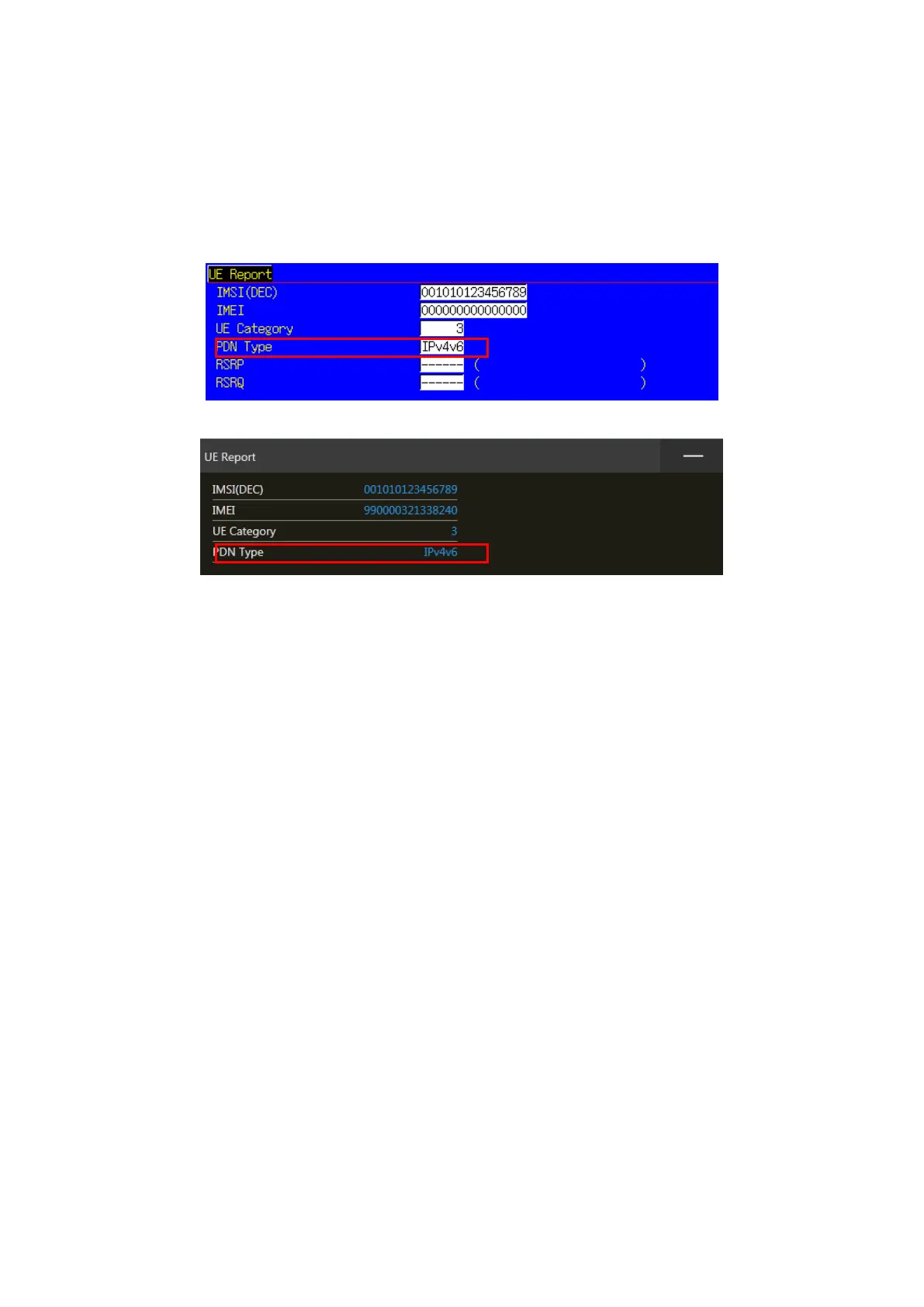
Check that the UE supports IPv6 before testing IP data transfer using IPv6. Connect the UE and
MT8820C to check the PDN Type on the UE Report screen. The UE supports IPv6 when either IPv4v6
or IPv6 is displayed in PDN Type on the UE Report screen.
Figure 5.1.1-5 UE Report Screen (MT8820C)
Figure 5.1.1-6 UE Report Screen (MT8821C)














 To Next Page