254
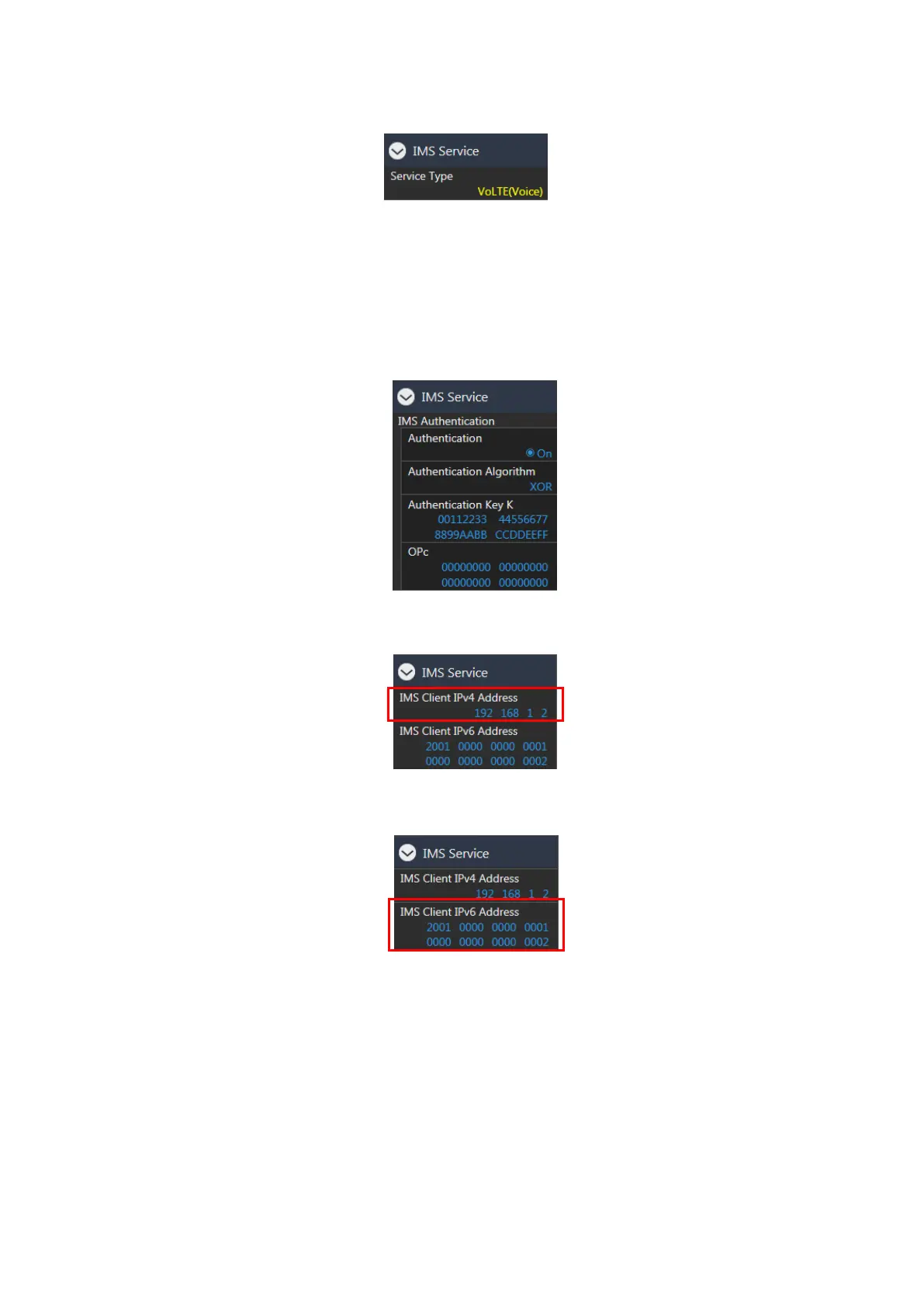
6. Set Service Type to VoLTE (Voice).
Figure 7.1.3-6 Service Type Setting at Call Processing Parameter Screen (MT8821C)
7. Set IMS Authentication to match the IMS Authentication Parameter with the SIM in use.
NOTE: For cases where the Call Processing Parameter - Authentication/Integrity - SIM Model Number
is set to a value other than [User], the IMS Authentication Authentication Algorithm,
Authentication Key K, and OPc will be set automatically. However, these parameters must be
set manually for the SIM Model Number set to User, or when each Call Processing Parameter -
Authentication/Integrity setting does not match the required setting.
Figure 7.1.3-7 IMS Authenticaton at Call Processing Parameter Screen (MT8821C)
8. Set IMS Client IPv4 Address to 192.168.1.2.
Figure 7.1.3-8 IMS Client IPv4 Address Setting at Call Processing Parameter Screen (MT8821C)
9. Set IMS Client IPv6 Address to 2001:0000:0000:0001:0000:0000:0000:0002.
Figure 7.1.3-9 IMS Client IPv6 Address Setting at Call Processing Parameter Screen (MT8821C)














 To Next Page