Ontario Drive & Gear Limited www.odg.com
PH.(519)- 662-2840 FAX (519)- 662-2421
Transmission Argo Service Manual
TR-54
78. Install the Dipstick and check oil level.
TR-213
76. Place the transmission on the bench and perform a final shift through all gears.
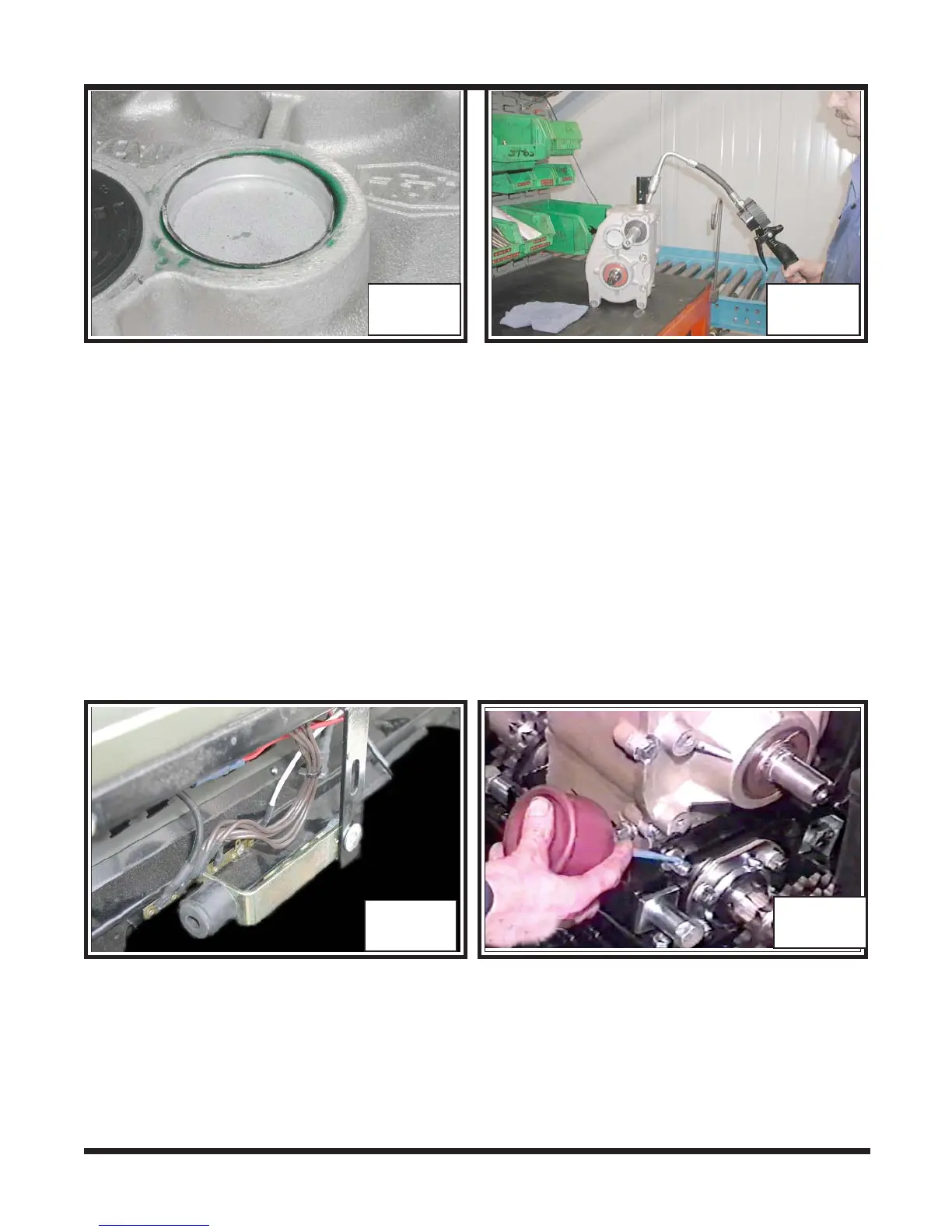
77. Fill with .805 Litres of 80/90 Gear Oil. Photo TR-213
TR-212
Installing the Transmission
1. Locate the dash support and move it 90 degrees so that it will not interfere when
installing the transmission back into the vehicle. Photo TR-214
TR-214
TR-215
2. Place the transmisson back into the power pack frame of the vehicle and install both
mounting bolts. Apply blue 242 LOCTITE to the threads of the bolts and secure
with a lockwasher and nut. Torque to specifications. Photo TR-215
3. Next install the driven clutch guard. Apply blue 242 LOCTITE to the 2 mounting
bolts and secure tightly. Torque to specifications. Photo TR-216
4. Reposition the dash support back down to the top of the transmission and
tighten. Photo TR-217



 To Next Page