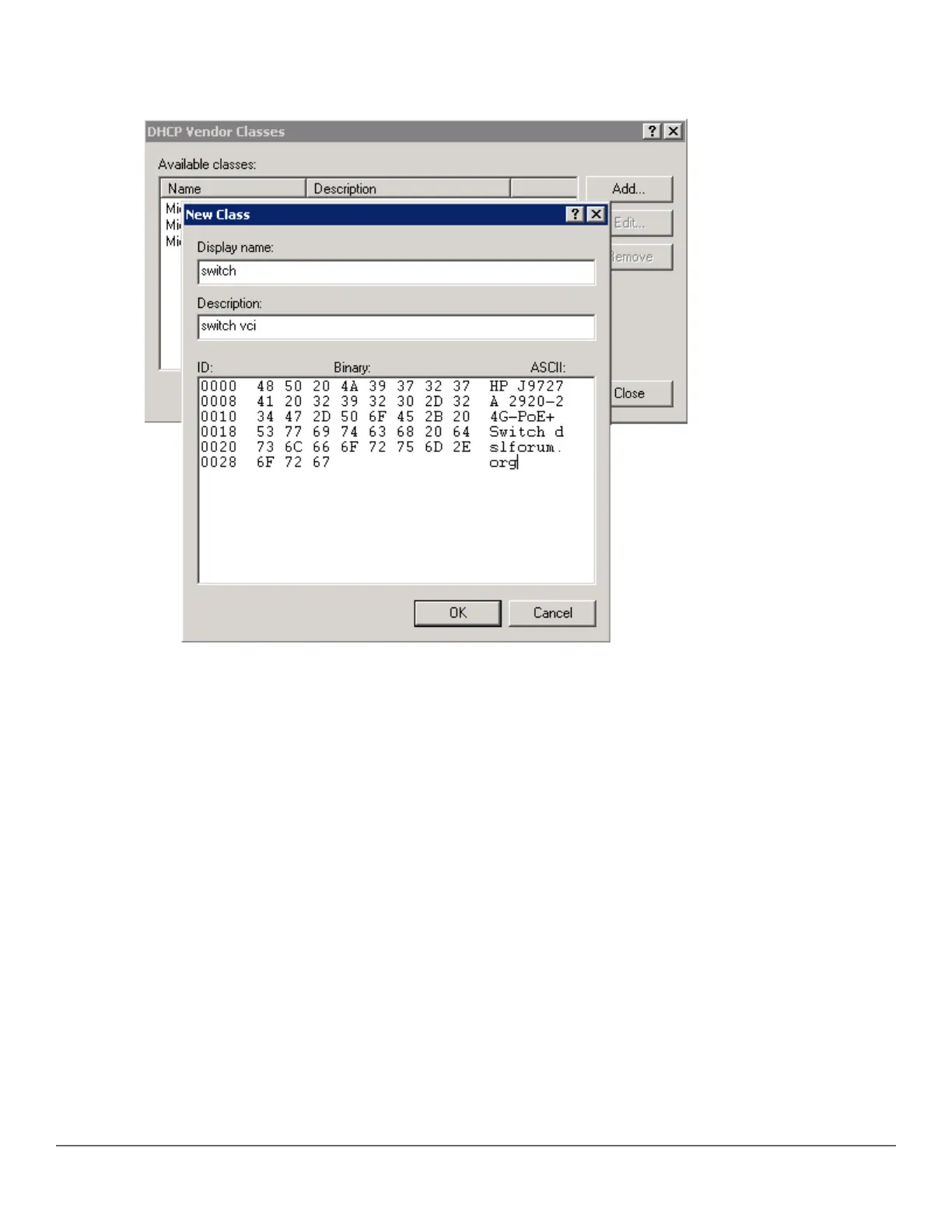
7. From the New Class window, enter the desired Display name (any) and the Description (any). For the
ASCII field, enter the exact value that you got by executing the show command performed in the previous
step. In this example, Hewlett Packard Enterprise J9729A 2920-24G-PoE+ Switch dslforum.org.
8. Click OK.
9. Right-click IPv4 and select Set Predefined Options....
Chapter 10 Zero Touch Provisioning with AirWave and Central 231














 To Next Page