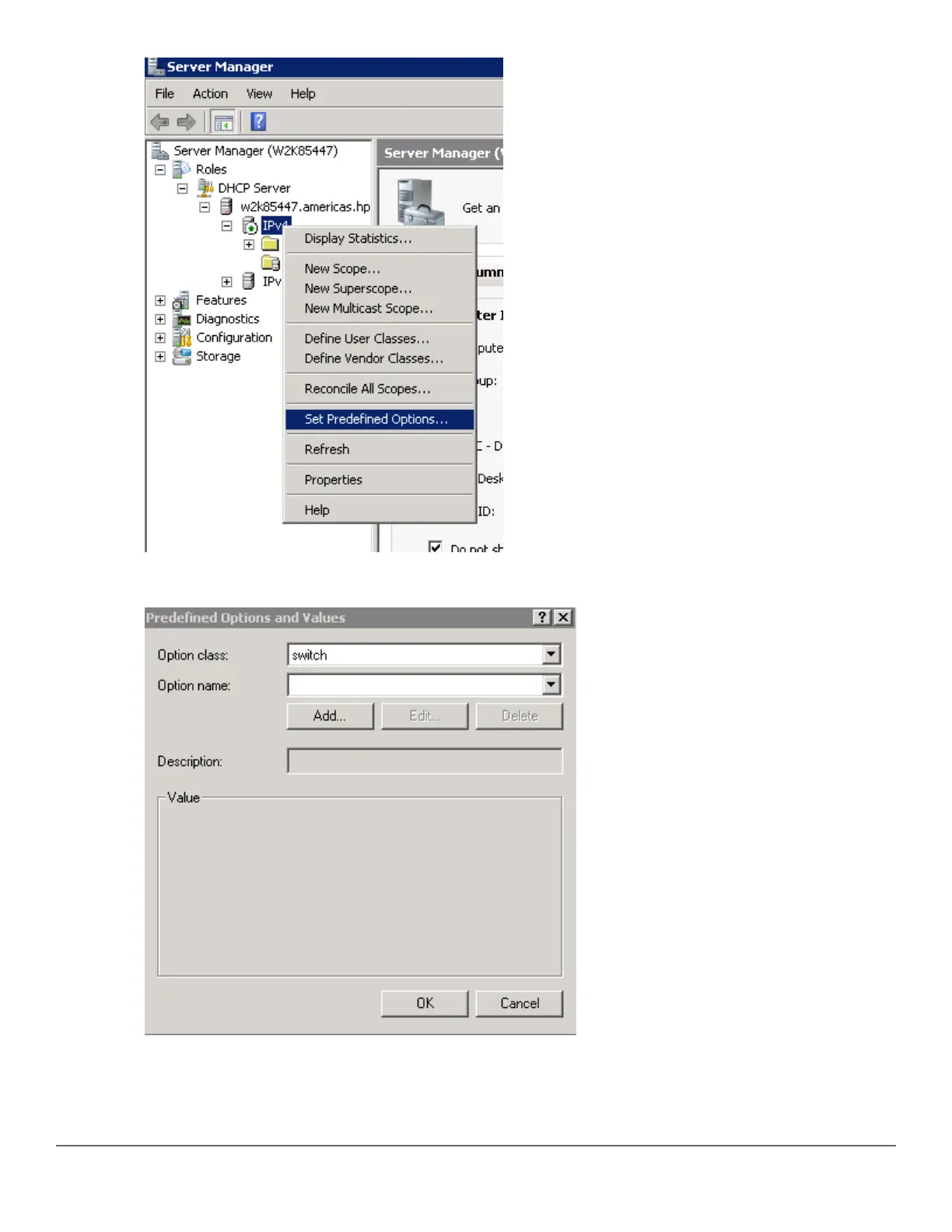
10. From the Predefined Options and Values window, select Option class. The Option Class displayed is the
one that you configured under DHCP Vendor Class. In this example, the Option Class is switch.
11. Click Add....
12. From the Option Type window, enter the desired Class (any), the Data type (select string), the Code (enter
146), and the Description (any).
232 Aruba 2530 Management and Configuration Guide for
ArubaOS-Switch 16.05














 To Next Page