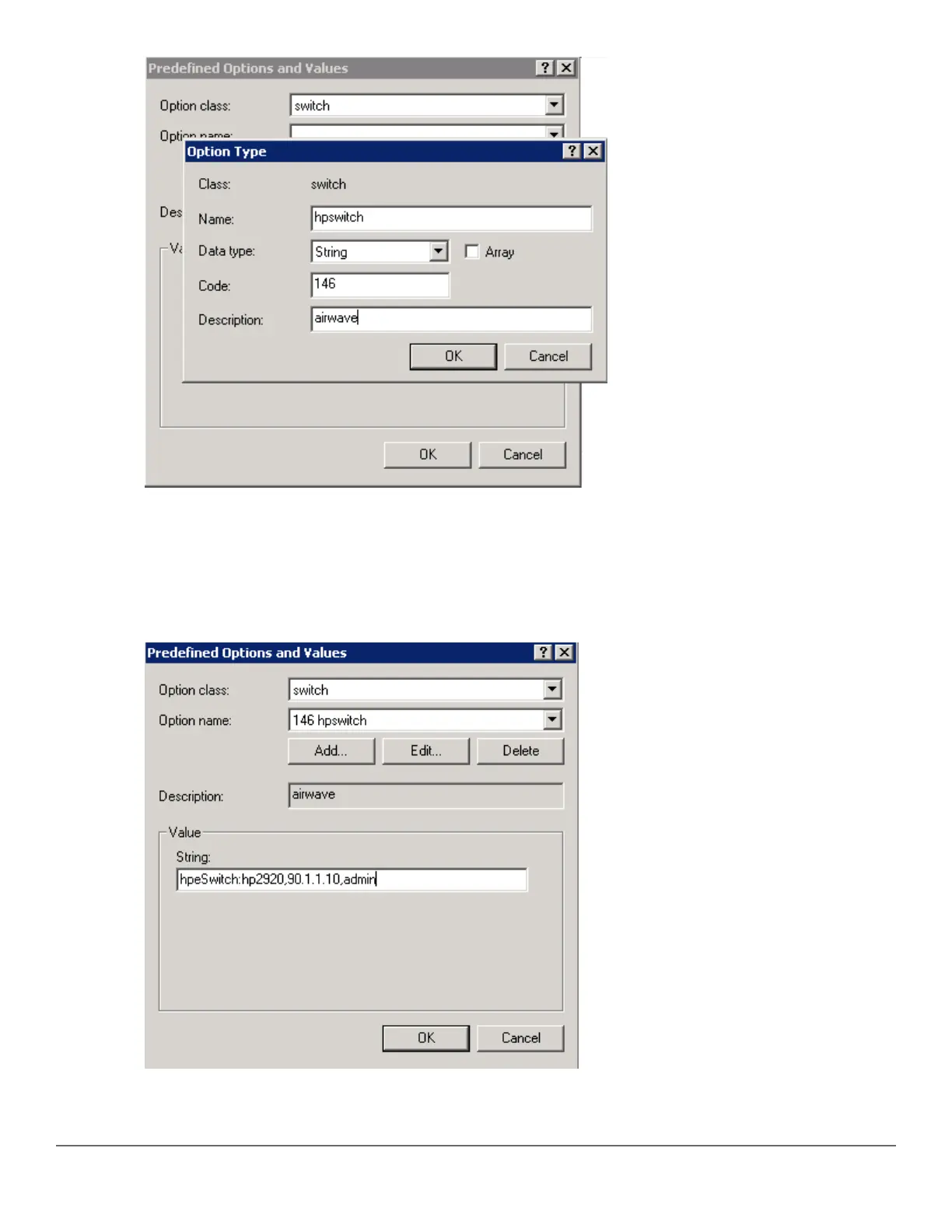
13. Click OK.
14. Under the Predefined Options and Values window, enter the Value String. In this example, we enter
hpeSwitch:hp2920,90.1.1.10, admin. The String has the following format: <Group>:<Topfolder>,<AMP
IP>,<shared secret>
15. To add sub-folders, use the following format:<Group>:<Topfolder>:<folder1>,<AMP IP>,<shared
secret>
16. Click OK.
Chapter 10 Zero Touch Provisioning with AirWave and Central 233














 To Next Page