Mode Speed and Duplex Settings
MDIX Sets the port to connect with a PC using a straight-through cable (Manual mode—applies only to
copper port switches using twisted-pair copper Ethernet cables).
Auto-10 Allows the port to negotiate between half-duplex (HDx) and full-duplex (FDx) while keeping
speed at 10Mbps. Also negotiates flow control (enabled or disabled). Hewlett Packard
Enterprise recommends Auto-10 for links between 10/100 auto-sensing ports connected with
Cat 3 cabling. (Cat 5 cabling is required for 100 Mbps links.)
Auto-100 Uses 100 Mbps and negotiates with the port at the other end of the link for other port operation
features.
Auto-10-100 Allows the port to establish a link with the port at the other end at either 10 Mbps or 100 Mbps,
using the highest mutual speed and duplex mode available. Only these speeds are allowed with
this setting.
Auto-1000 Uses 1000 Mbps and negotiates with the port at the other end of the link for other port operation
features.
10HDx Uses 10 Mbps, Half-Duplex
100HDx Uses 100 Mbps, Half-Duplex
10FDX Uses 10 Mbps, Full-Duplex
100FDx Uses 100 Mbps, Full-Duplex
1000FDx Uses 1000 Mbps, Full-Duplex
10 GbE FDx Uses 10 Gigabits/sec Full-Duplex
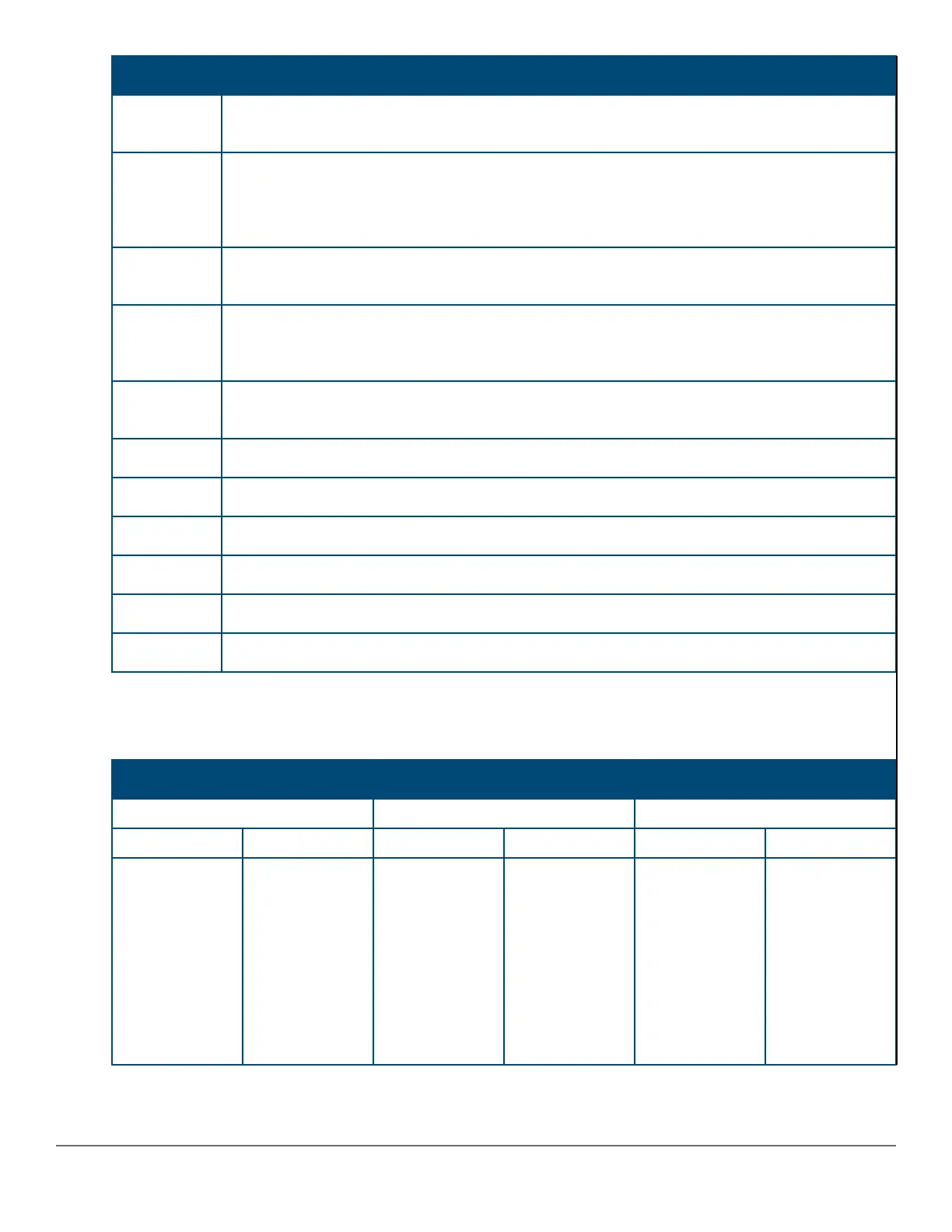
The next two tables display the protocols and modes supported for copper ports and fiber optic ports, respectively.
Table 4: Protocols and modes supported for copper ports
10/100 Mbps Gigabit 10 Gigabit
10/100 TX 10/100/1000-T 10GBASE-CX4
Modes Settings Modes Settings Modes Settings
Auto
10HDx
100HDx
10FDx
100FDx
100FDx
10HDx
100HDx
10FDx
100FDX
Auto
Auto-10
Auto-100
Auto-10-100
Auto-1000
10HDx
100HDX
1000FDx
10HDx
100FDx
100FDx
1000FDx
10HDx
100HDx
Auto 10 Gigabit FDx
Chapter 3 Port Status and Configuration 57














 To Next Page