Chapter 7: Maintenance
7/6
Operators & Maintenance Manual GENIUS Compact Version UK 0.1 © BESTnv
BESTnv Industrial Research BV, Marinus van Meelweg 20, 5657 EN, EINDHOVEN, THE NETHERLANDS
General tel. +31 (40) 292 2622 - Service tel. +31 (40) 292 2620 - Fax. +31 (40) 292 2633 - Email: service.BESTnv@bestnv.com
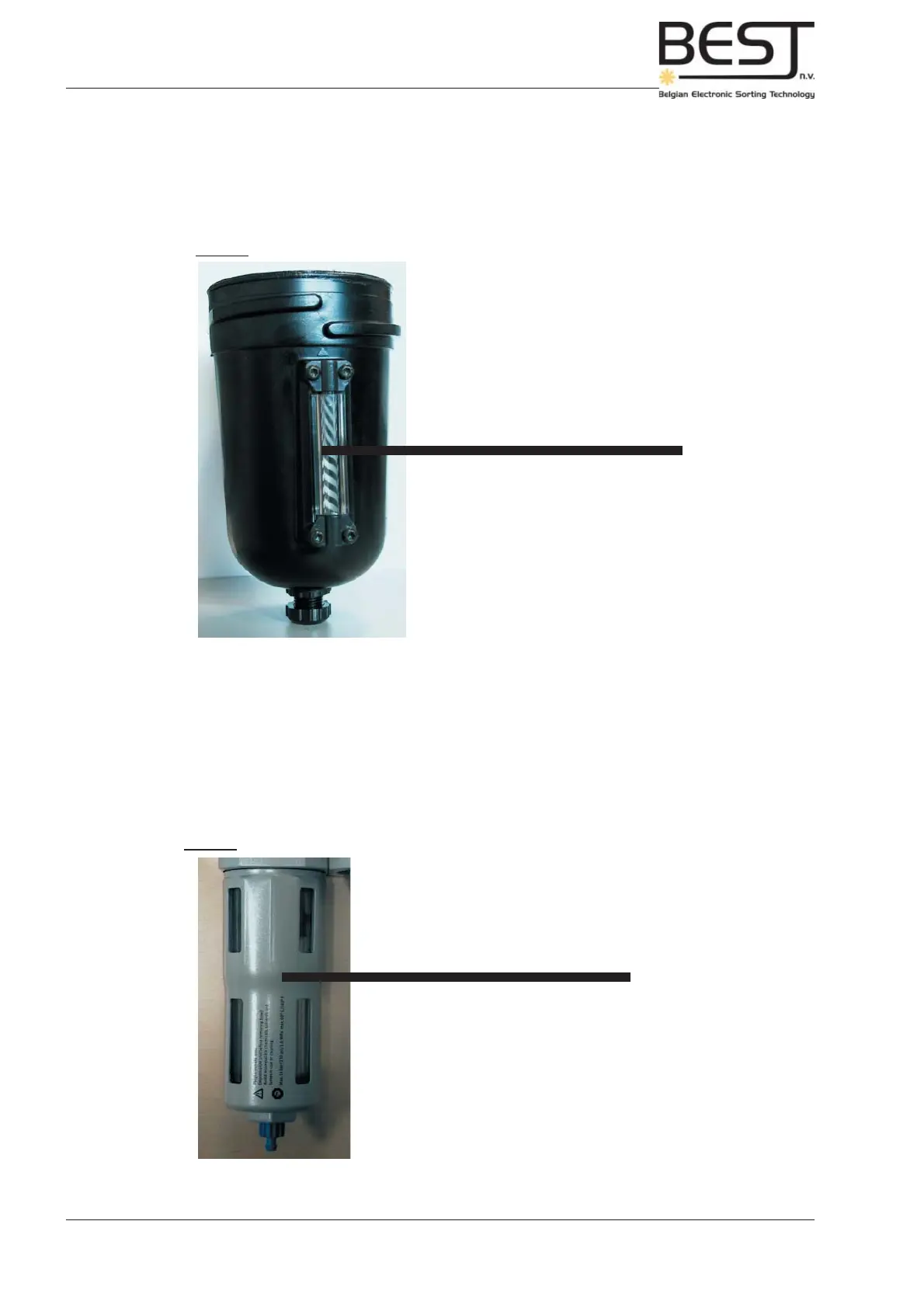
Picture: Water Level Indicator for Main Compressed Air Regulator/Filter
Picture: Water Level Indicator for Auxiliary Compressed Air Regulator/Filter
Good water drainage
Automatic
Bad water drainage
=> Blockages
=> Manually drain water
Ok
Manually drain water
Below you can see that the water level in the drainage system is indicated on the side of the Air fi lter. If
a sizeable amount of water has accumulated, water level indicator at +/- half full, screw open the water
drain at the bottom end of the air fi lter and drain all the water.
Periodically check the system for clogs and blockages.
Manual water drain (9) (optional)
Below you can see that the water level in the auxiliary water drainage system can be checked by looking
through the see-trough parts of the fi lter bowl. If a sizeable amount of water has accumulated, water level
+/- 10 mm underneath fi lter (fi lter is white part inside fi lter bowl), screw open the bleeding screw at the
bottom end of the air fi lter and drain all the water.
Periodically check the system for clogs and blockages.



 To Next Page