9/25
Chapter 9: The Touchscreen program
Operators & Maintenance Manual GENIUS Compact Version UK 0.1 © BESTnv
BESTnv Industrial Research BV, Marinus van Meelweg 20, 5657 EN, EINDHOVEN, THE NETHERLANDS
General tel. +31 (40) 292 2622 - Service tel. +31 (40) 292 2620 - Fax. +31 (40) 292 2633 - Email: service.BESTnv@bestnv.com
9.5. Rejection Menu
This menu and its submenus contain all options and functions having to do with the actual rejection of
detected defects.
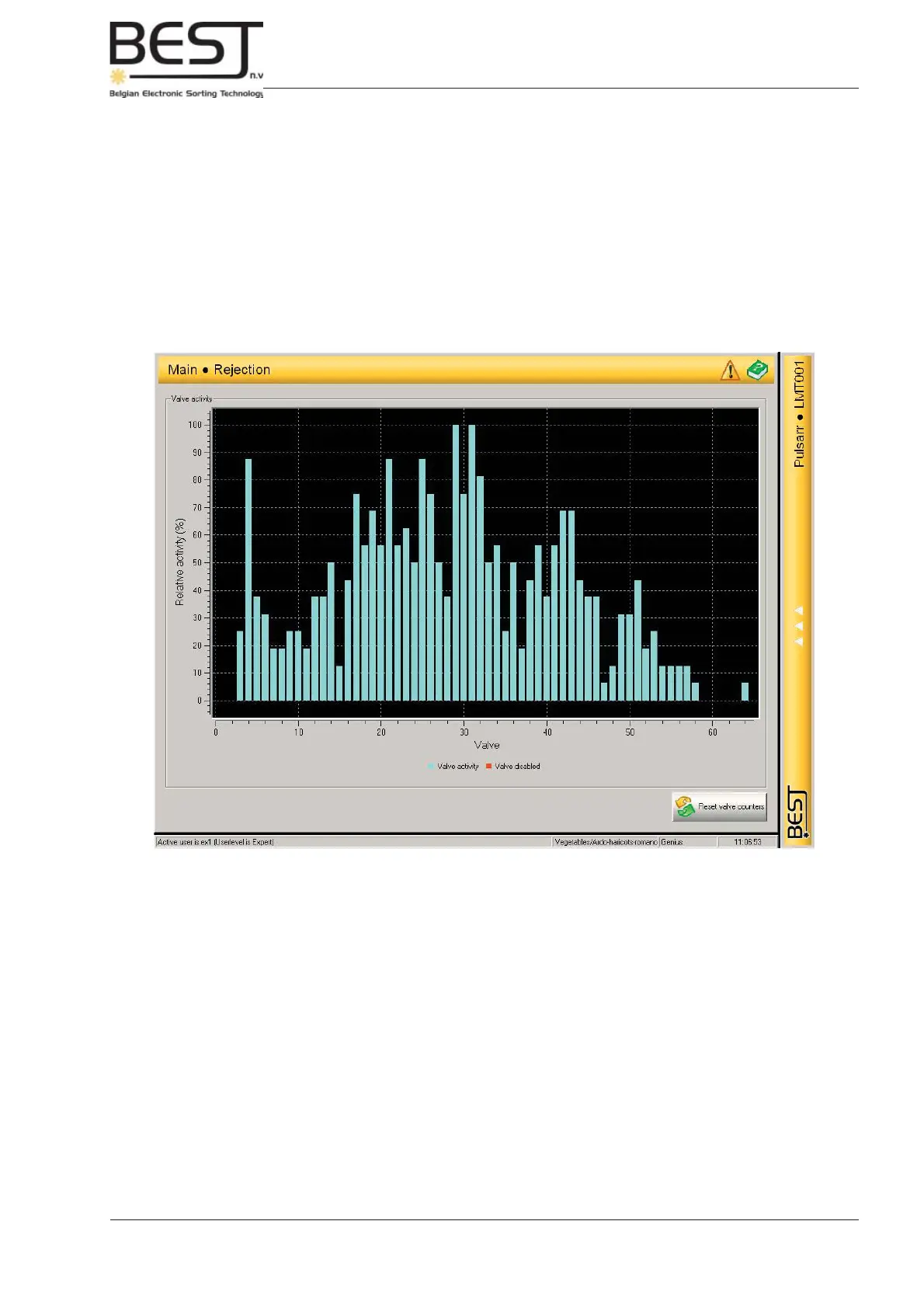
The Rejection menu itself displays a graph that shows the relative activity of all the valves.
In optimum sorting circumstances this graph should show that all valves are +/- equally active (all columns
should be +/- equally high). If one valve or a particular group of valves are clearly more or less active, or
one side of the screen shows clearly more activity than the other, something is wrong.



 To Next Page