Chapter 9: The Touchscreen program
9/16
Operators & Maintenance Manual GENIUS Compact Version UK 0.1 © BESTnv
BESTnv Industrial Research BV, Marinus van Meelweg 20, 5657 EN, EINDHOVEN, THE NETHERLANDS
General tel. +31 (40) 292 2622 - Service tel. +31 (40) 292 2620 - Fax. +31 (40) 292 2633 - Email: service.BESTnv@bestnv.com
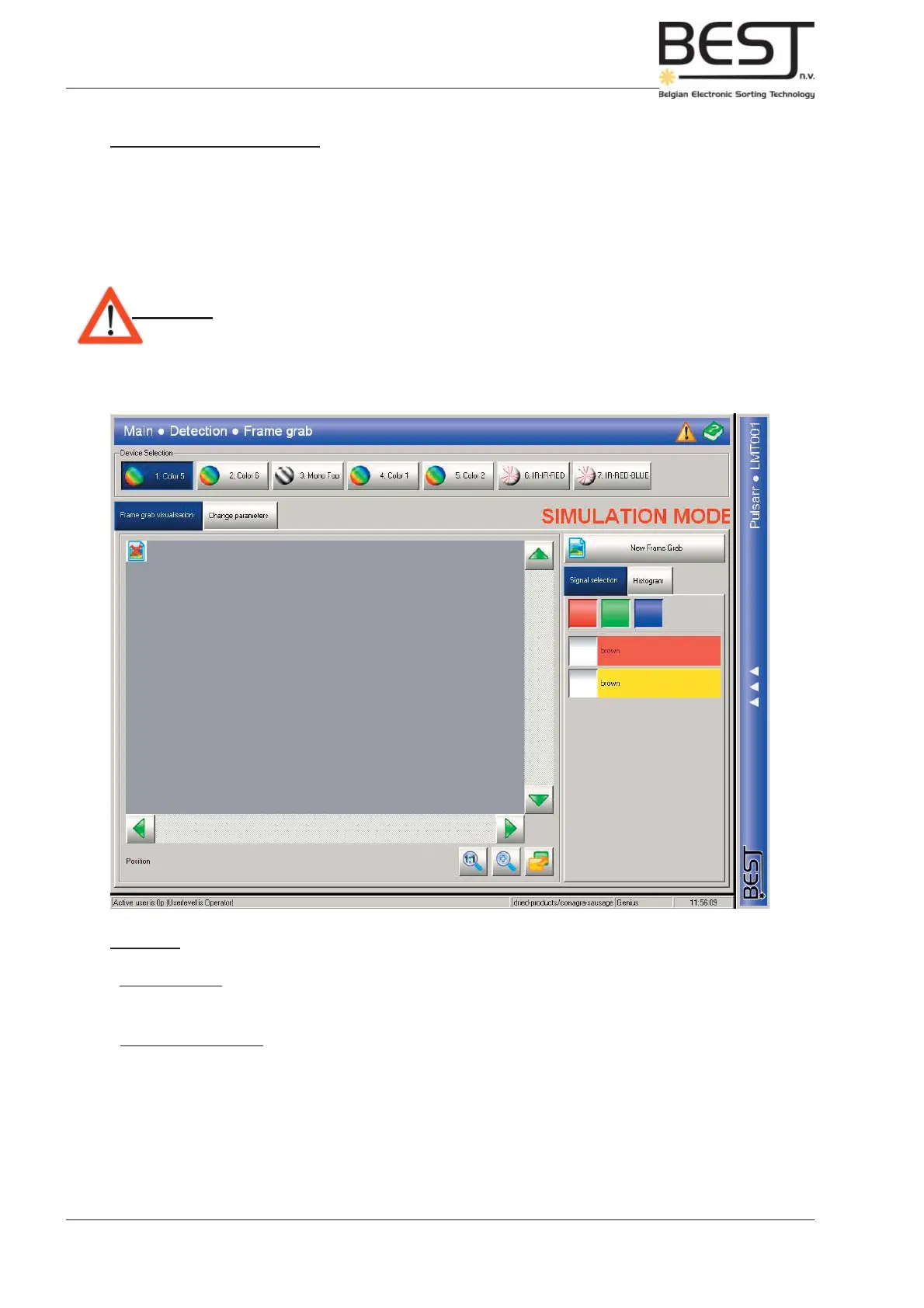
9.4.2. Frame Grab Menu
This submenu contains all settings and functions concerning the taking of Frame Grabs and the adjustment
of existing thresholds and fi lters for the different devices (camera/laser) in function of the Frame Grab
results.
For more info on the exact procedure to follow when using this menu to take a Frame Grab and adjust
the thresholds, please check chapter 5 : Routine operation procedures.
Attention! - Simulation Mode = Any changes made in this menu will have no immediate
effects on the sorting process, even if the device and the threshold are
activated.
- To use any changes made in this menu, press the “Use Parameters” button
under the Change Parameters submenu.
Features:
- Device buttons near the top of the screen: To select a particular device, press the appropriate button.
There are 3 different types of devices, Monochrome camera’s, Colour cameras and Lasers.
- 2 Basic Submenus that can be accessed via Tabs underneath the device buttons:
Frame Grab Visualisation: This submenu contains all functions and options having to do
with the actual taking and using of Frame Grab images.
Change Parameters: This submenu contains all functions and options to adjust existing
Thresholds and Filters in function of the Frame Grabs taken.



 To Next Page