Chapter 4: Operating the GENIUS Compact
4/12
Operators & Maintenance Manual GENIUS Compact Version UK 0.1 © BESTnv
BESTnv Industrial Research BV, Marinus van Meelweg 20, 5657 EN, EINDHOVEN, THE NETHERLANDS
General tel. +31 (40) 292 2622 - Service tel. +31 (40) 292 2620 - Fax. +31 (40) 292 2633 - Email: service.BESTnv@bestnv.com
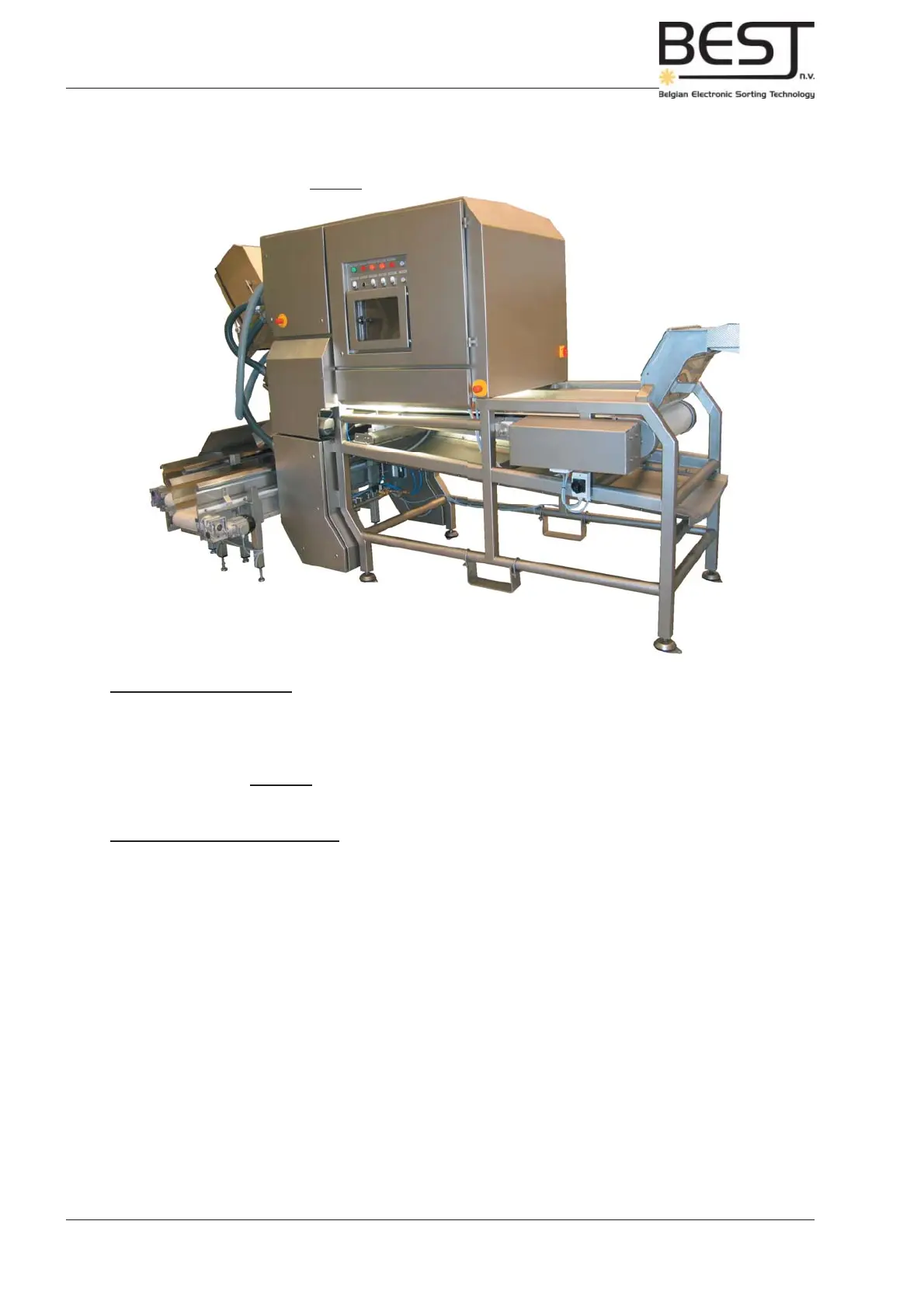
Picture: Main Power, Emergency Stop
B
A
B
4.4. Main Power Switch & Emergency stop
A. MAIN POWER Switch:
The Main Power Switch is located on the rear of the GENIUS Compact sorter unit near the right
corner.
This switch controls all power to the sorter and the machinery it controls.
B. EMERGENCY STOP Button:
(Red button surrounded by a big yellow circle)
A number of these buttons can be found all over the sorter unit, they should only be pushed in case of
an emergency. All electrical power to the lighting and the belt of the GENIUS Compact sorter unit, the
infeed shaker and all other machinery that is controlled by the GENIUS Compact will be cut immediately,
the entire sorting process will be stopped if this button is pushed.
To switch the lighting and the moving parts of the machine back on again, pull the emergency stop button
out to release it, and press all the appropriate buttons on the control panel, starting with the Control
Voltage button.



 To Next Page