9/3
Chapter 9: The Touchscreen program
Operators & Maintenance Manual GENIUS Compact Version UK 0.1 © BESTnv
BESTnv Industrial Research BV, Marinus van Meelweg 20, 5657 EN, EINDHOVEN, THE NETHERLANDS
General tel. +31 (40) 292 2622 - Service tel. +31 (40) 292 2620 - Fax. +31 (40) 292 2633 - Email: service.BESTnv@bestnv.com
A
B
C
D
9.1. General info
For all practical purposes the touchscreen display can be used as if it were an ordinary computer,
but operated via a touchscreen instead of a keyboard (if necessary a keyboard contact is available).
Commands are given by simply touching the appropriate parts of the screen, which, together with the
very user-friendly and conveniently arranged structure of the program, makes it very easy to operate,
even for those possessing no computer skills whatsoever.
By means of the POLLUX touchscreen program all necessary commands to the sorter unit, concerning
the sorting electronics, optics and the detection belt can be given.
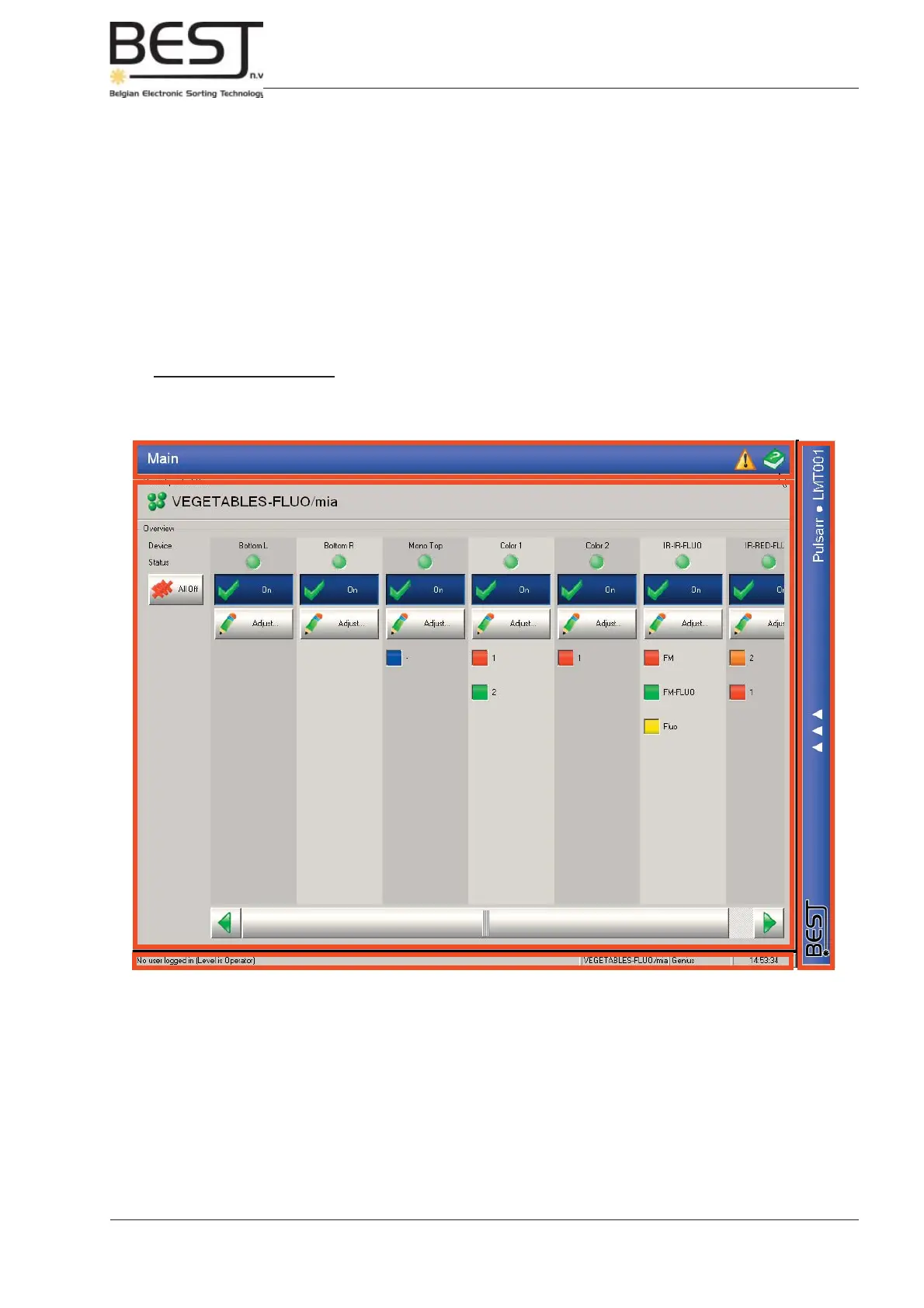
9.1.1. Screen Layout
Every menu consists of Title bar (A), Main Screen (B), Navigation bar (C) and Status line C).



 To Next Page