Chapter 9: The Touchscreen program
9/28
Operators & Maintenance Manual GENIUS Compact Version UK 0.1 © BESTnv
BESTnv Industrial Research BV, Marinus van Meelweg 20, 5657 EN, EINDHOVEN, THE NETHERLANDS
General tel. +31 (40) 292 2622 - Service tel. +31 (40) 292 2620 - Fax. +31 (40) 292 2633 - Email: service.BESTnv@bestnv.com
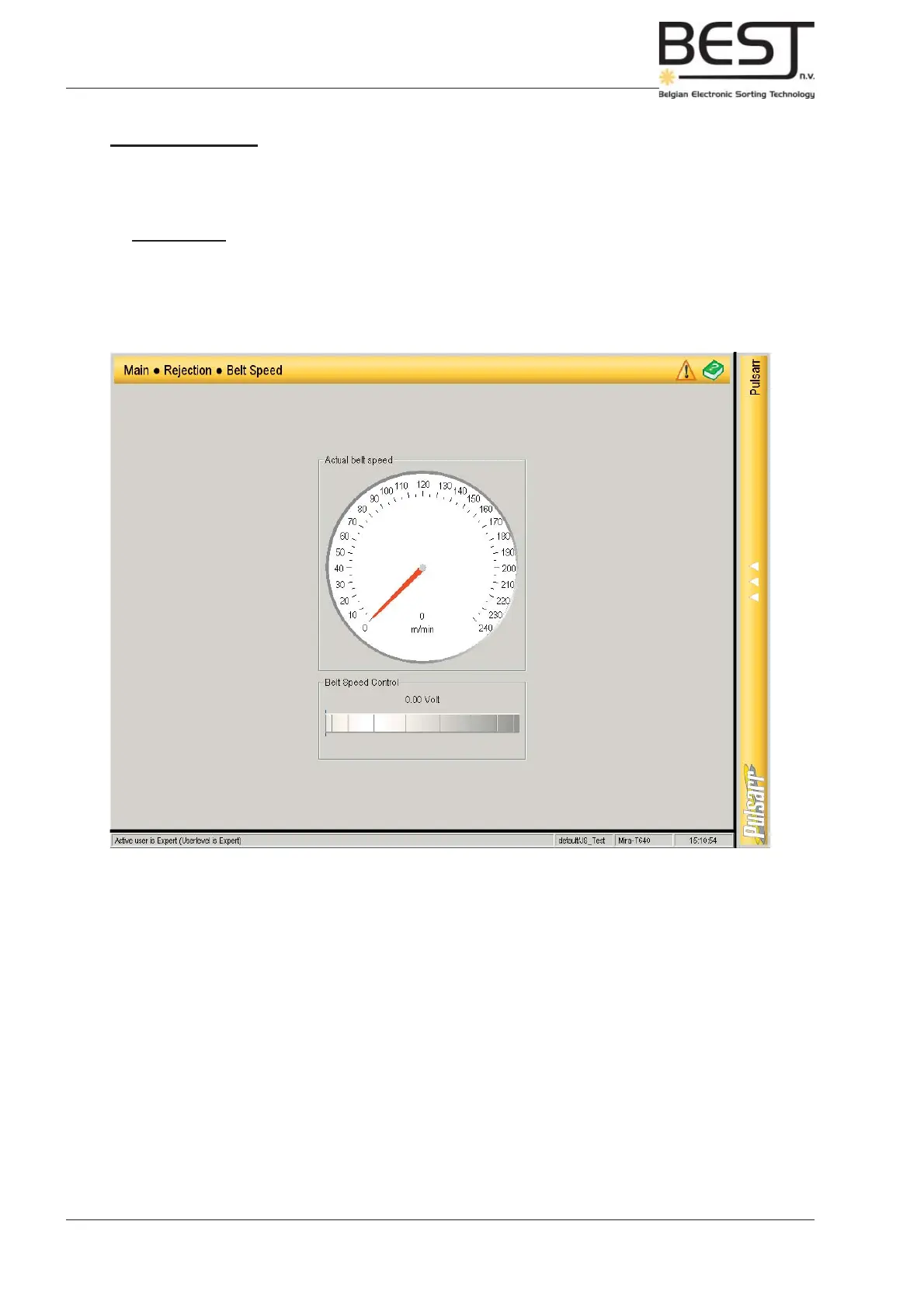
9.5.3. Belt Speed
This submenu contains a meter showing the actual Belt speed and a dial to increase or decrease that
speed.
Remember: - Switch on the belt (press belt button on control panel) to see the actual belt
speed.
- Turn the speed knob to the bottom of the screen to the left (press fi nger on the right and move it to the
left) to lower the speed, and to the right to increase the belt speed.



 To Next Page