Chapter 5: Routine Operational Procedures
5/3
Operators & Maintenance Manual GENIUS Compact Version UK 0.1 © BESTnv
BESTnv Industrial Research BV, Marinus van Meelweg 20, 5657 EN, EINDHOVEN, THE NETHERLANDS
General tel. +31 (40) 292 2622 - Service tel. +31 (40) 292 2620 - Fax. +31 (40) 292 2633 - Email: service.BESTnv@bestnv.com
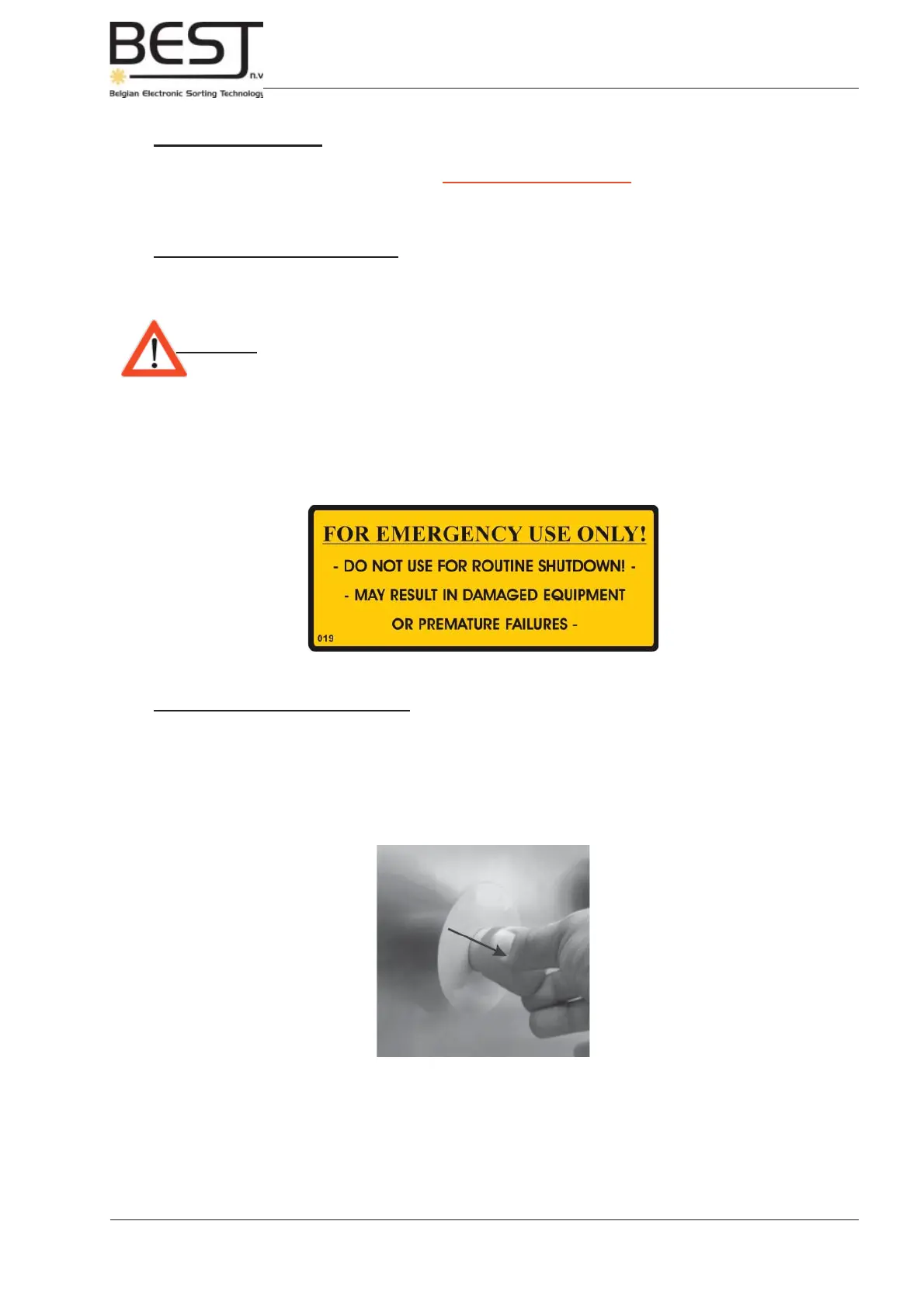
Emergency Stop label
Pull Emergency Stop back
2. Emergency Stop
- Press the yellow /red Emergency button only in case of emergency!!
The control current of the GENIUS Compact sorter unit will be cut. This means all power to the lighting for
the optics, all moving parts and all equipment directly controlled by the sorter will be cut immediately!
Emergency Shutdown Procedure
1. Push any Emergency Button.
Attention: - Do not use the Emergency Stop for routine shutdown!
- Frequent use of the Emergency Stop may result in damaged equipment or
premature failures of certain electrical or electronic components (see
Emergency Stop Label underneath).
2. Switch off all other related machinery if the sorter will remain switched off for a longer time.
Startup after emergency shutdown
1. Pull the RED emergency button back to release it (see picture underneath).
2. Follow steps 3 to 5 of the Complete Startup procedure.



 To Next Page