8/1
Chapter 8: Troubleshooting
Operators & Maintenance Manual GENIUS Compact Version UK 0.1 © BESTnv
BESTnv Industrial Research BV, Marinus van Meelweg 20, 5657 EN, EINDHOVEN, THE NETHERLANDS
General tel. +31 (40) 292 2622 - Service tel. +31 (40) 292 2620 - Fax. +31 (40) 292 2633 - Email: service.BESTnv@bestnv.com
VIII. Troubleshooting
8.1. Introduction
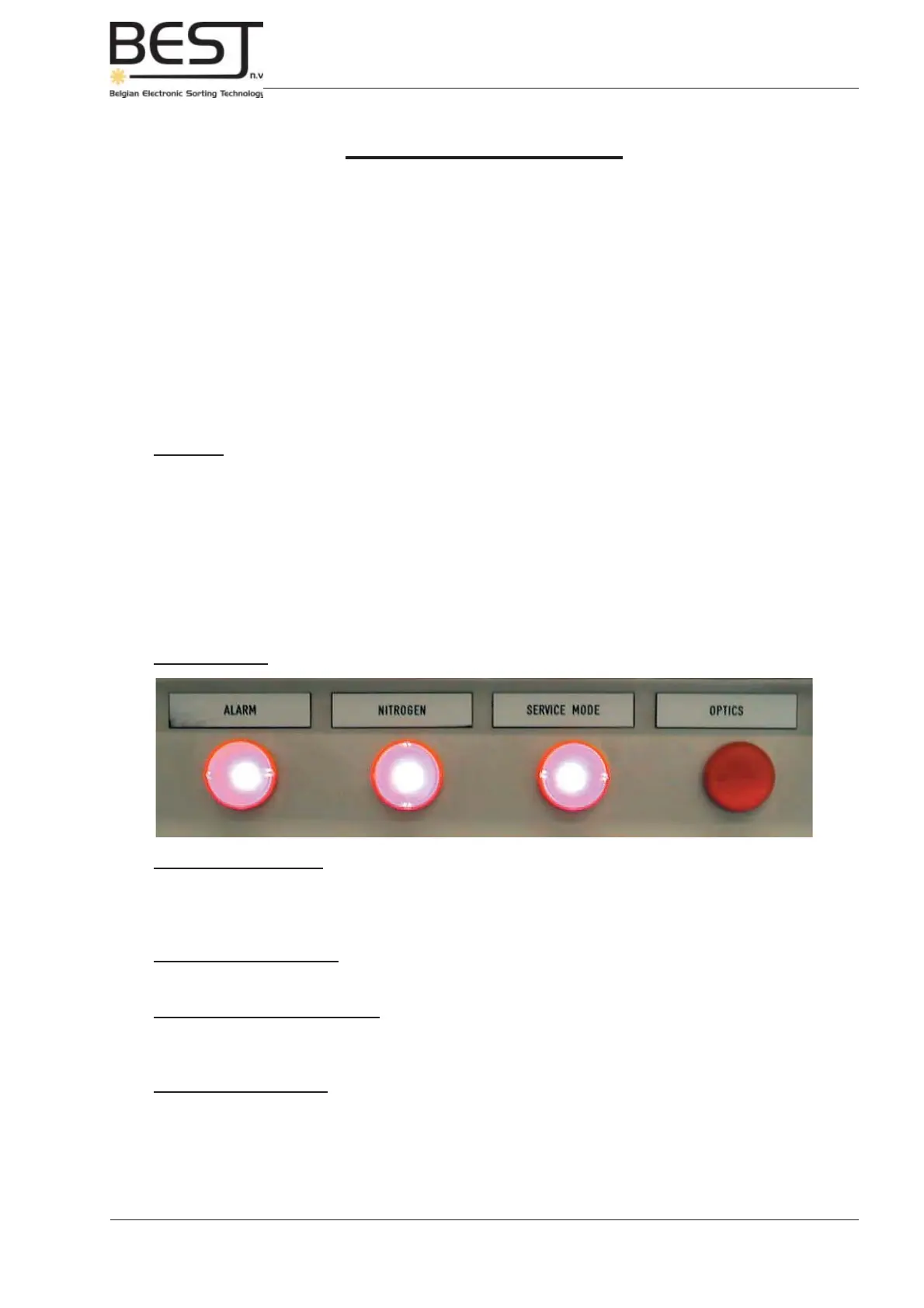
The GENIUS Compact sorter is equipped with a number of alarm lights that indicate possible problems
or errors that may hinder or stop the sorting process.
In the fi rst part of this Troubleshooting chapter a number of basic rules will be given to prevent problems,
and the different alarm lights and their signifi cance will be explained.
The second part will feature a number of basic troubleshooting procedures that can be very useful to
prevent or solve certain specifi c problems.
8.2. General Troubleshooting and Alarm lights
General
Whenever any alarm lights are activated, and before checking troubleshooting procedures or calling
BESTnv, fi rst check the following items:
- All fuses must be switched on.
- The sorter unit must have been started properly (if this is not the case, please follow the appropriate
procedure: chapter 5).
- Make sure no Emergency stop buttons are pressed.
- Make sure none of the safety switches have been bypassed or disabled.
Alarm Lights
2. Alarm Warning Light
This light will be on whenever there is an alarm, indicating there is a problem impeding the proper
functioning of the sorter. When this warning light is activated, the control current will be switched off
automatically.
3. Nitrogen Warning light (Only with laser box)
This light will be activated whenever there is insuffi cient nitrogen pressure.
4. Service Mode Warning Light
This light will be activated whenever the laser safety interlocks have been defeated. All lasers will
automatically switch off.
5. Optics Warning Light (Only with laser box)
This light will be activated whenever the temperature of the laser box is too high, the lasers will be switched
off and sorting with the laser box will be halted.



 To Next Page