4/1
Chapter 4: Operating the GENIUS Compact
Operators & Maintenance Manual GENIUS Compact Version UK 0.1 © BESTnv
BESTnv Industrial Research BV, Marinus van Meelweg 20, 5657 EN, EINDHOVEN, THE NETHERLANDS
General tel. +31 (40) 292 2622 - Service tel. +31 (40) 292 2620 - Fax. +31 (40) 292 2633 - Email: service.BESTnv@bestnv.com
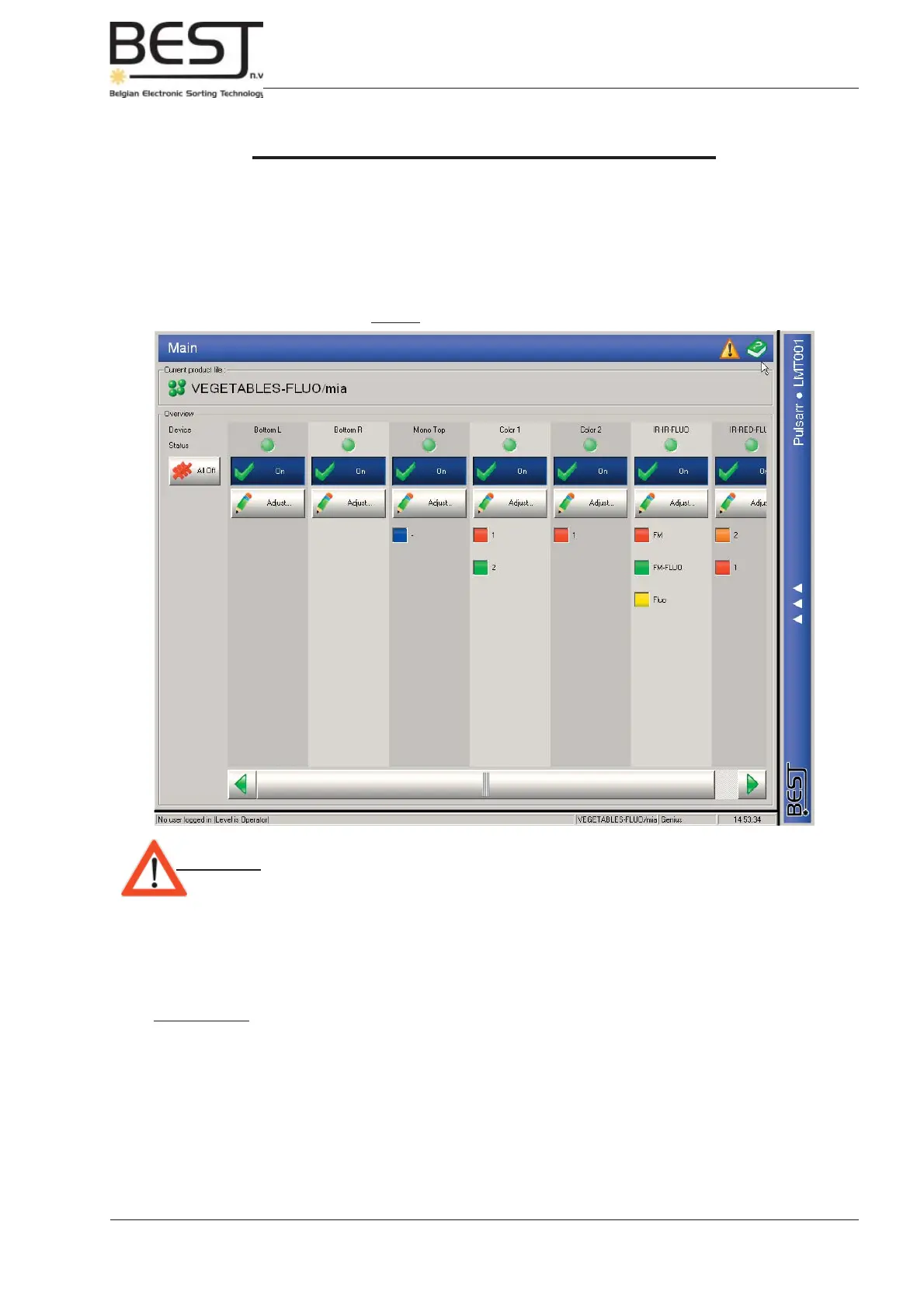
Picture: Main Menu Touchscreen
IV. Operating the GENIUS Compact
4.1. Introduction
Apart from switching the different parts of the machine On and Off, the GENIUS Compact can be
operated entirely via touchscreen, featuring the POLLUX operation software, with a very user-friendly
and conveniently arranged structure (see picture underneath).
Attention: - The entire sorting procedure is controlled via the touchscreen.
- All adjustments and/or procedures for which a screwdriver or any other tool
are needed are strictly reserved to qualifi ed maintenance people.
Whenever the hourglass appears on the touchscreen the computer is busy, all data or commands entered
during that time will be ignored!
Useful Terms:
LEFT = when looking in the direction of the product fl ow this is the left-hand side
RIGHT = when looking in the direction of the product fl ow this is the right-hand side



 To Next Page