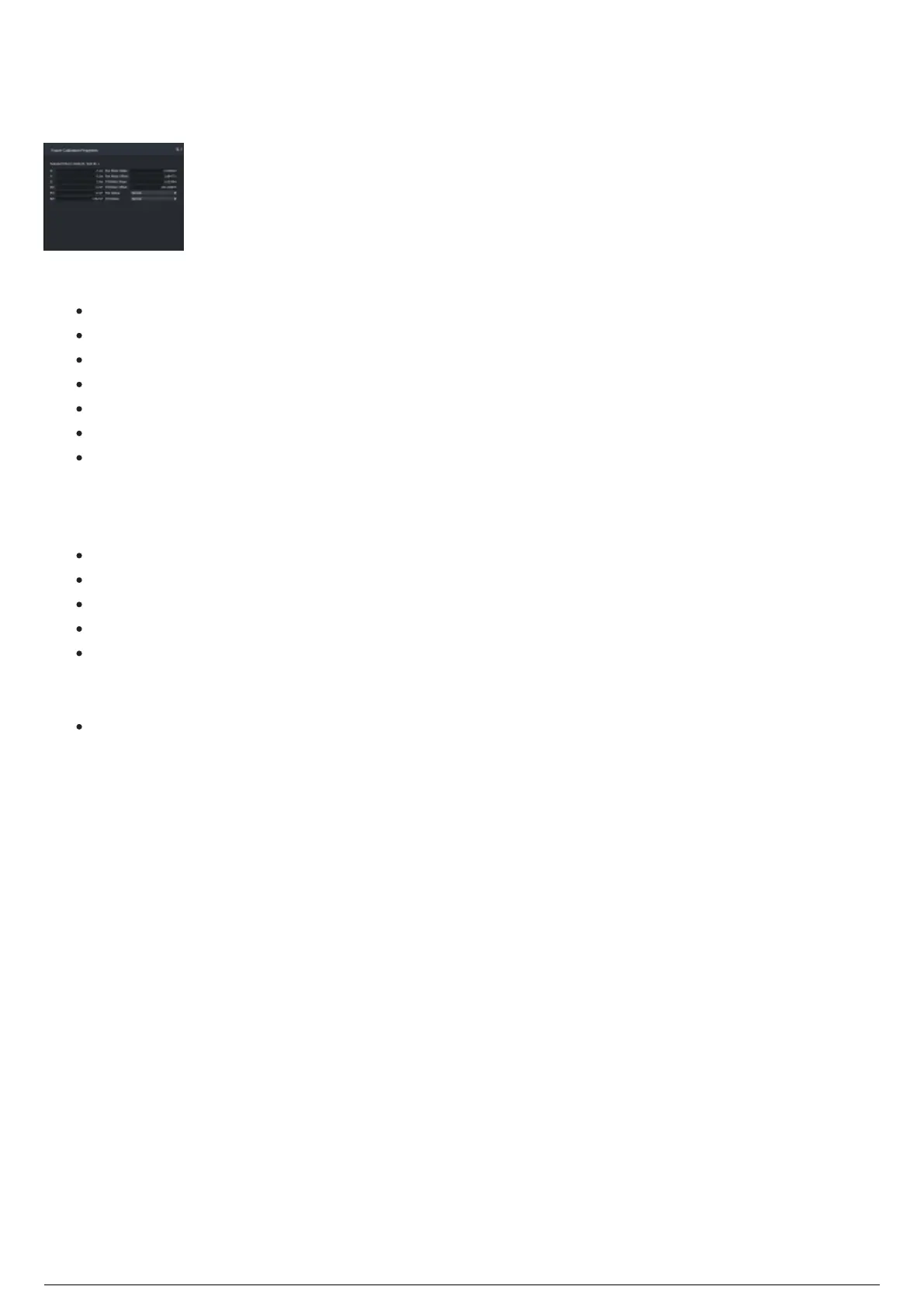
Fixture Calibration Properties Widget
The Fixture Calibration Properties widget displays the fixture positions and attributes that affect tracking.
Fixture Calibration Properties widget
The Fixture Calibration Properties widget displays:
Selected Fixture: Model Name and Spot ID number of the selected fixture.
X: Horizontal measurement of the selected fixture's position.
Y: Depth measurement of the selected fixture's position.
Z: Vertical measurement of the selected fixture's position.
RX: Rotation angle with reference to the X axis.
RY: Rotation angle with reference to the Y axis.
RZ: Rotation angle with reference to the Z axis.
Note: Slope and Offset values are used in determining the intrinsic perimeters of the fixture, to
accurately map and calculate the DMX->Angle conversion of a fixture.
Pan Motor Slope: Deviation value of the fixture's pan movement with reference to the offset.
Pan Motor Offset: Offset value with reference to the fixture's pan movement origin.
Tilt Motor Slope: Deviation value of the fixture's tilt movement with reference to the offset.
Tilt Motor Offset: Offset value with reference to the fixture's tilt movement origin.
Pan Status: Sets the orientation of the pan movement. Click on the drop-down and select Normal
or Inverted. When a fixture is calibrated, this setting will always revert back to what the fixture is
set to in WYSIWYG.
Tilt Status: Sets the orientation of the tilt movement. Click on this drop-down and select Normal
or Inverted. When a fixture is calibrated, this setting will always revert back to what the fixture is
set to in WYSIWYG.



 To Next Page