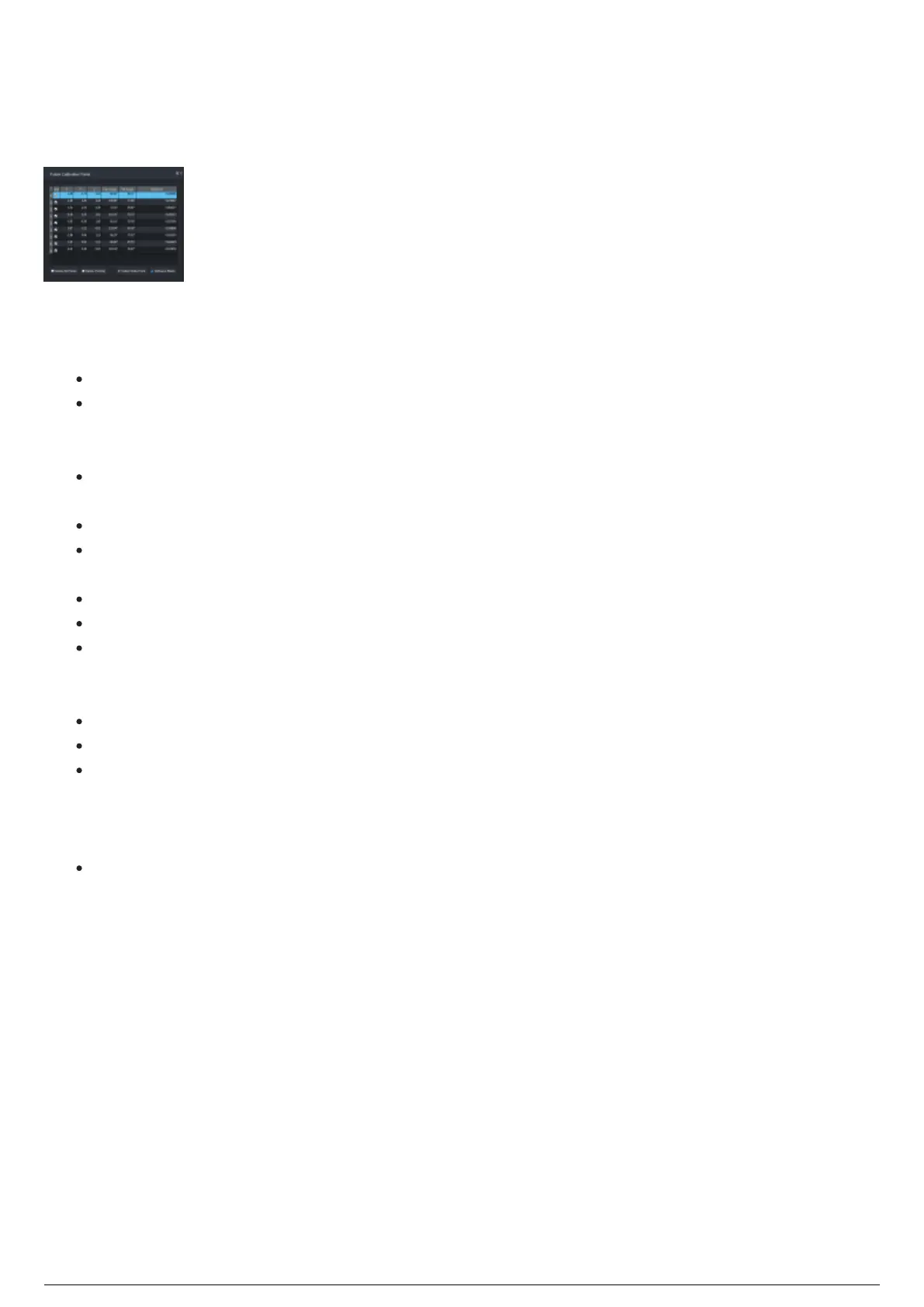
Fixture Calibration Points Widget
The Fixture Calibration Points widget displays the measurement points collected that specify the location
and beam position of a selected fixture when aimed at a Trackable.
Fixture Calibration Points widget
The Fixture Calibration Points widget displays:
Table (Columns):
Number column: Calibration point number.
Use: Checkbox to select or deselect the row of data points of the selected fixture. By deselecting a
checkbox, that point will no longer be used as part of the calibration next time the solver is run
(manually or automatically).
X: Horizontal measurement of the LED's position at the time of point collection (Reference: Stage
Left)
Y: Depth measurement of the LED's position at the time of point collection. (Reference: Upstage)
Z: Vertical measurement of the LED's position at the time of point collection. (Reference: Towards
the ceiling).
Pan Angle: Collected pan angle of the selected fixture's moving head or mirror.
Tilt Angle: Collected tilt angle of the selected fixture's moving head or mirror.
Residual: Error tolerance value of the measurement points collected.
Buttons:
Delete All Points: Click this button to erase all points collected from all the fixtures in this chapter.
Delete Point(s): Click this button to erase all selected points collected from the selected fixture.
+Collect Data Point: Click this button to collect new measurement points from the selected
fixture(s) using the current LED position as the position. Also the same as pressing B on the
Beacon. The beam must be frozen for a point to be collected (in Control Mode: Manual, a point may
be collected at any time).
Freeze Beam/Unfreeze Beam: Freezes the fixture in place so that you may move the LED into the
center of the beam to collect a data point. The fixture will no longer respond to the updated motion
until the beam is unfrozen or a point is collected. Also the same as pressing A on the Beacon. Not
available in Control Mode: Manual.



 To Next Page