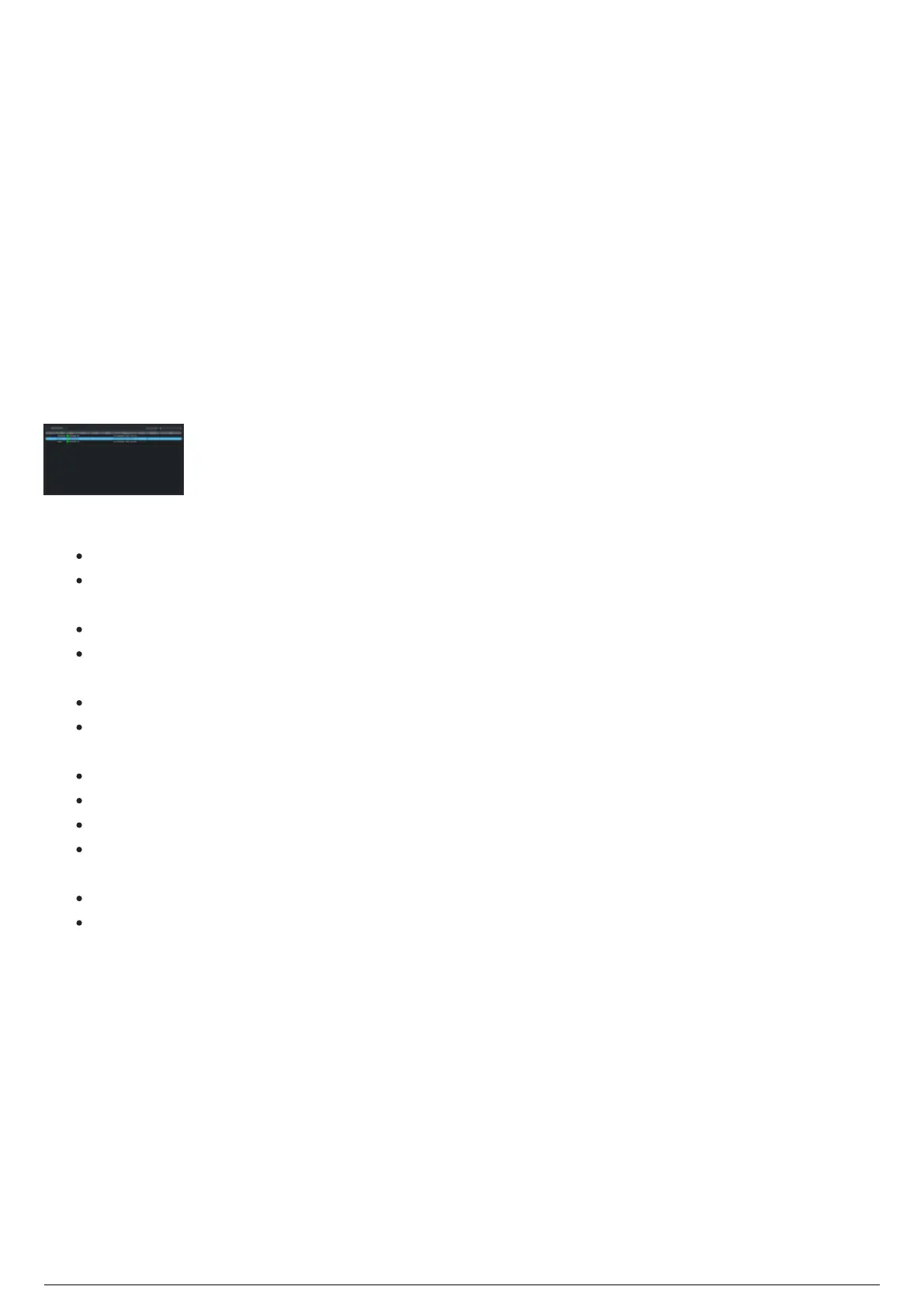
Main Panel of Device Manager
When Device Manager launches, it displays the table of connected devices for TimeKeepers, Routers, and
Beacons on the Main panel, and the docking widgets for Device Settings, Charging Stations, System Log,
and the Charging Station Settings tab.
The Main panel (center area) of the Device Manager displays the table of connected devices for the
TimeKeepers, Routers, and Beacons that are connected to the BlackTrax. Click on the Device Type Filter
drop-down to choose which type of device to display: All or TimeKeeper or Router or Beacon.
Note: TimeKeepers and Routers may be connected to a Charging Station via the USB port on the back of
the unit.
The Beacon, TimeKeeper, Router devices listed in the Main panel can each be selected and the settings
of the selected device will be displayed in the Device Settings widget and available for modification. You
can also select multiple devices to apply several settings at once.
The configuration settings displayed in the Main panel are:
Refresh Selection: Click this button to update the selection in the list.
Device Type Filter: Click this button to choose which type of device to display, All or TimeKeeper or
Router or Beacon.
ID: Identification number of the Beacon device.
Type: The type of devices such as TimeKeeper, Router or Beacon. Click the column heading Type
to change the order of the list.
Status: If the device is Connected or Disconnected.
Station: Identification of the charging station where the device is currently plugged, or USB if
plugged via USB.
Battery: Percentage level of the battery life.
Radio: Shows if the radio signal from the connected device is On or Off.
Version: The firmware version of the connected device.
Preset: Displays the assigned Preset number if the settings of the connected device match a
Preset configuration or Custom if the settings have been modified.
Calibration: Indicates if the device is a calibration Beacon.
Notes: Displays packets of feedback information that is sent to the device for firmware upload.
Note: When a device is added to the list, it stays in the table, even if disconnected (will display status as
Closed). When a device is added again, it will compare device IDs to determine if the same device or not,
and will update its previous location in the table.



 To Next Page