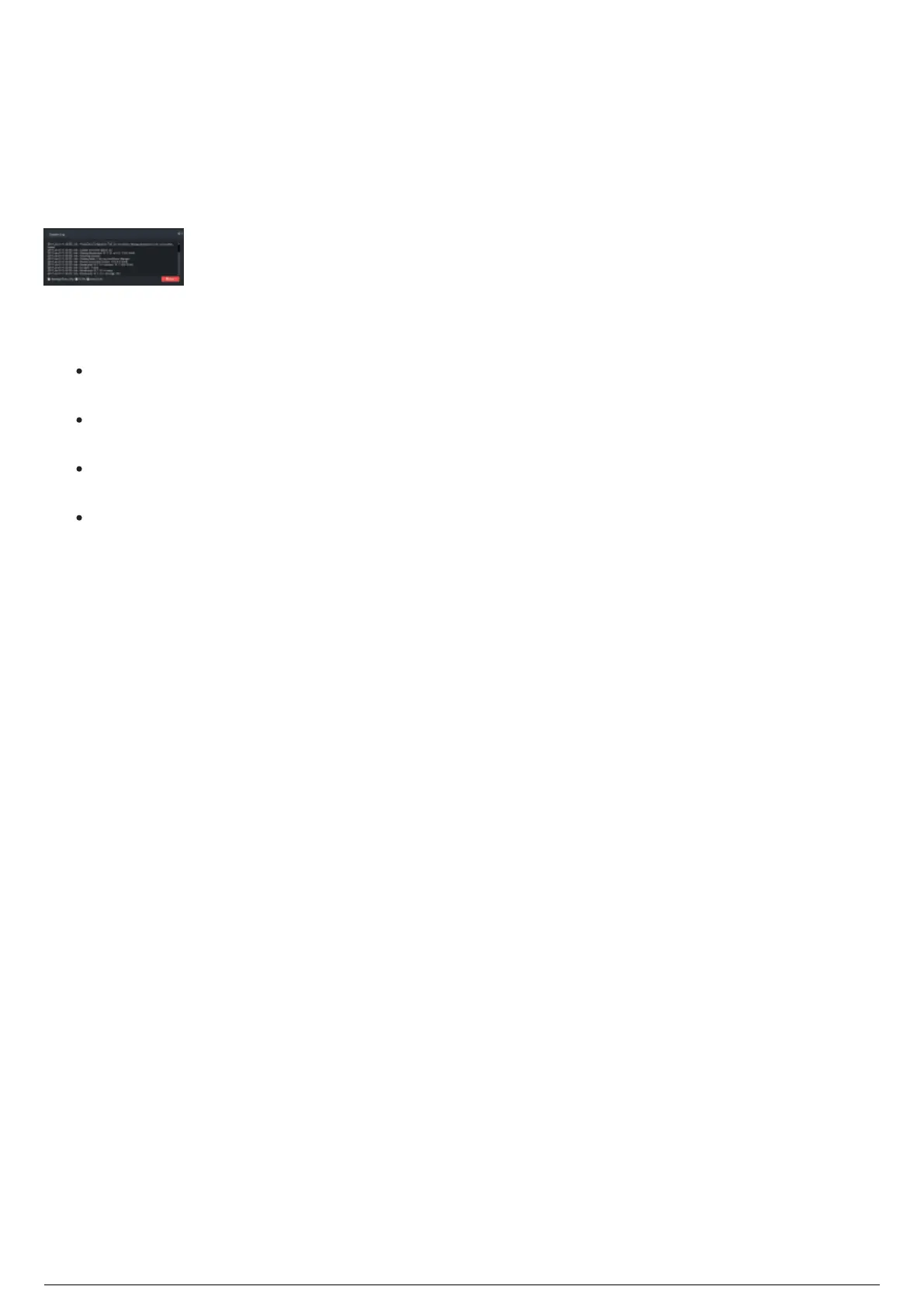
Device Manager System Log
Data collected from events which occur in the Device Manager, such as system messages, configuration
changes, and other events can be displayed in the System Log widget. This information can be saved
into a separate file for review later.
The System Log widget displays the date and time of the event, type of data, and the information.
In the System Log widget, the checkboxes available to choose what and how messages are displayed or
logged.
Warnings/Errors Only: Select this checkbox to log and display only the notifications that
indicate errors that occurred or predictive warnings.
To File: Select this checkbox to record all Device Manager data and events into a remote file,
marked with the current date and time. This file is saved at "C:\bt_run_time\Device Manager".
Auto Scroll: Select this checkbox to automatically scroll to the most recent data or event that has
occurred.
Clear: Click this button to clear all messages.



 To Next Page