Device Manager Charging Station
Settings
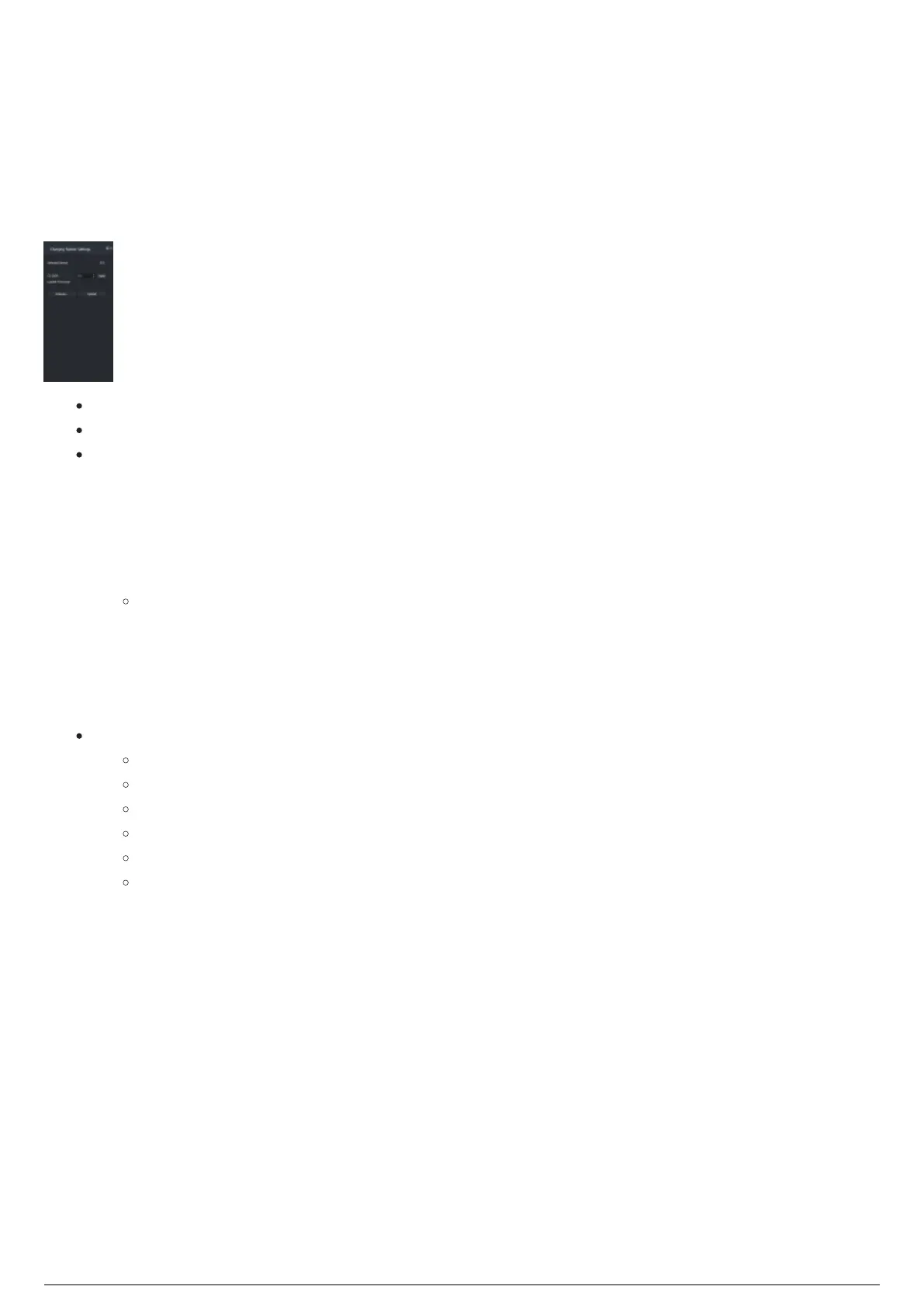
The Charging Stations Settings widget is where you configure the settings of a selected remote Charging
Station. When you select a Charging Station in the Charging Stations widget, the settings of the selected
Charging Station will be displayed in the Charging Station Settings widget.
Selected Device: Identification number of the selected Charging Station.
CS ID/IP: Select the Charging Station ID from the drop-down, then click Apply.
Loaded Firmware: In this section, a device firmware can be located, selected and uploaded into
the selected Charging Station.
To upload a firmware
Click Browse and select the firmware file and load into the memory.1.
Click Upload.2.
Result: The upload proceeds and the firmware upload process is displayed in the Status
section.
Device Manager checks if the selected device matches the firmware.3.
The firmware update is complete, a checksum is performed to verify the upload.4.
When checksum is complete, the device reboots.5.
Status: Displays the current state of the firmware in the selected device.
Not Ready (no file loaded)
Ready (file loaded/previous flash complete)
Preparing...(jumping to boot loader)
Flashing...(Actually flashing the device)
Verifying...(checksum)
Finishing up...(jumping to main)



 To Next Page