LAyERINg AND ASSIgNAbLE CONTROL
Layering
Each fader can control two independent
audio signal paths, named A and B.
These signal paths can be either channels
or groups, although for easy reference,
the faders are simply known as channel
faders. B signal paths are fully equipped
with all the same facilities as an A path.
When switching between A and B, the
fader will move to the correct position,
and the displays will show settings for the
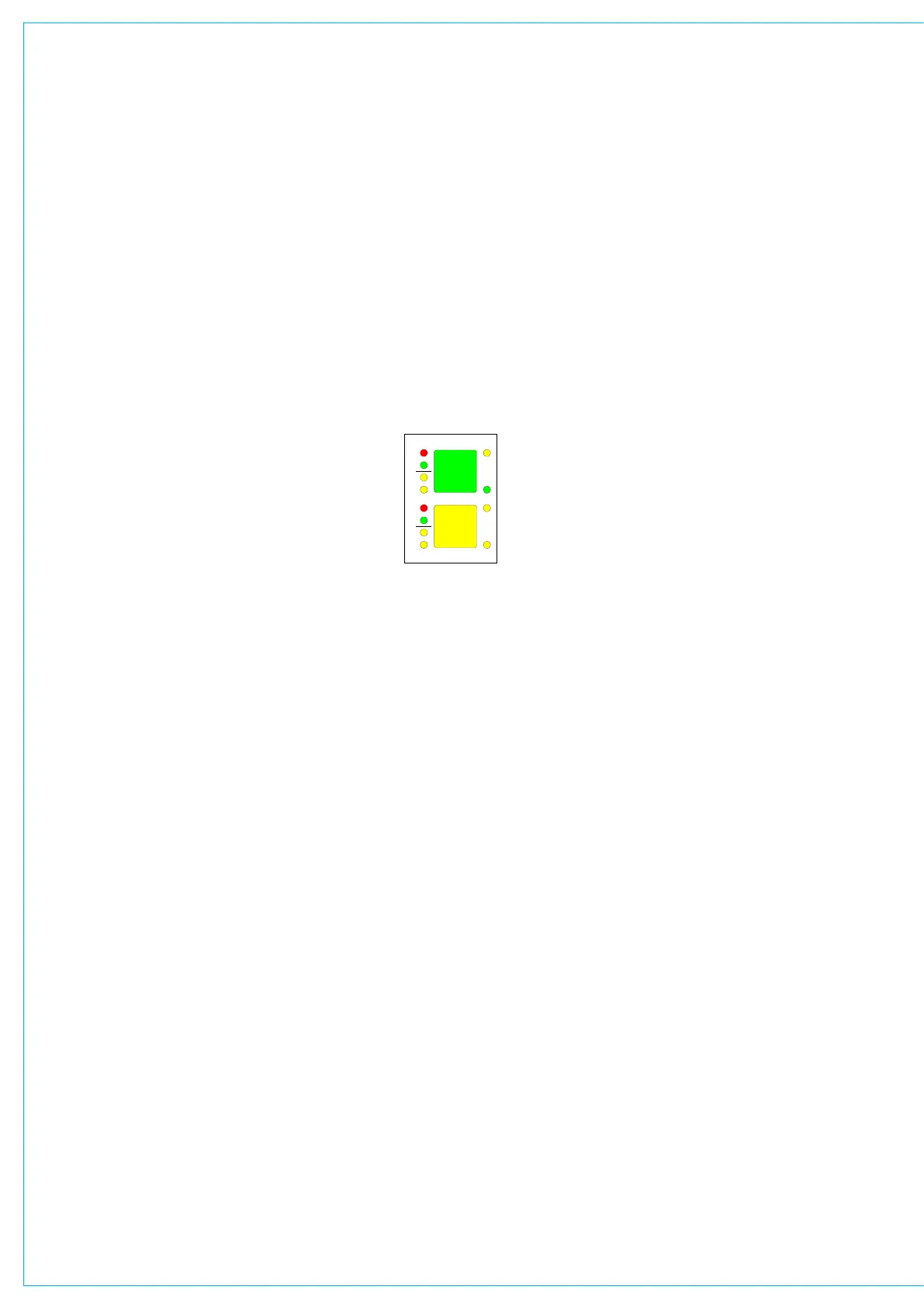
selected path. The colour of the displays
on the fader strip indicate the active path:
Green for A, Amber for B.
Less important signals can be placed on
the B layer. Even then, only one button
press is required to access them again.
Using the ALL A and ALL B buttons is
like moving to a different section of a
single layer design (this can be set to
operate momentarily). This arrangement
allows more channels to be fitted into the
space available in the frame.
A setup option allows selected faders to
be excluded from the ALL A or ALL B
function. An additional option then allows
the individual fader A and B buttons to be
disabled to eliminate the risk of a critical
audio channel not being on the surface at
all times.
Assignable control
Each fader has an Assign button for
each audio path. The Assign buttons are
labelled A and B for channel or group
paths, and M1, M2, M3 or M4 for the
main output paths on the main faders.
Pressing the Assign button causes the
central control panels (the Assign panels)
to display and control the settings for that
fader’s channel, group or main path.
In this way a large number of controls can
be accessed, for each audio path, from
the central listening position. As there is
less need to move around a large control
surface, controls can be accessed more
efficiently. A number of controls and
displays are also provided on a per fader
basis, to allow important information to be
even more easily available.
In addition to the above, the channel
faders are assignable, in that the operator
can choose which faders to use for the
mono channels, which for the stereo
channels, and which for the groups.
For large consoles, some of the Assign
panels may be duplicated to aid user
operation.



 To Next Page