To route several adjacent channels to one
bus, the nudge buttons (on the Functions
or I/O Matrix panel) can be used to quickly
select the channels.
Interrogate mode
It is possible to discover which fader paths
are feeding each of the routing busses
by putting the panel into “Interrogate”
mode. This is done by pressing the INTER
button. If any of the routing buttons
(groups, mains, tracks) are held down,
the fader assign buttons of all the paths
feeding that bus will light. This button can
also be used to interrogate mix minus
feeds using the BUS button on the Input/
Output panel.
Reverse routing
Paths can be added or removed from the
bus under interrogation, by selecting or
de-selecting their fader assign buttons.
Tracks (General purpose bus
outputs)
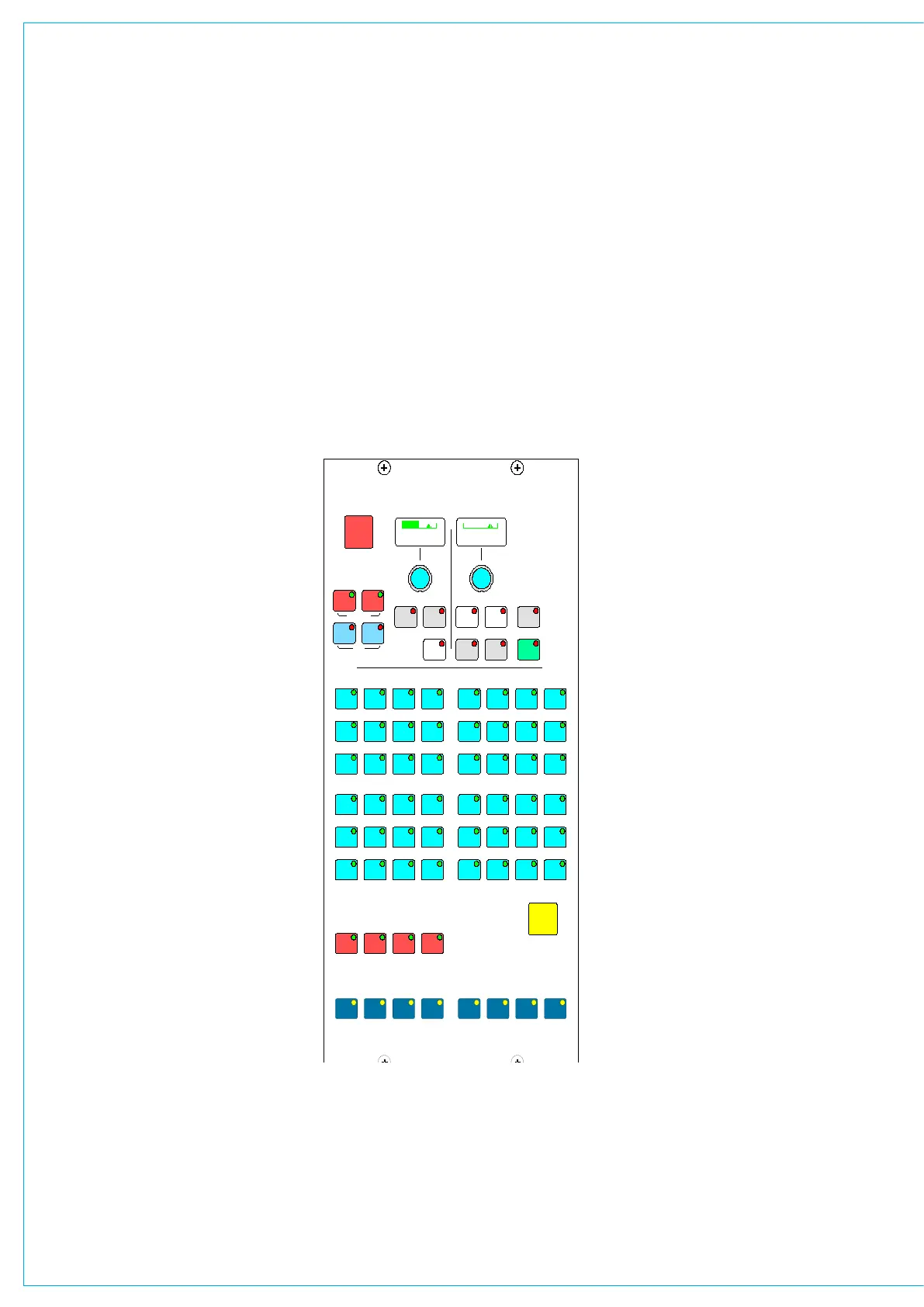
The Channel/Group to Tracks section
controls the signal, from the channel or
group, feeding the track routing selector.
These outputs can also be used as IFB or
general purpose bus outputs.
The Pre-EQ and Pre-Fader buttons act
as a cancelling set. When neither are
selected the signal is sent to the track
routing selector Post-Fader.
PAN makes the control into a Pan control
(Balance on stereo paths). Routing is left
to odd tracks, right to even tracks.
87654321
L/U ALL
TB
TONE
TRACK
OMNI
TO
TO
TRACK
OMNI
TRACK OUTPUT
TRACK ROUTING/SEL
MAIN ROUTING
GROUP ROUTING
1 32 4 5 6 7 8
9 10 11 12 13 1514 16
17 18 19 20 21 2322 24
25 26 27 28 29 3130 32
AFL
RY5581
33
41 42
34
43
35 38
4644
36
45
37
47
39
48
40
CHANNEL/GP TO TRACKS
PRE
EQ
PAN
FDR
PRE
ROUTING
MONO
1 2 3 4
PAN
IN
17 - 5.0 OFF
INTER
TRACK
SEL
ROUTING, DYN LINK
AND MM BUS
ROUTINg AND TRACk OUTPUT CONTROLS
On stereo paths, the mono button creates
a mono sum of the signal after the
balance control. The mono signal can then
be routed to any track. This allows the mix
of left and right to mono to be adjusted for
when the signal is dual mono.
Track level control
The track output control section of the
routing panel, includes a level control.
When multiple hardware level controls
are wanted, they can be assigned to
any required channel ‘wild’ controls. For
example wild 1, starting from any given
fader can be assigned to track 1, wild one
on the next channel assigned to track 2,
the next to track 3 etc.
To enable this select the lowest numbered
track to be assigned to a wild control
using the ‘TRACK SEL’ function and a
track button. On the wild control area of
the USER screen press ‘SELECT’ which
then shows ‘REGION’ then the required
wild control (1, 2 etc.). Press ‘HOLD’ then
confirm the channel from where the wild
controls will be assigned by using the
fader A or B ASSIGN button then press
the button on the highest numbered
channel that is to have that wild assigned
for track level control. This range of faders
will determine how many tracks get
assigned to wild controls. Finally press
the Track Output level control knob and
the wild controls will display their new
function.
Track cut
The push switch function of the track
level control can be enabled as a track cut
from the ‘OPTIONS’ MISC screen. The
same screen has a separate enable for
the same function when track levels are
assigned to wild controls. When tracks
have been cut an X appears on any TFT
meter displaying that track.



 To Next Page